29
3-5-3 ADSL Settings
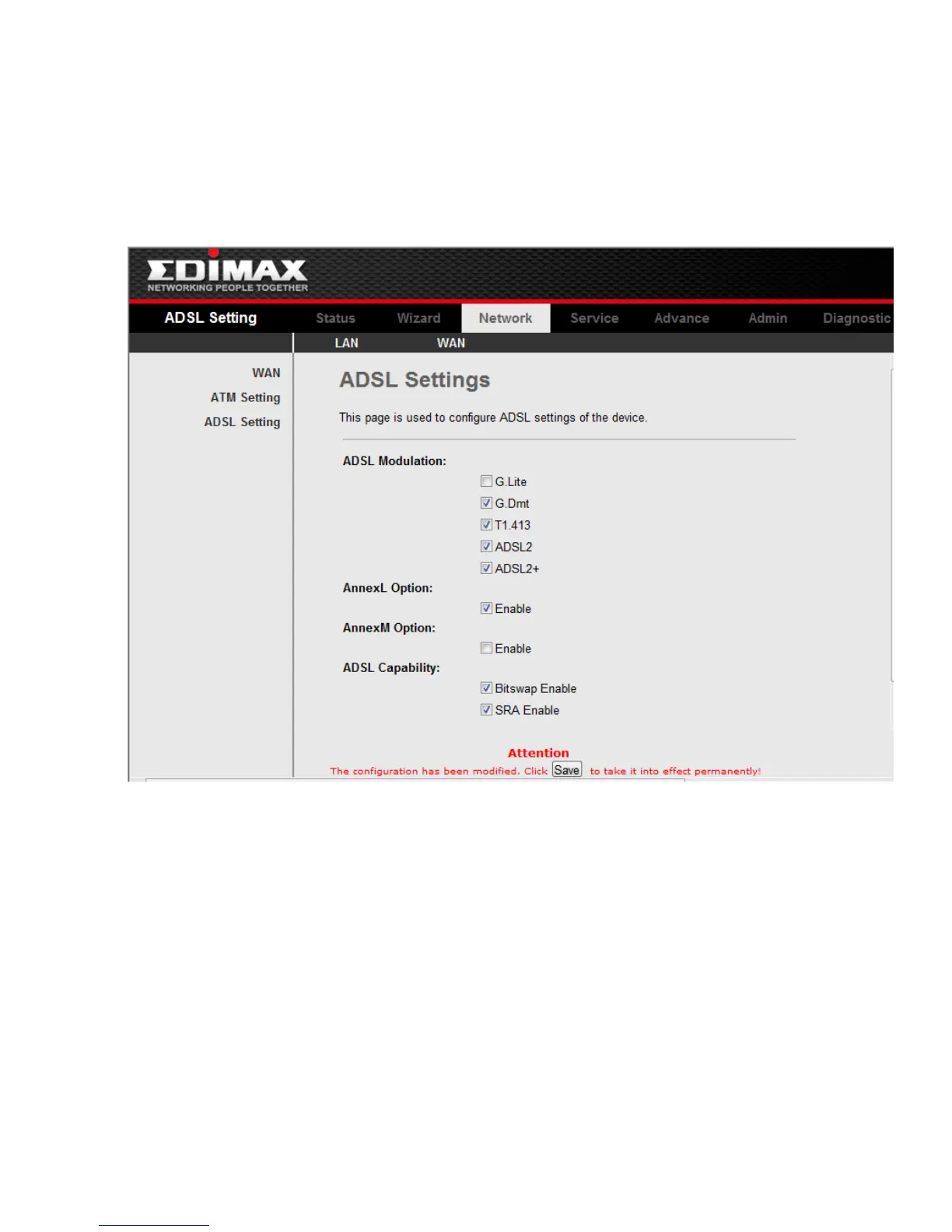
Click ADSL Interface in the sub-menu to open the screen of Fig 3.5.2. In this page, you
can select the DSL modulation. Mostly, the user just need to remain this factory default
setting. Our modem support these modulations: G.Dmt, G.lite, T1.413, ADSL2, ADSL2+,
AnnexL and AnnexM. The router will negotiate the modulation mode with the DSLAM.
Fig 3.5.2



 To Next Page