32
3-6-2 Firewall
Click Firewall in the sub-menu to open the menu in the left bar, whick contains three
items:IP/Port Fileter, MAC Filter and URL Blocking.
3-6-2-1 IP/Port Filter
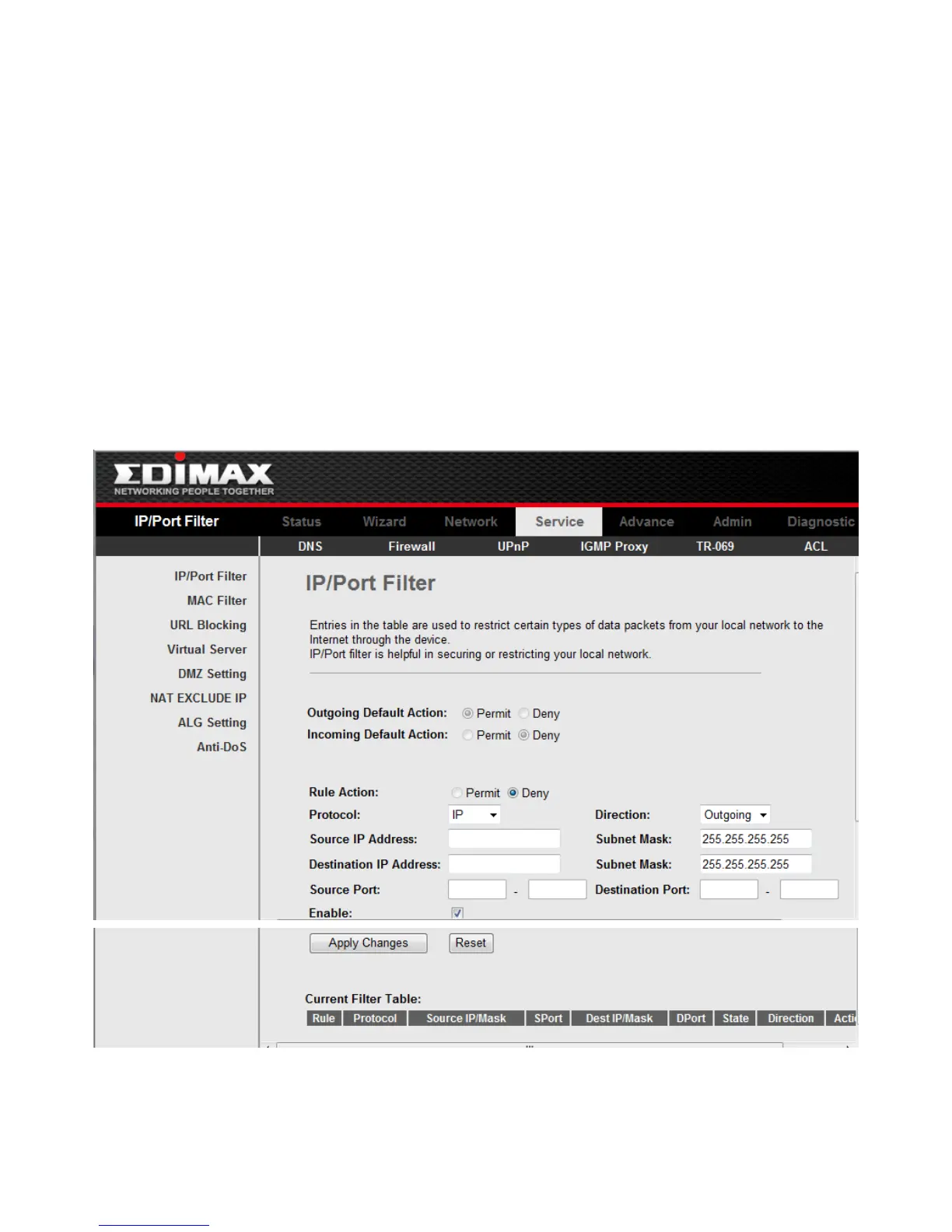
Click IP/Port Filter in the left bar to open the screen of Fig 3.6.2.1. Entries in this table
are used to restrict certain types of data packets through the Gateway. Use of such filters
can be helpful in securing or restricting your local network.
Click the button Apply Changes to save the settings of this page.
Click the button Add to add a new rule of the IP\Port Filter.
Fig 3.6.2.1



 To Next Page