EasyManua.ls Logo

Edimax AR-7211A - 1-3 LED and Interface Description; 1-4 System Requirements

Edimax AR-7211A
61 pages
Print Icon
To Next Page IconTo Next Page
To Previous Page IconTo Previous Page
Loading...
7
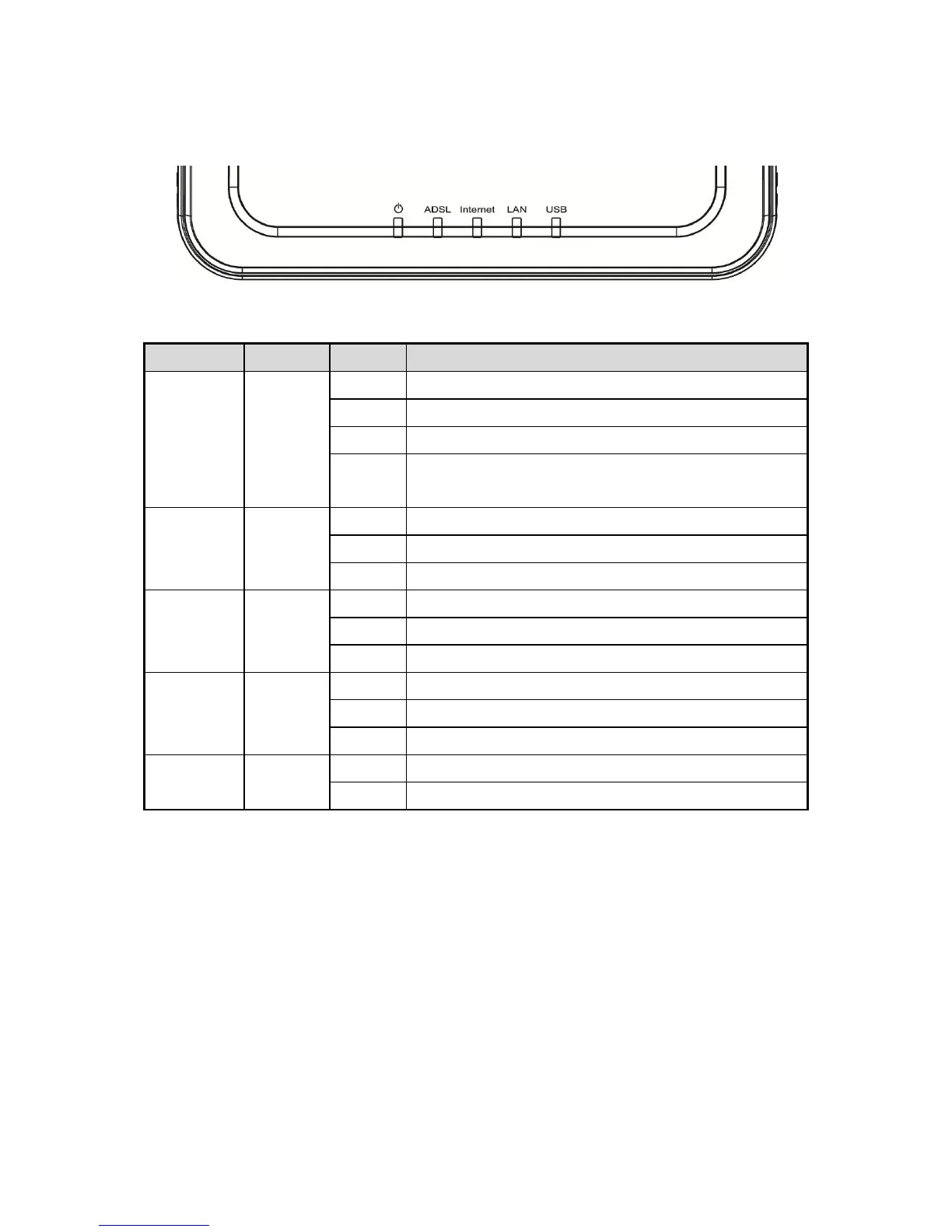
1-3 LED and Interface Description
Front Panel
LED
Color
Status
Description
Power
Green/
Red
OFF
Device not powered
GREEN
Device correctly powered
RED
Device not correctly powered
RED
BLINK
Upgrade firmware
ADSL
Green
OFF
Initial self-test failed
BLINK
Detecting ADSL
ON
Initial self-test complete
Internet
Green
OFF
Internet connection not established
BLINK
Internet activity (transferring data)
ON
Internet connection established
LAN
Green
OFF
LAN port not connected
BLINK
LAN activity (transferring data)
ON
LAN port connected
USB
Green
OFF
Inactive
ON
Active

Other manuals for Edimax AR-7211A

Related product manuals