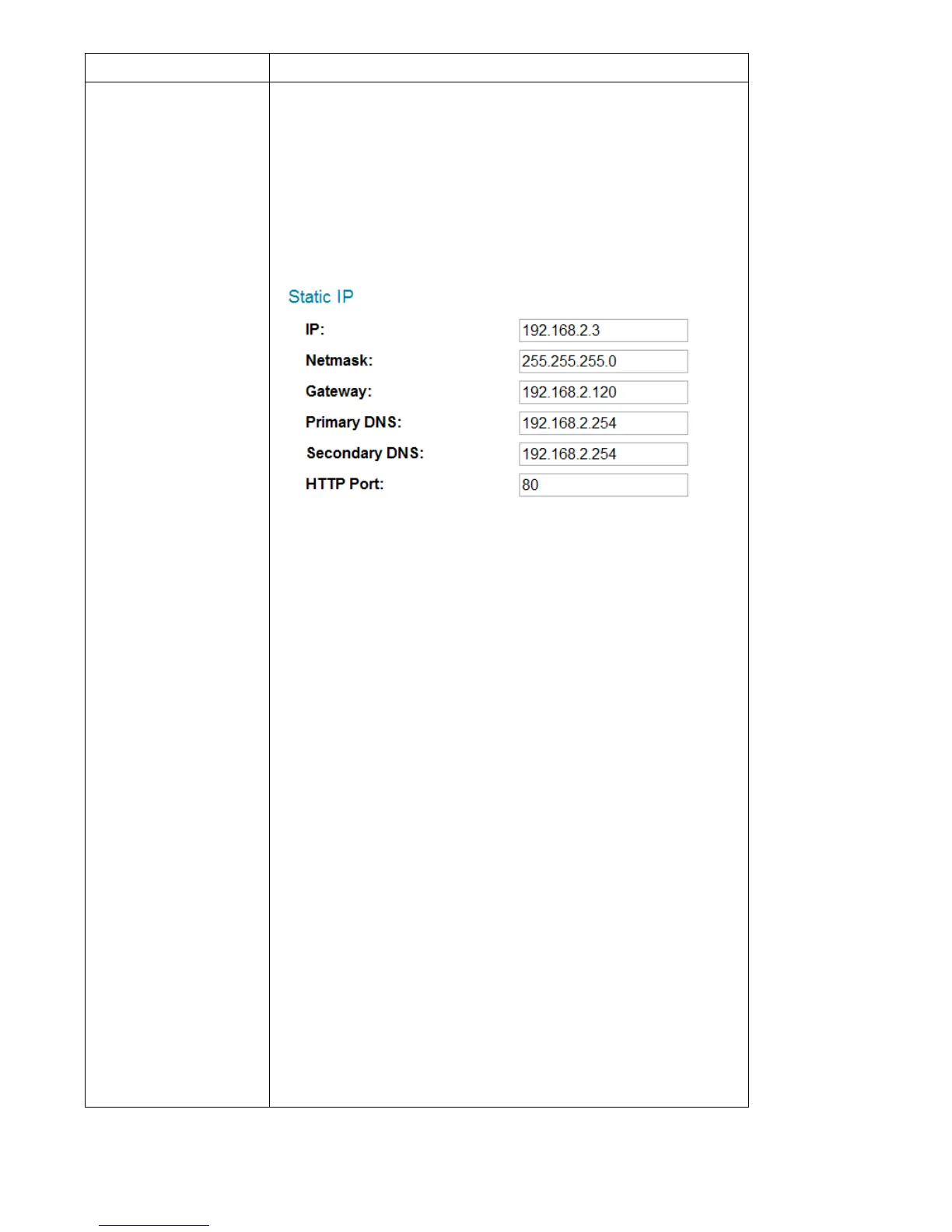
Select the type of Ethernet connection: Static IP,
DHCP, and PPPoE. Please select one from
dropdown menu. If you’re not sure, please
consult your network administrator or ISP.
Static IP:
IP: Please assign an IP address to this
network camera.
Netmask: Please input the netmask of the IP
address.
Gateway: Please input the gateway address
of your network.
Primary DNS: Input the IP address of your
DNS server.
Secondary DNS: Input the IP address of a
secondary (backup) DNS. You can leave this
field blank if no secondary DNS is available.
HTTP port: The default web port number is
80. If you want to change it, please enter a
port from 1024 to 65535 in this field. When
you connect to this network camera next



 To Next Page