time, you will have to add a colon and port
number after the network camera’s IP
address. For example, if the camera’s IP
address is 192.168.2.3 and the HTTP port
number is 82, you will have to enter
‘http://192.168.2.3:82’ in your web
browser’s address bar.
DHCP: The network camera will obtain its IP
address from a DHCP server on your local area
network automatically.
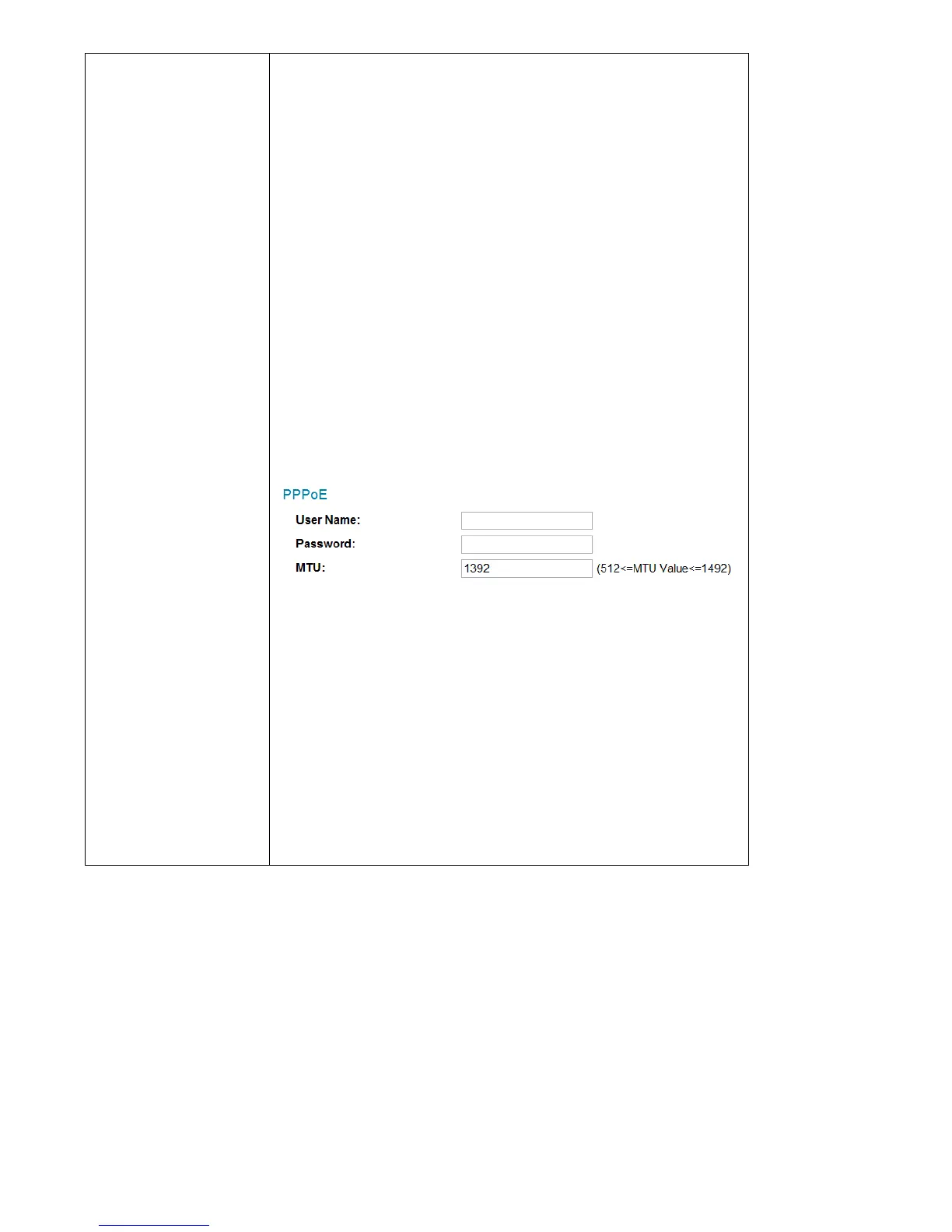
PPPoE: Network camera will connect to the
network via PPPoE.
Please input your PPPoE user name and
password, and input a MTU value when
required.
Please note: In some cases you can improve
network efficiency or correct connection
problems by setting a new MTU value, however,
in most cases you don’t have to change the MTU
setting.



 To Next Page