58
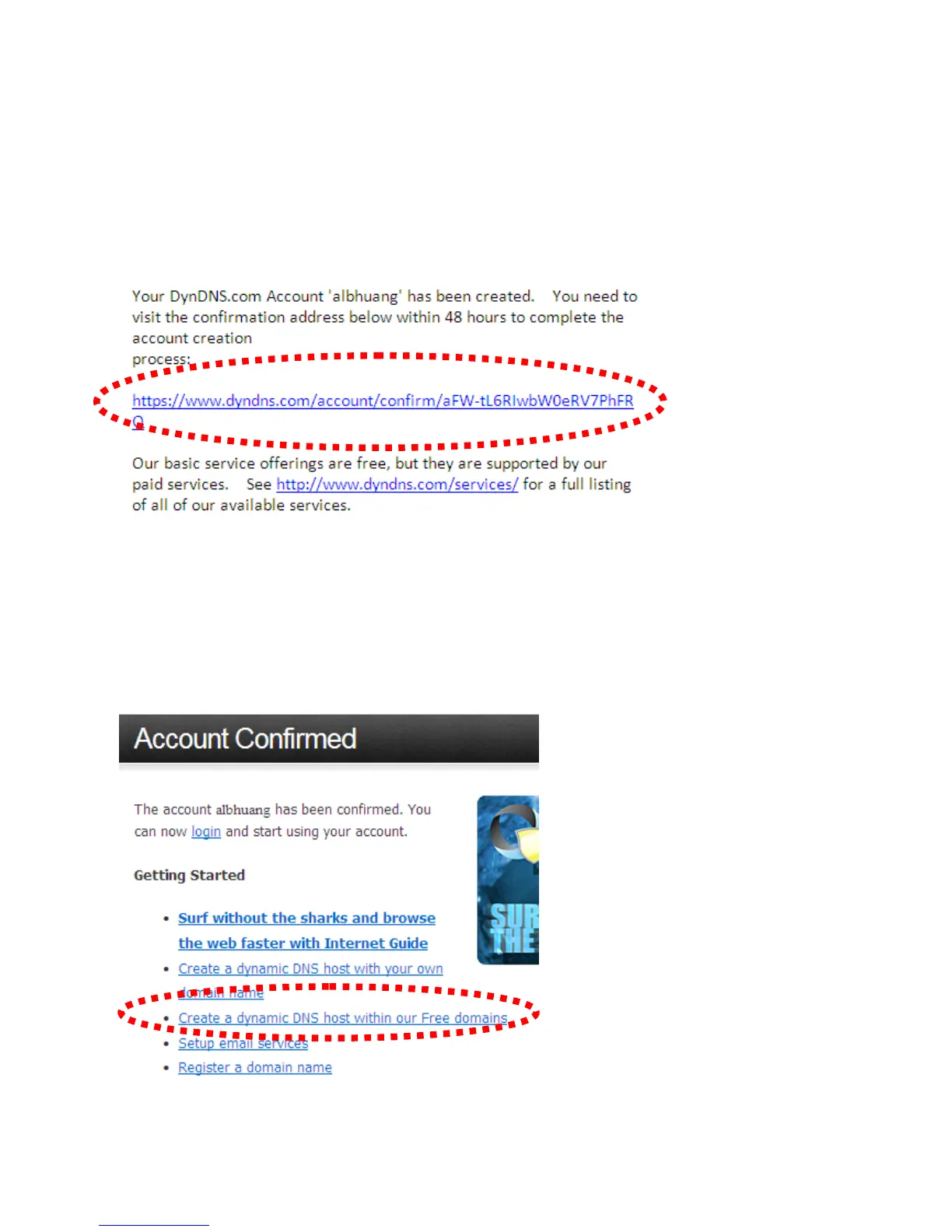
5. Check your e-mail box and you should be able to see the confirmation e-mail.
Click the link to connect to the dyndns.org website and complete the
registration procedure. If you didn’t get the mail, please re-check the e-mail
address, or click the ‘resending it’ link in last step.
Also, if nothing happen after you click the link in the message, please copy
the link text and paste it into your web browser’s address bar.
6. When you see the ‘Account Confirmed’ webpage, it indicates your
dyndns.org account has been confirmed and activated. Now you can click
‘Create a dynamic DNS host within our Free domains’ to continue.



 To Next Page