9 Handling of your UPS-system
The service of this system is characterized by several service types and
indications.
9.1 Setting-up in the normal mode
1. Open the cover of the terminal block at the back side. Before
installation, ensure that protective grounding is correct.
2. Assure that the automatic breaker of the main supply of the UPS and
the circuit breaker of the bypass supply is switched-off (0-position).
3. Assure that voltage of supply conforms to the input voltage window of
the UPS.
4. Connect the main and bypass supply with the unit. Switch the
automatic breakers (of the current distribution and of the UPS) on. The
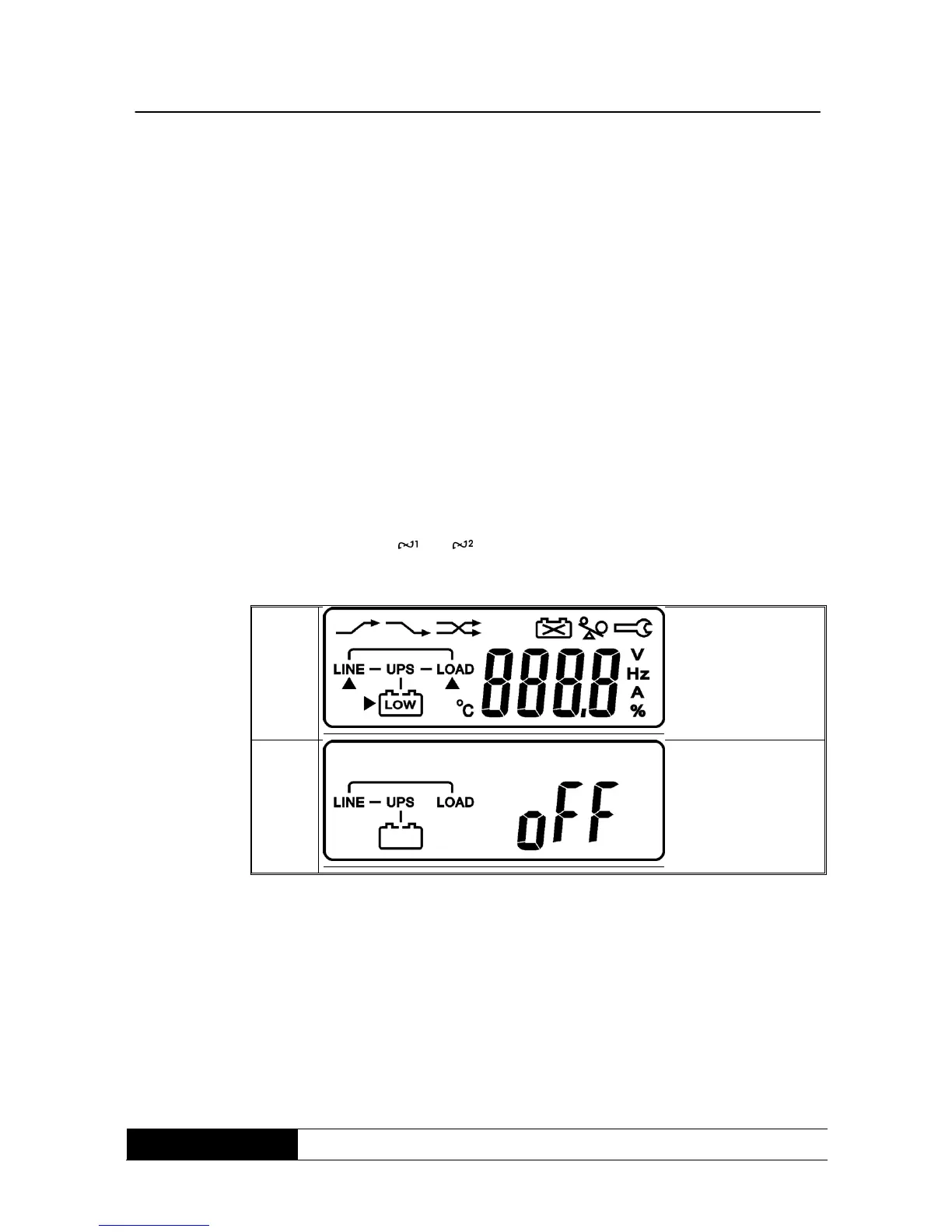
green LEDs und glow and indicate that the supplying and
bypass input are ok and the LCD displays from drawing A until drawing
B.
5. Then the UPS is in bypass mode and makes a self-test. If there is no
failure it means that setting-up of the UPS was successful and the
battery pack is starting to load.
6. Push the switch-on button of the UPS for about 3 seconds. Then the
buzzer will resound two times and the LCD-display changes from
drawing B to drawing C.



 To Next Page