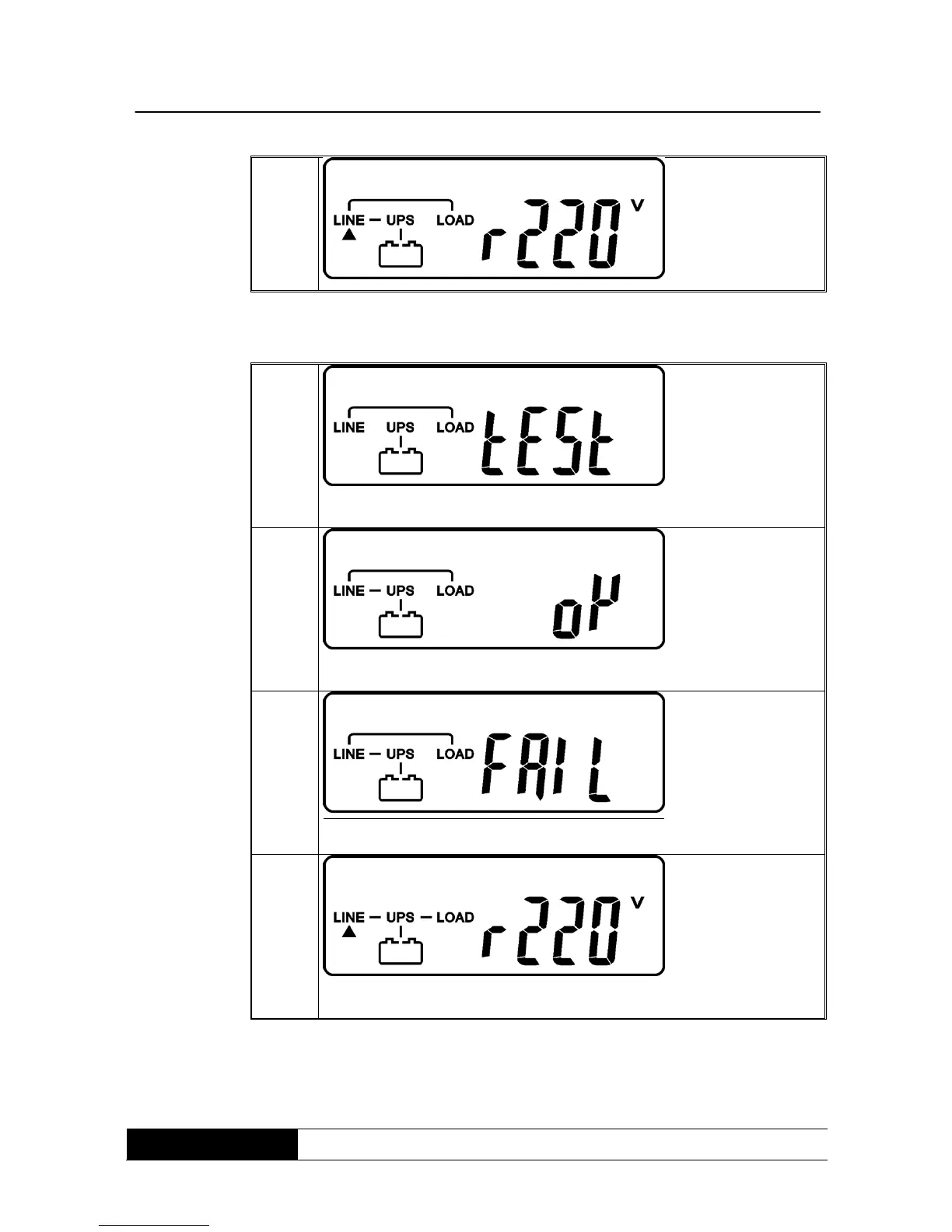
7. Now the UPS is again in the self-test mode, the LCD-display changes
from drawing C to drawing D an stays about 4 seconds in battery
service. If the self-test is successful, the drawing changes from E1 to F.
* indicates „OK“ for the self-test.
* indicates „failure“ of the self-test.
* indicates „220 V AC“ in the supplying input.
8. In case of a failure of the self-text, the LCD-displays drawing D until E2,
then a failure code or failure status will be shown on the display.
9. The setting-up operation of the UPS is finished now. Ensure that the
UPS is at least 8 hours connected with the power supply, until full
charge of the batteries.



 To Next Page