UPS: MKD 700 – 3000 VA RT (XL) UPS Device Description
3.3.1 Device label
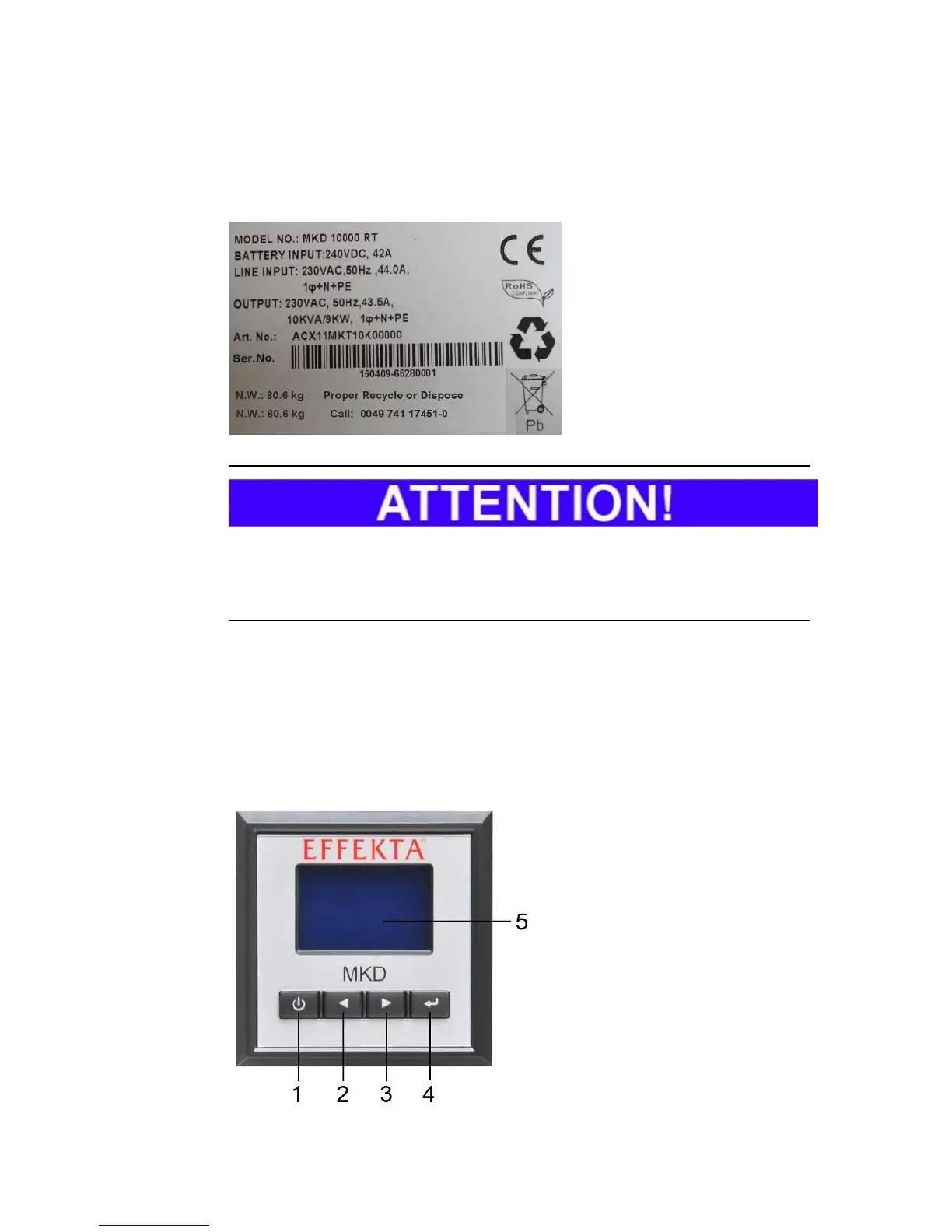
The following information can be found on the label for the UPS:
As a basic principle, compare the label on the device and the present operating
manual for conformity with the device. As a result, this invariably prevents the
improper use of the operation manual and the UPS.
3.3.2 UPS control panel
All important data can be represented, retrieved or set on the control panel of
the UPS. This primarily includes operation parameters, status data or error
codes. The LC display serves as an adequate visual display. The navigation
and input is performed on the keypad below the display. A complete array of all
status messages about all UPS operation modes is summarized under 8 Me.
(1) ON/OFF button (ON/OFF);
(2) Navigation button
“up/back” (UP/BACK);
(3) Navigation button
“down/next” (DOWN/NEXT);
(4) Confirm / select button
(ENTER)
(5) Device display (LCD), with
back lighting



 To Next Page