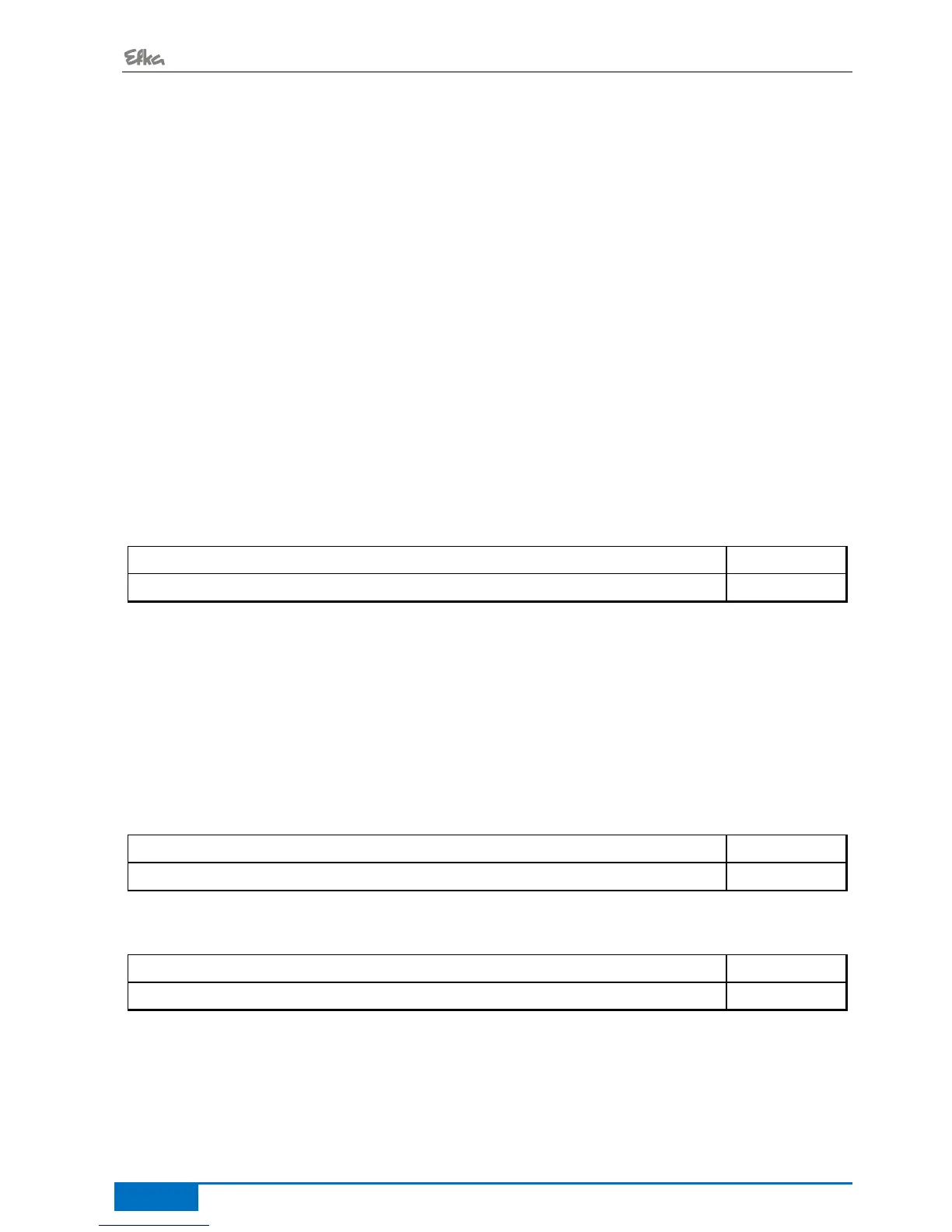
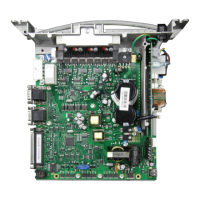
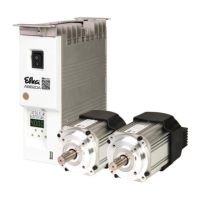
- AB600A5010 Instruction Manual
6.15.1 Set and Reset Operating Hours Counter
The number of hours has been reached (service necessary):
The operating hours counter is set to "0" and restarted.
The number of hours has not yet been reached:
Press the >> key three times
The operating hours counter is set also to "0" and
restarted.
A value in parameter 177 has been changed:
After displaying rES ..., when the E key is pressed again, SEt will then be displayed.
If the changed value is to be saved, press the >> key 3 times.
6.15.2 Total Operating Hours Display
In this service routine enabled using parameter 176, the total number of operating hours is displayed.
The sequence of displayed values is as with parameter 177.
The values can only be displayed, not varied. Therefore, letter symbols "rES" for "reset" and "SEt" for "set"
will not appear.
7 Functions
7.1 Softstart
Functions:
After power on
At the beginning of a new seam
Speed pedal controlled and limited to (n6)
Lower speed of a parallel function prevailing (e. G. Stitch count)
Stitch counting synchronized to position 1
Suspension with pedal in position 0 (neutral)
Interruption by full heelback (position -2)
7.1.1 Softstart speed
Number of softstart stitches


 To Next Page