4.1.1 Update instructions for versions V2.5.xx +
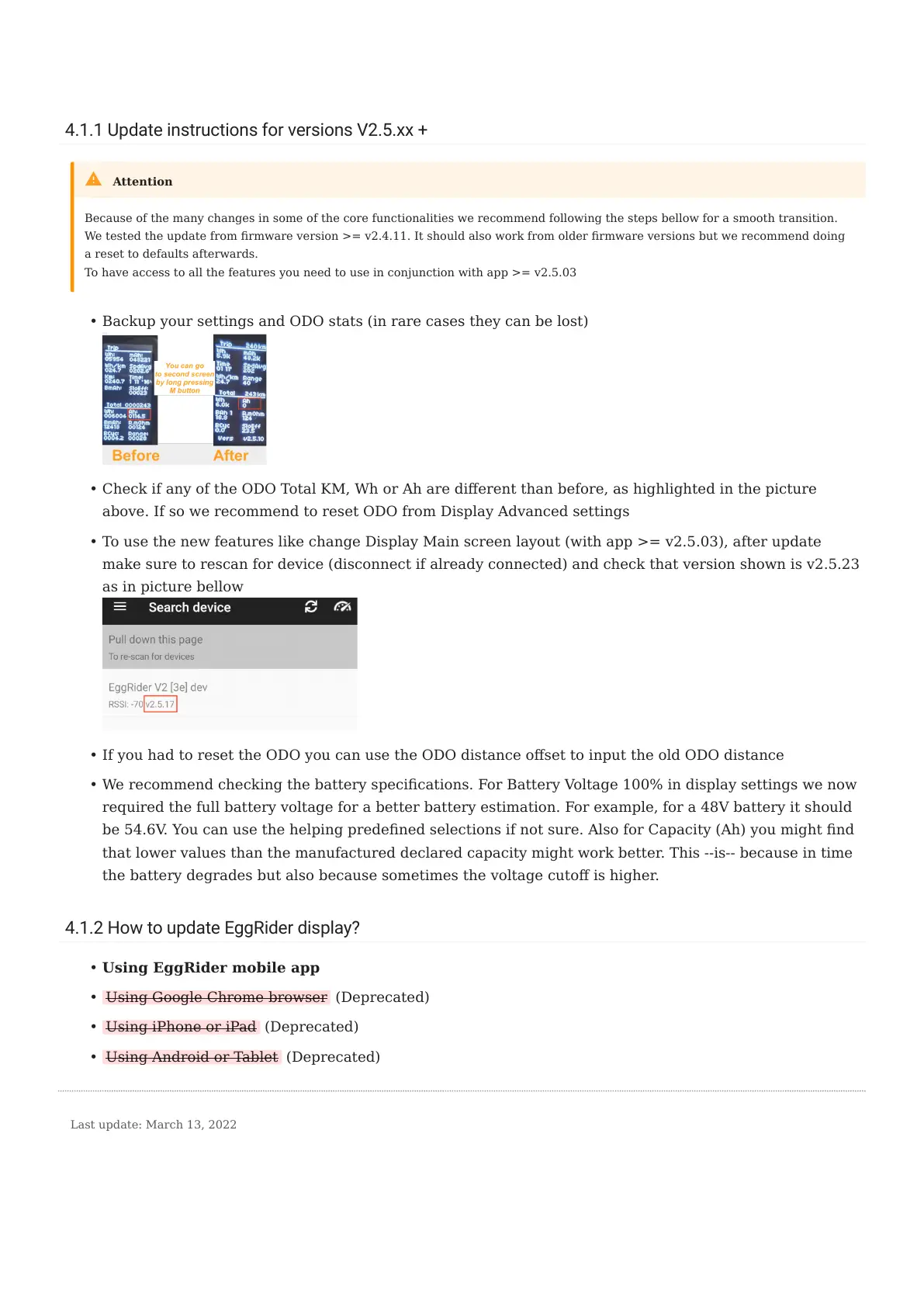
Backup your settings and ODO stats (in rare cases they can be lost)
Check if any of the ODO Total KM, Wh or Ah are dierent than before, as highlighted in the picture
above. If so we recommend to reset ODO from Display Advanced settings
To use the new features like change Display Main screen layout (with app >= v2.5.03), after update
make sure to rescan for device (disconnect if already connected) and check that version shown is v2.5.23
as in picture bellow
If you had to reset the ODO you can use the ODO distance oset to input the old ODO distance
We recommend checking the battery specications. For Battery Voltage 100% in display settings we now
required the full battery voltage for a better battery estimation. For example, for a 48V battery it should
be 54.6V. You can use the helping predened selections if not sure. Also for Capacity (Ah) you might nd
that lower values than the manufactured declared capacity might work better. This --is-- because in time
the battery degrades but also because sometimes the voltage cuto is higher.
4.1.2 How to update EggRider display?
Using EggRider mobile app
Using Google Chrome browser (Deprecated)
Using iPhone or iPad (Deprecated)
Using Android or Tablet (Deprecated)
Because of the many changes in some of the core functionalities we recommend following the steps bellow for a smooth transition.
We tested the update from rmware version >= v2.4.11. It should also work from older rmware versions but we recommend doing
a reset to defaults afterwards.
To have access to all the features you need to use in conjunction with app >= v2.5.03
Attention
•
•
•
•
•
•
•
•
•
Last update: March 13, 2022
4.1.1 Update instructions for versions V2.5.xx +
- 18/89 -
Copyright © 2019 EggRider.



 To Next Page