Download the mobile app from the store by clicking on one of the images above.
At startup, an automatic scan is triggered for nearby devices. If the scan nishes and you still don't see the
device in the list, restart display and pull down on the page to manually trigger a re-scan.
When the device shows in the list you can tap on it to initiate the connection.
2.3 Activation
Tap on the device in the search list. When the popup shows, choose option Activate now.
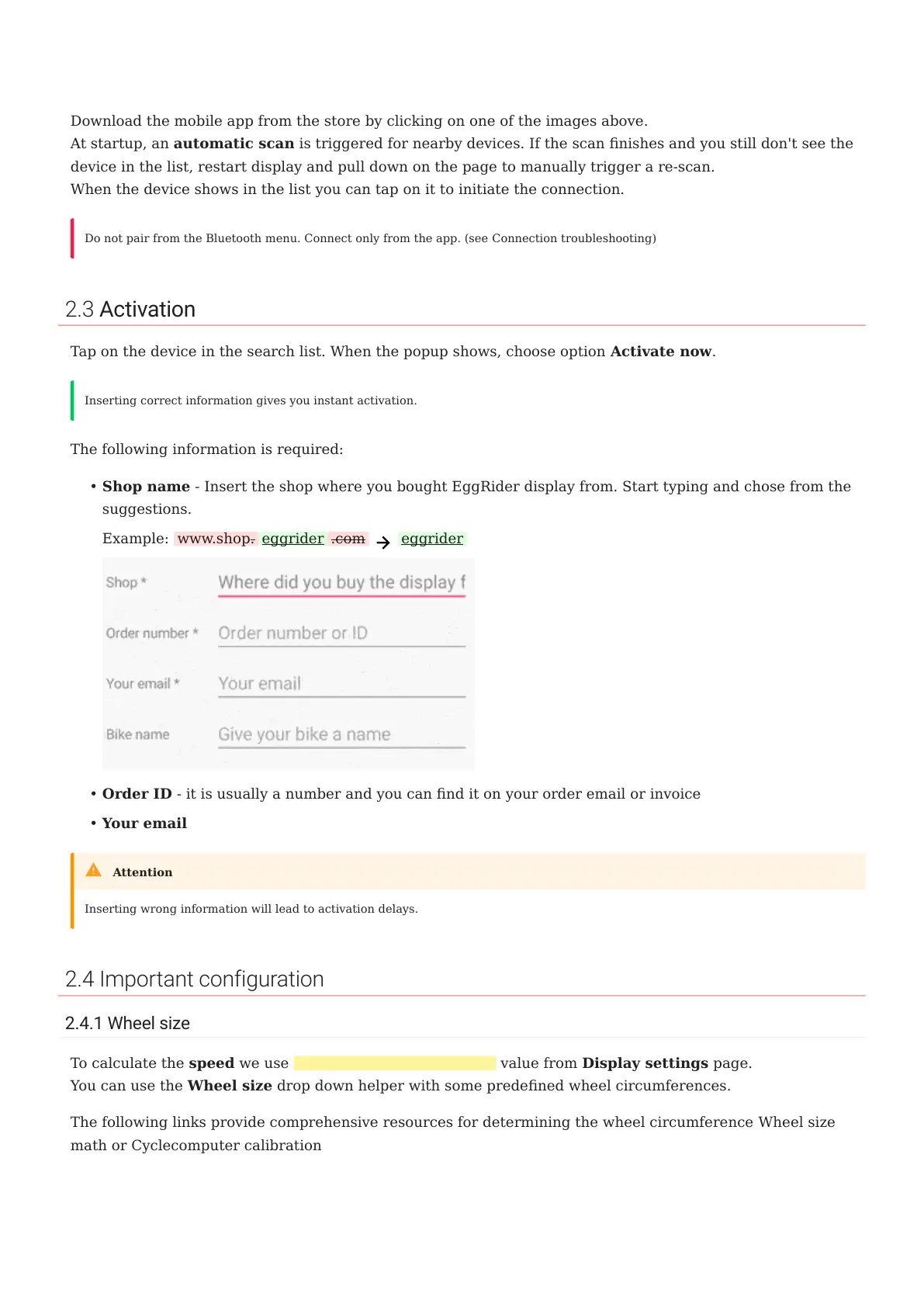
The following information is required:
Shop name - Insert the shop where you bought EggRider display from. Start typing and chose from the
suggestions.
Example: www.shop. eggrider .com eggrider
Order ID - it is usually a number and you can nd it on your order email or invoice
Your email
2.4 Important configuration
2.4.1 Wheel size
To calculate the speed we use Wheel circumference (mm) value from Display settings page.
You can use the Wheel size drop down helper with some predened wheel circumferences.
The following links provide comprehensive resources for determining the wheel circumference Wheel size
math or Cyclecomputer calibration
Do not pair from the Bluetooth menu. Connect only from the app. (see Connection troubleshooting)
Inserting correct information gives you instant activation.
•
•
•
Inserting wrong information will lead to activation delays.
Attention
2.3 Activation
- 7/89 -
Copyright © 2019 EggRider.



 To Next Page