4.2 EggRider display firmware update from EggRider mobile app
4.2.1 Steps to update
Backup your settings and ODO stats
Connect to EggRider display
Go to Search page and slide right on EggRider in the list
Tap Update
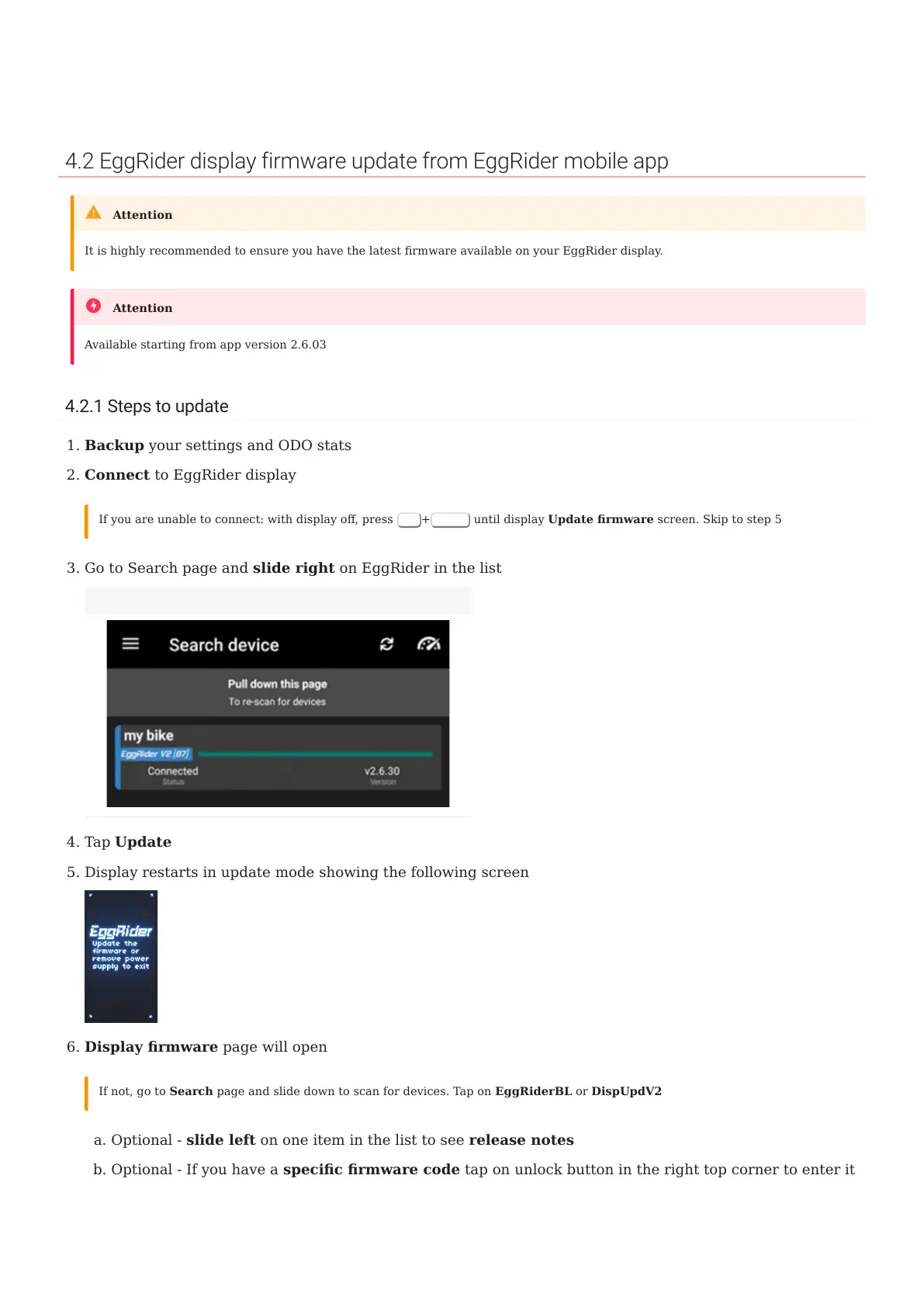
Display restarts in update mode showing the following screen
Display rmware page will open
Optional - slide left on one item in the list to see release notes
Optional - If you have a specic rmware code tap on unlock button in the right top corner to enter it
It is highly recommended to ensure you have the latest rmware available on your EggRider display.
Attention
Available starting from app version 2.6.03
Attention
1.
2.
If you are unable to connect: with display o, press
Up
+
Power
until display Update rmware screen. Skip to step 5
3.
Firmware update option in Search list by sliding right
4.
5.
6.
If not, go to Search page and slide down to scan for devices. Tap on EggRiderBL or DispUpdV2
a.
b.
4.2 EggRider display rmware update from EggRider mobile app
- 19/89 -
Copyright © 2019 EggRider.



 To Next Page