8.1.3 Android Devices
Turning off battery optimization for the app:
You have the ability to be redirected to System app setting directly from the EggRider app.
Follow these steps below:
Open App Settings page in the EggRider App
Click on System app settings
In the Permissions or Advanced setting sections you will nd an option called Battery Saver, Battery
Optimization or Allow running in background
Click on the option and make sure app is allowed to run in background, battery optimization is disabled.
1.
2.
3.
4.
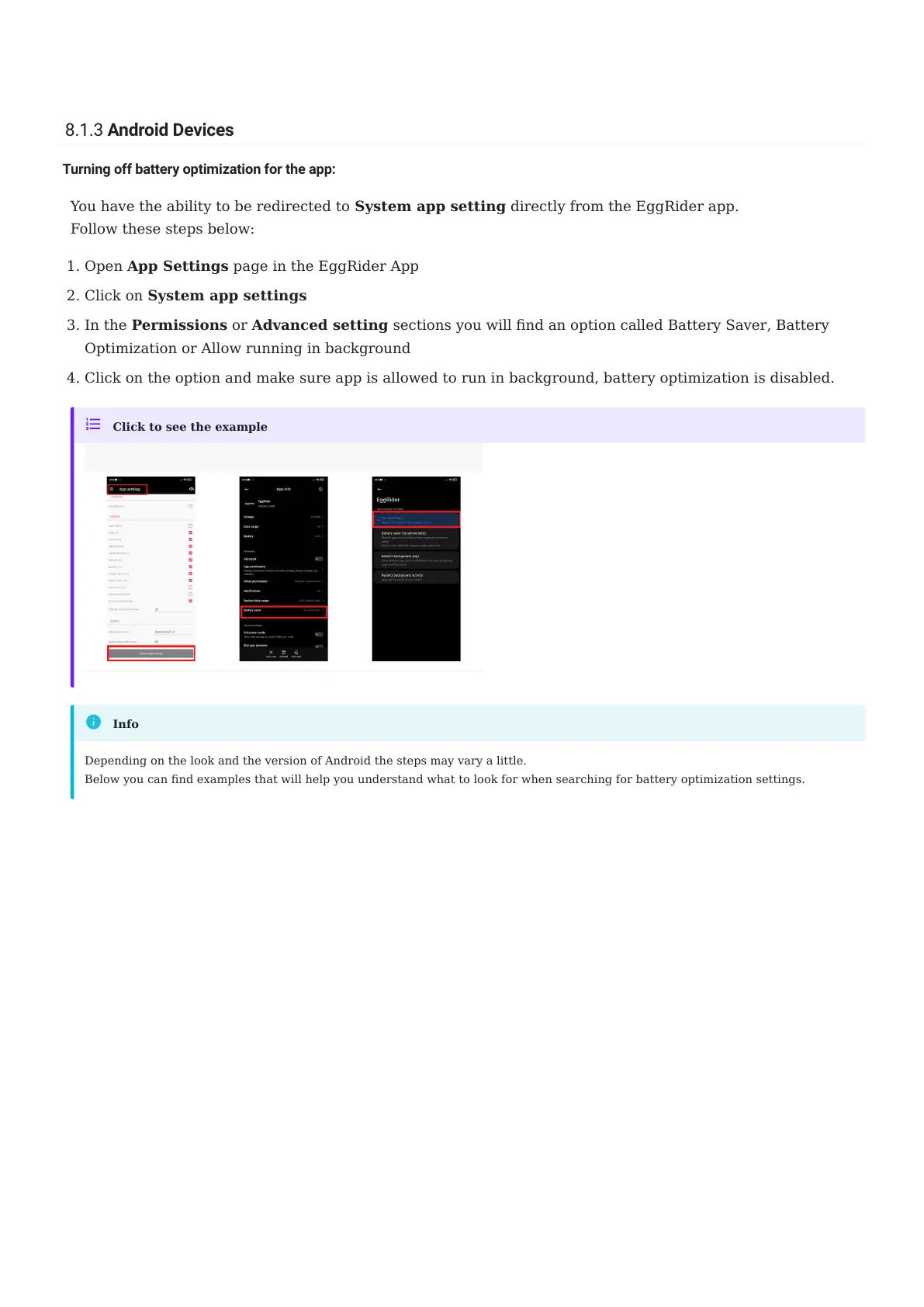
Click to see the example
Depending on the look and the version of Android the steps may vary a little.
Below you can nd examples that will help you understand what to look for when searching for battery optimization settings.
Info
8.1.3 Android Devices
- 80/89 -
Copyright © 2019 EggRider.



 To Next Page