7 Operation
15 / 31
7.Operation
7.1 Charge
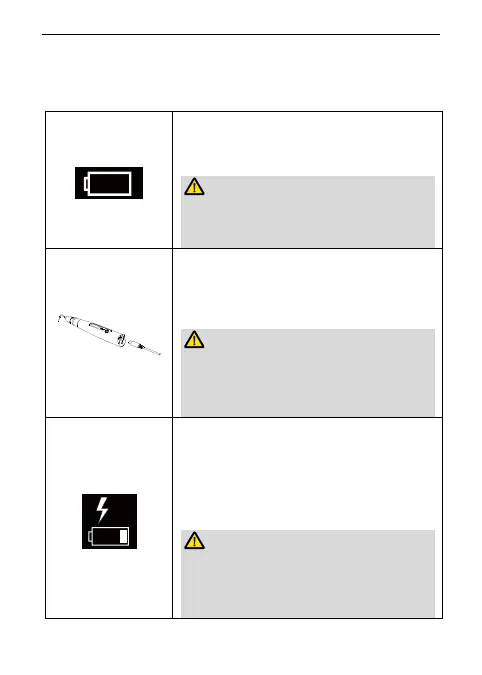
Display the present remaining amount of the battery.
When the battery icon appears and flashes on the
screen, it means the remaining battery power is less than
15%. Please charge the device in time.
If the power is less than 15%, the device must be
recharged within 30 days, otherwise the battery will be
Alter na ti ve charg i ng me th od
Charge without charge base is also available, connect
adapter to handpiece directly, the charge state will show
on the screen.
Charge with charge base is recommended (See chapter
4.3 Connecting charge base).
Only the original adapter could be used.
Do not use the device while charging.
The handpiece power connector can only be used to
connect the original adapter cord for charging purpose.
Charging indication appears on the screen, and flashes
slowly, when battery is fully charged or in a state near full
charge, the flash will stop. Fully charged will take about
4 hours, depending on residual battery power and
battery state.
It can be recharged 300-500 times, depending on the
operating conditions of the device.
Do not change the battery, only trained technician or
distributor can change the battery. The electronic parts
will be damaged if use a wrong battery or install with a















 To Next Page