ELAN HOME SYSTEMS TS10 User’s Guide
© ELAN Home Systems 2010 | All rights reserved.
Page 14
Climate
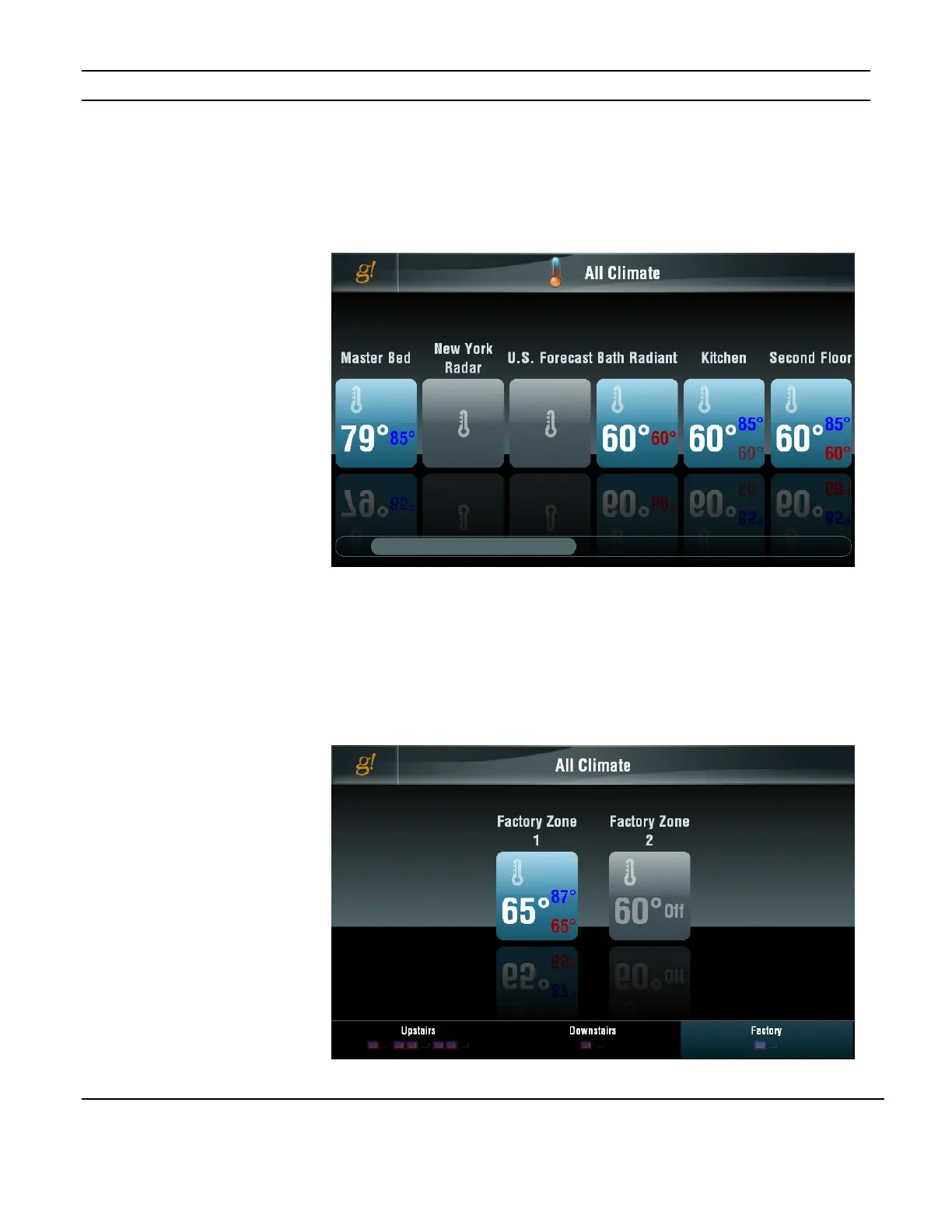
The initial screen shown when the Climate icon is pressed shows all thermostats or
thermostat groups in the system and their status. If you have more than six thermostats a
scroll bar appears at the bottom of the screen to allow you to display the additional
thermostats.
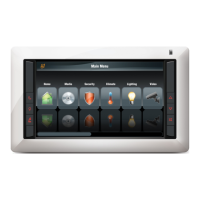
Group Mode
In Group mode each group is shown at the bottom of the screen and the currently selected
group’s thermostats and their status is displayed. Active climate zones are highlighted in
the Group display at the bottom of the screen.
To adjust a specific thermostat, select the group it is in and then select the thermostat.
Figure 3-16:
Climate Zones
Figure 3-17:
Group Mode


 To Next Page