94 / EN
User Menu
DHW
Scenario Free Sunday
Start 09:00
35°
,0
End 15:00
35,0° 55,0° 35,0° 55,0°
0 2 4 6 8 10 12 16 20 14 18 22 24
Fig. 37
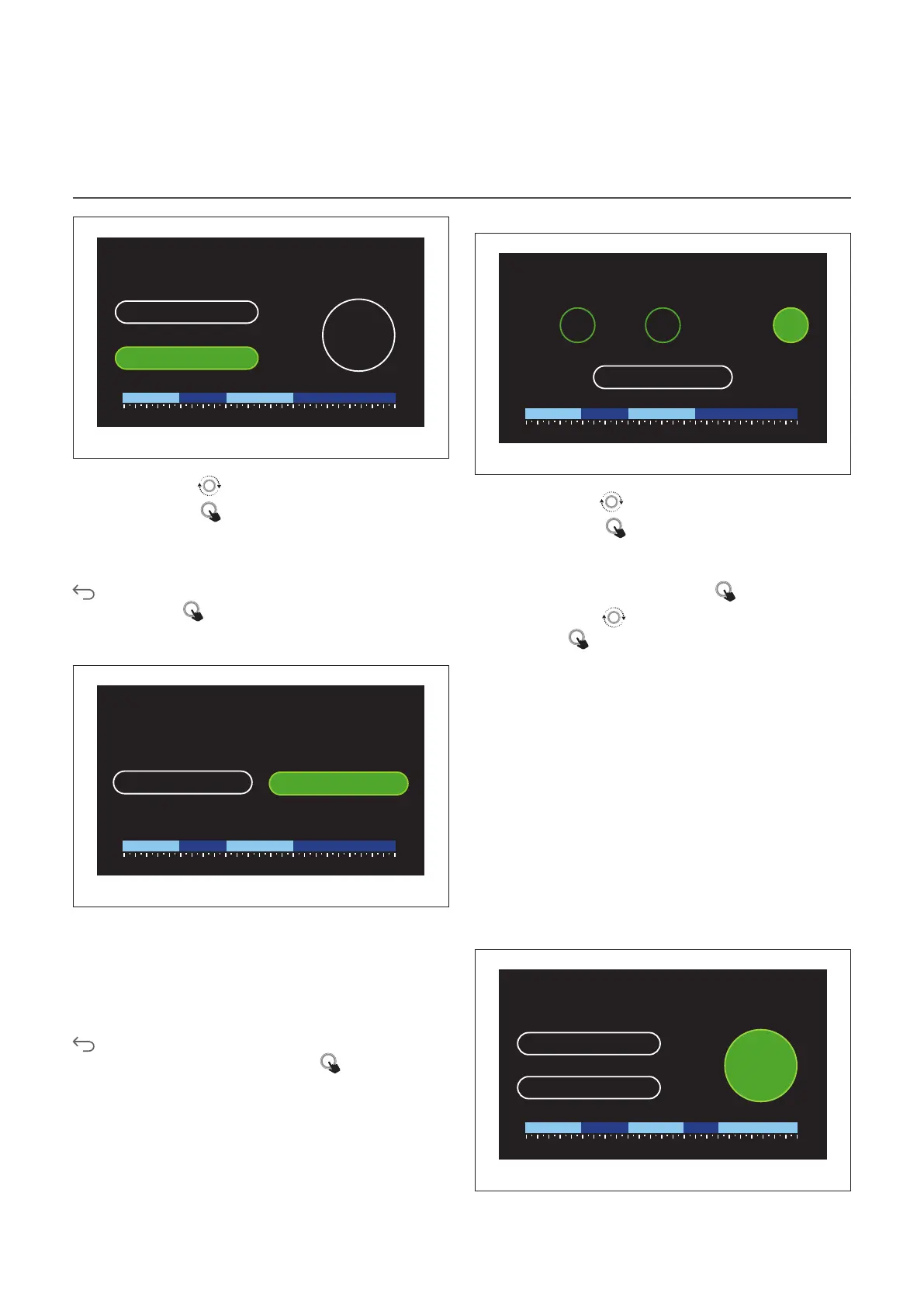
– Turn the selector
to change the “End” time.
– Press the selector
to confirm.
Up to 4 daily comfort time slots can be selected.
To return to one of the previous items, press the “Back” button
.
Press the selector to go to the next page.
Adding a time slot
DHW
Scenario Free Sunday
Add period
Continue
35,0° 55,0° 35,0° 55,0°
0 2 4 6 8 10 12 16 20 14 18 22 24
Fig. 38
In this page you can add a slot to the daily time schedule.
“Add period” can be used to return to the page where you
can define the desired time slot. “Continue” can be used to
select the days of the week in which to copy the defined daily
schedule.
To return to one of the previous items, press the “Back” button
.
Select “Continue” and press the selector to go to the next
page.
Copying the days of the week
Do you want to copy this programming to other days
of the week ?
M T W T F S S
Continue
35,0° 55,0° 35,0° 55,0°
0 2 4 6 8 10 12 16 20 14 18 22 24
Fig. 39
– Turn the selector
to scroll the days of the week.
– Press the selector
to select the days in which to copy
the time schedule. The selected days will be highlighted
by a green border.
– To deselect a day, press the selector
once again.
– Turn the selector
to navigate to Continue, then press
the selector to confirm.
AUXILIARY TIME SCHEDULING
The auxiliary time scheduling is used for the following func-
tions which can be set from the menu:
– Applications with heat pump: DHW operating mode =
“GREEN”.
– Fresh water station: timer-operated recirculation pump
function (Par. 10.2.1 - “DHW pump circulation type” = “Time
Based”).
The auxiliary time scheduling can be set in the same way as
DHW time scheduling.
In the page for defining the time slot you cannot set the de-
sired set-point, but you can enable/disable the function by
setting the ON/OFF values.
Auxiliary
Scenario Free Monday
Start 24:00
OFF
End 24:00
OFF ON OFF OFFON
0 2 4 6 8 10 12 16 20 14 18 22 24
Fig. 40


 To Next Page