DmPackagingGroup
s.r.l
StradadelCascinotto156,
10156,Torino(TO)-Italy
Tel:011.99.10.455
e-mail:
info@dmpackagingroup.com
● Activating the exit belt : pressing the "TAPE" will switch on the exit belt . It will
remain activated until you release the button.
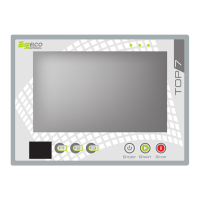
Any movement in progress, may be discontinued at any time by pressing the STOP button
on the TOP7.
All operations in this environment can not be used if the machine is performing an
automatic cycle or in a presence of an alarm. Only if an alarm "Carter opened" , axis
movements are permitted .
The left side of the screen contains buttons to access other areas of the software. From
top to bottom , these buttons allow access to:
● main menù
● work environment
● chain management
● cut / weld management
● manuale (current environment)
● homing
At the bottom of the screen a status bar displays messages on the current state of the
software. If an alarm occurs ,the status bar will display the message associated with the
current alarm and will display the red button on the right corner , pressing the red button
allows access to the environment of the alarm log
3.4 – CHAIN
16


 To Next Page