DmPackagingGroup
s.r.l
StradadelCascinotto156,
10156,Torino(TO)-Italy
Tel:011.99.10.455
e-mail:
info@dmpackagingroup.com
CHAPTER 3 – SCREEN WINDOWS or “ENVIRONMENTS “
3.1 – HOMING
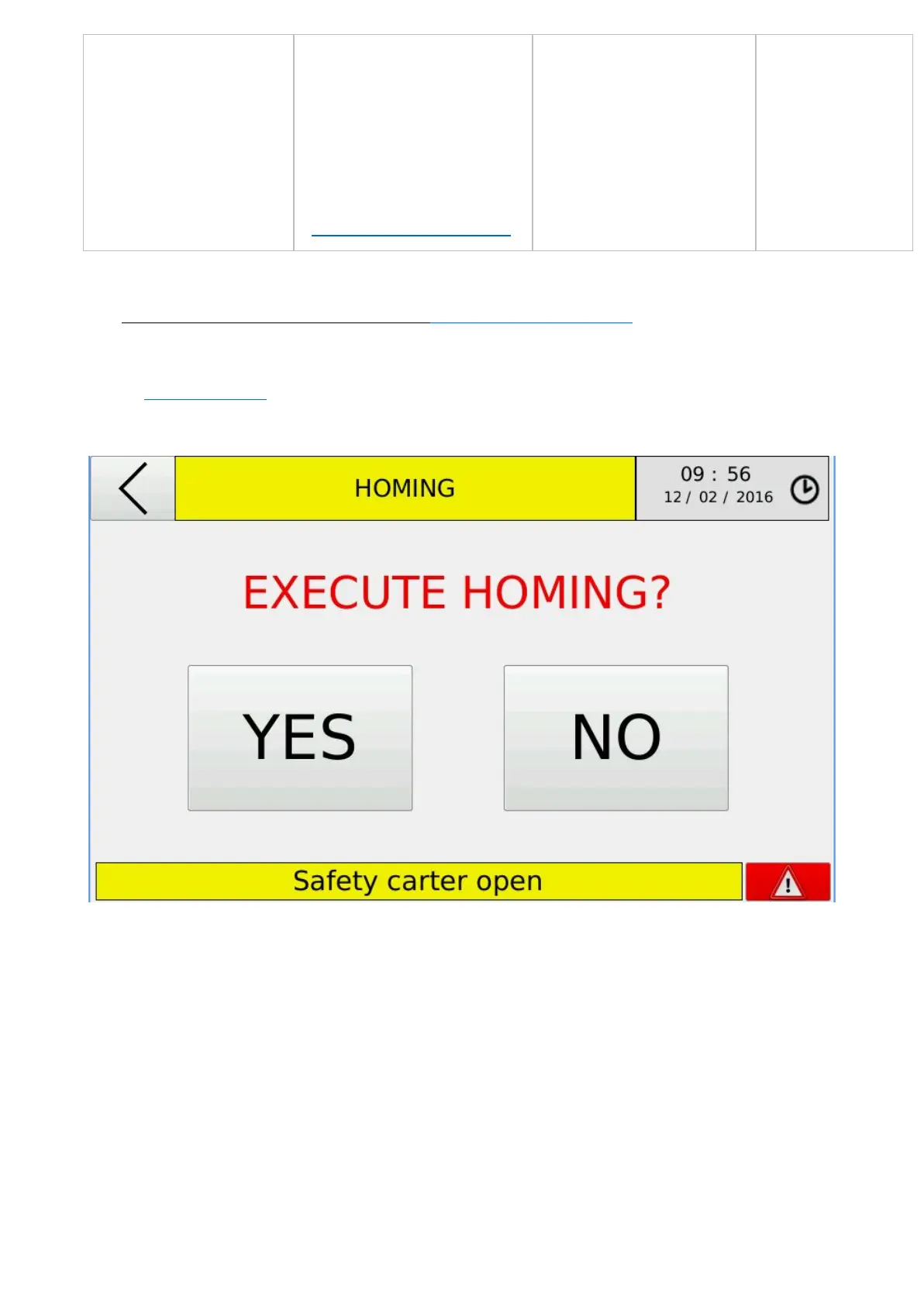
After turning on the machine , the splash screen will appear with the initial request to
perform the homing procedure. To perform homing procedure for all axes , simply press
"YES". When the procedure is finished , You will be automatically logged in to the “Work
environment” .
If "NO" is pressed , you can bypass the execution of the procedure and go directly to the
“Work environment”. WARNING: you cannot start an automatic cycle if the homing
procedure for all axes is not carried out .
The homing procedure is executable if alarms are not detected . The presence of alarms
is indicated by the display via a red button at the bottom right corner of the screen , and a
message in the status bar at the bottom of the screen
9


 To Next Page