CTC-1132 868AM 2007.07.18
25
not need to do the setting up for
Replacement. Just press “OK” and the
screen will automatically return to the
main Program selection list.
You can try to see if the confirmation
message has been successfully send
to you or not. If yes, escape this
section.
Step 3. If the message sending process is still
unsuccessful, please try to add an “0”
or “00” or any digits depeding on how
you normally dial your mobile phone
number in the replacement.
For Example:
R e p l a c e m e n t
0 . . . . . . . . . . . . . . .
Step 4. Press “OK” and the screen will
automatically return to the main
Program selection list.
Please try again to see if the
confirmation message has been send
successfully or not. If not, please go
back to Step 1 and change your
country code.
For example, for Norway, you can try
to type 047 instead of 47 in this case.
IX. GSM Signal
CTC-1132 utilizes GSM as its telephone
interface for communication purpose. The
GSM signal can be monitored by selecting
“GSM Signal” in the Programming Main Menu.
G S M S i g n a l
P l e a s e
a i t
The current GSM signal strength in RSSI scale
( “0” ~ “9” with 9 being the highest strength
value) will be displayed on LCD and may
change due to change of environment.
G S M S i g n a l
G S M R S S I = 7
X. Walk Test
z When “Walk Test” is selected, the Green
& Yellow LED’s will flash 3 times with 3
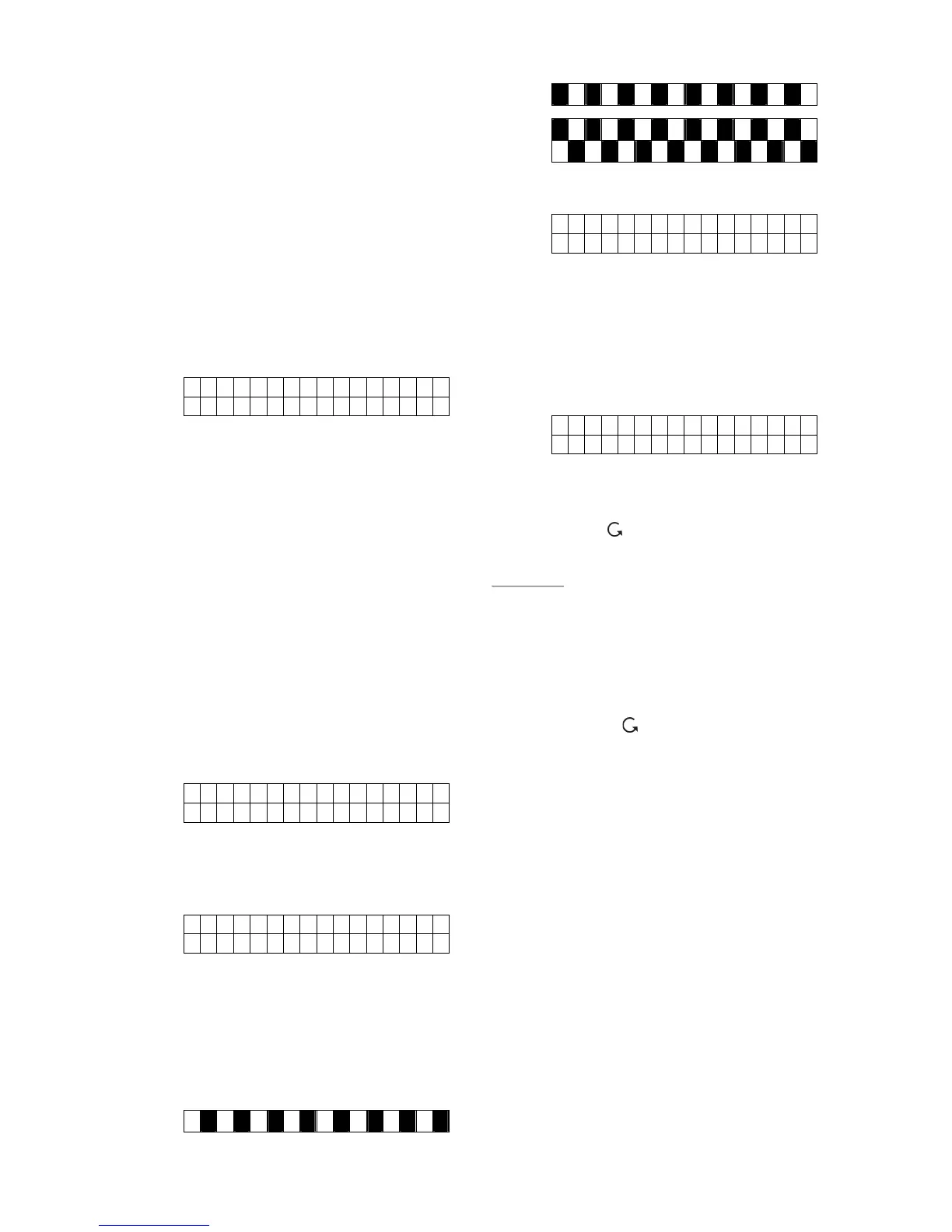
beeps, and the following two test patterns
are displayed for 2 sec. each.
z Then the following message is displayed:
*
a l k T e s t *
z Pressing the test button on the sensor or
any button on the Remote Controller or
triggering the sensor, if the Control Panel
received the signal, it will sound 2 short
beeps and the display will show you which
sensor with its zone number is reacting
and the RSSI strength.
I R Z o n e 0 2 D
Hallway R=09
z The message will be displayed for 30 sec.
or being replaced by another test signal.
z Pressing “ “ key, the screen will return
to “Walk Test” banner.
<
<
N
N
O
O
T
T
E
E
>
>
) The function of showing its RSSI
strength (e.g. “R=09”) is only avaliabe
in 868 MHZ Control Panels.
z Exit “Walk Test”
z To exit “Walk Test” mode,
press ” “ key.
z If no test signals are received for 5
minutes, the Control Panel will exit
“Walk Test” mode and return to
“Alarm Off”. Press “OK” key to add
another 5 minutes.
XI. Reset GSM
GSM module will be reset once you have press
“OK”. Please wait for 1 minute for the reset
process to be activated.



 To Next Page