CTC-1132 868AM 2007.07.18
31
VIII. Stop the Alarm and Alarm
Display
During any alarm, the Control Panel wil sound
its siren and report to the Phone number
programmed previously. The display will show
as below:
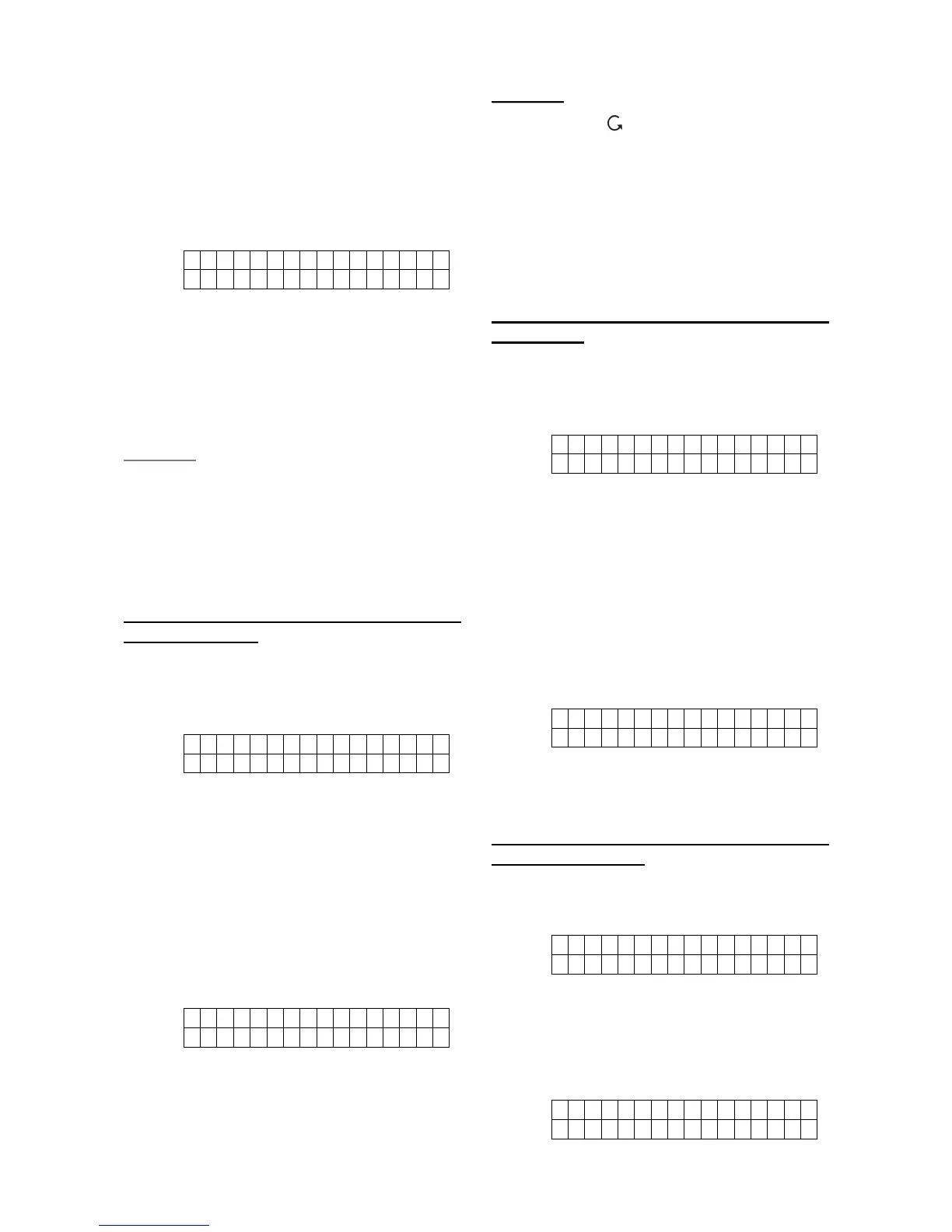
A L A R M ! A L A R M !
A L A R M ! A L A R M !
1. Stopping the Alarm
During an alarm, to stop the siren and clear
display:
Step 1. Key in your PIN code, followed by
“OK”.
<
<
N
N
O
O
T
T
E
E
>
>
) if you press any key other than the first
digit of your PIN code, the screen will
prompt you to enter your PIN code.
Step 2. If the PIN code is correct, then the
alarm sounding will be stopped.
If the alarm is stopped before reporting
process begins:
Step 3A. The screen will show you which
device that triggered the alarm with
its zone number displayed:
A l a r m S t a r t e d B y
0 1 ). I R H a l l w a y
Step 4A. Press “OK”
Step 5A. If there are more than one alarm
events have been raised, the
Control Panel continues displaying
the 2nd alarm event with “02).”
Stating at the beginning of the 2nd
line.
Step 6A. Repeat pressing further keys until all
the alarm events are displayed
thoroughly then the display will show:
S y s t e m r e a c h e d
N o n e
Step 7A. Press “OK”, the display returns to
“Alarm off”.
<
<
N
N
O
O
T
T
E
E
>
>
) Press “ “ or no key is pressed within
5 sec. the screen returns to 1
st
device
display. You can repeat from the
beginning to view the alarm event one
more time.
) No alarm reporting will be made.
However one “OPEN” report by the
user will be reported.
If the alarm is stopped before reporting
is finished:
Step 3B. The screen will show you which
device triggered the alarm with its
zone number displayed:
A l a r m S t a r t e d B y
0 1 ). I R H a l l w a y
Step 4B. Press “OK”
Step 5B. If there are more than one alarm
events have been raised, the
Control Panel continues displaying
the 2nd alarm event with “02).”
Starting at the beginning of the 2nd
line.
Step 6B. Repeat pressing further keys until all
the alarm events are displayed
thoroughly then the display will show:
S y s t e m r e a c h e d
None
Step 7B. Press “OK”, the display returns to
“Alarm off”.
If the alarm is stopped after reporting
has been finished,
Step 3C. The device that triggered the alarm
with its zone number is displayed.
A l a r m S t a r t e d b y
0 1 ). I R H a l l w a y
z Proceed to display the alarms and clear
the alarm displays as specified in Step 4A
~ Step 6A in previous section.
Step 4C. After all the alarm events are cleared,
then the display will show:
S y s t e m r e a c h e d
269406 6 7



 To Next Page