AIR DIRECTION OPERATION (on some models only)
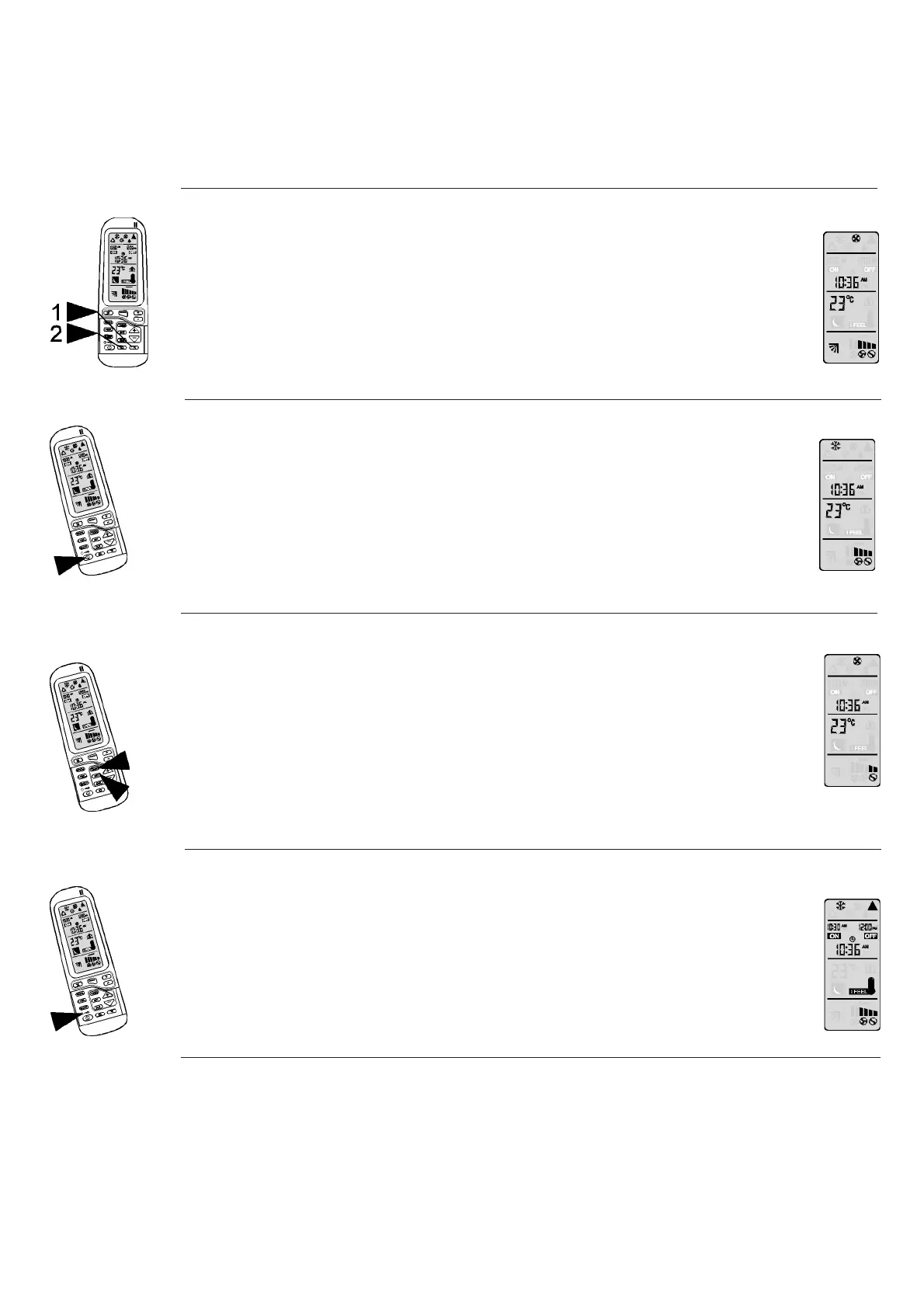
1. Air Direction Positioning
Press button (8) to position the air flap to any desired angle.
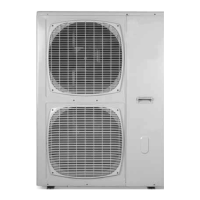
2. Automatic Vertical Air Swing
Press button (9) to activate the auto air swing. Press button (8)
to deactivate this function.
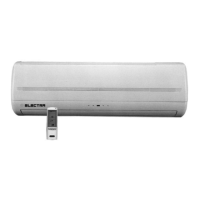
CURRENT CLOCK TIME SET
Clock setting is performed when batteries are inserted. The remote control
displays the setting and the clock display will blink "0:00" or "12:00" AM (AM
sign will blink, too) till a new time is set.
For clock setting, use buttons (11) and (12) for setting the hours and minutes,
respectively, and then press timer SET button (17). The clock setting can be
also performed by pressing timer SET button (17) for 5 seconds.
The clock display will blink, for new setting follow the steps described above.
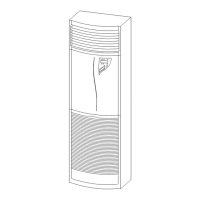
TURNING OFF THE AIR CONDITIONER
Press START/STOP button (1) to turn off the air conditioner. Indicator (A) will
stay lit, indicating that the air conditioner is in STAND-BY mode and ready to
accept any new command from the remote control. The remote control LCD
will display the clock time. The last operating set-up will be kept for the next
operation.
LOCK FUNCTION
By pressing LOCK button (19), the remote control will lock the last operation
program. All the function buttons will be inoperative, including START/STOP
button. By pressing LOCK button (19) again the remote control will be released
from its locked position. When lock mode is functioning, the transmission sign
(20) will be on.
English 10


 To Next Page