EasyManua.ls Logo

Electrolux W475H - Page 41

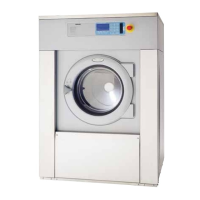
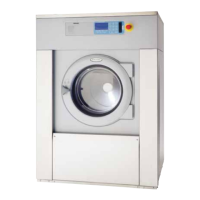
Electrolux W475H
76 pages
Print Icon
To Next Page IconTo Next Page
To Previous Page IconTo Previous Page
Loading...
41
Procedure for use
4041 A
Time counter, hours after last service
Both counters can be reset in
the same way.
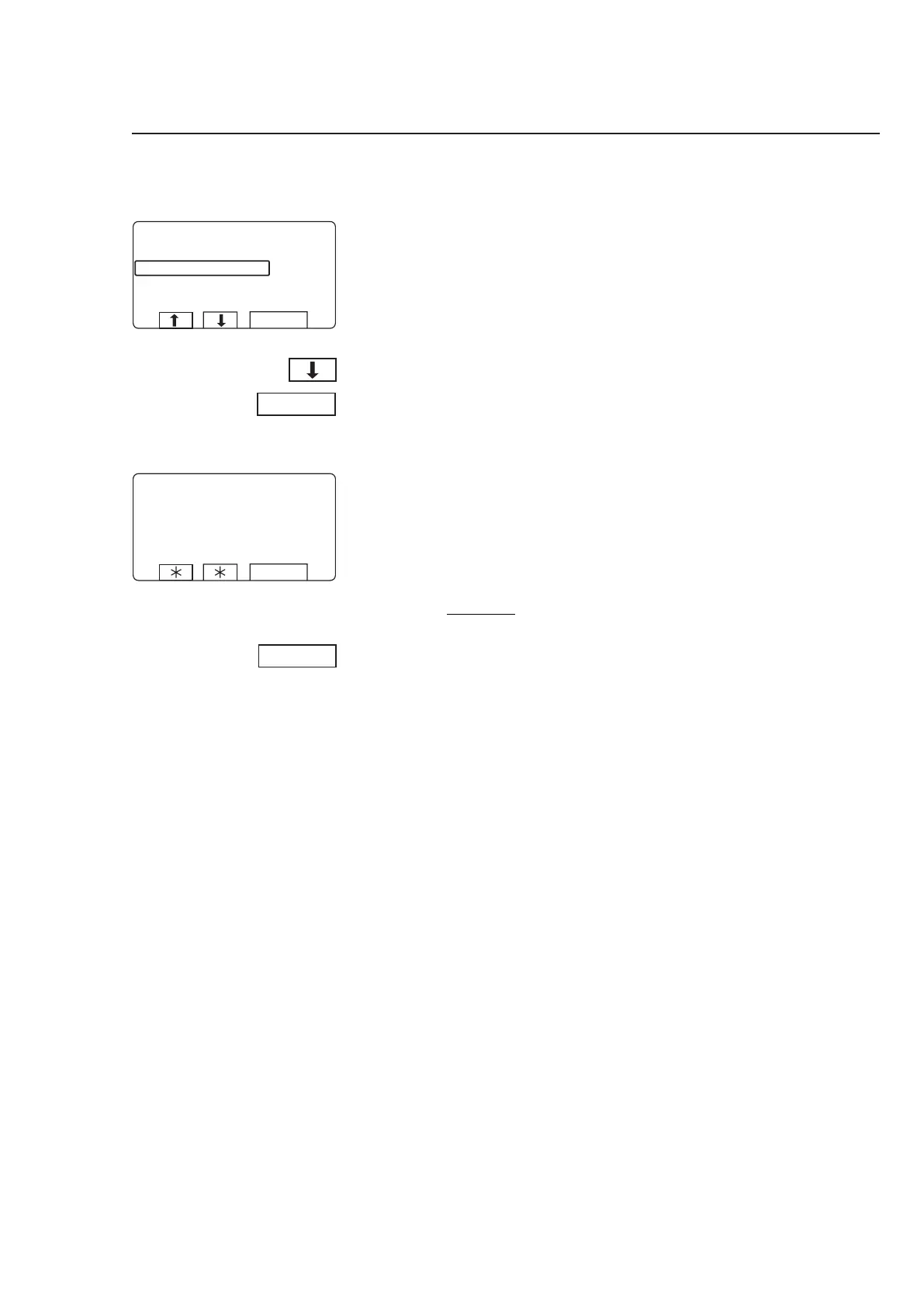
Press
b so that CLEAR
TRIP HOUR COUNTER OR
CLEAR SERVICE COUN
-
TER will be marked.
Press SELECT.
First you have a chance to
change your mind.
4043 A
If you do not want to reset the
register:
Press any key other than
SELECT.
If you want to reset the register:
Press SELECT.



















Other manuals for Electrolux W475H

Related product manuals