EasyManua.ls Logo

Element E4SFT551 - User Manual

Element E4SFT551
32 pages
Print Icon
To Next Page IconTo Next Page
Loading...
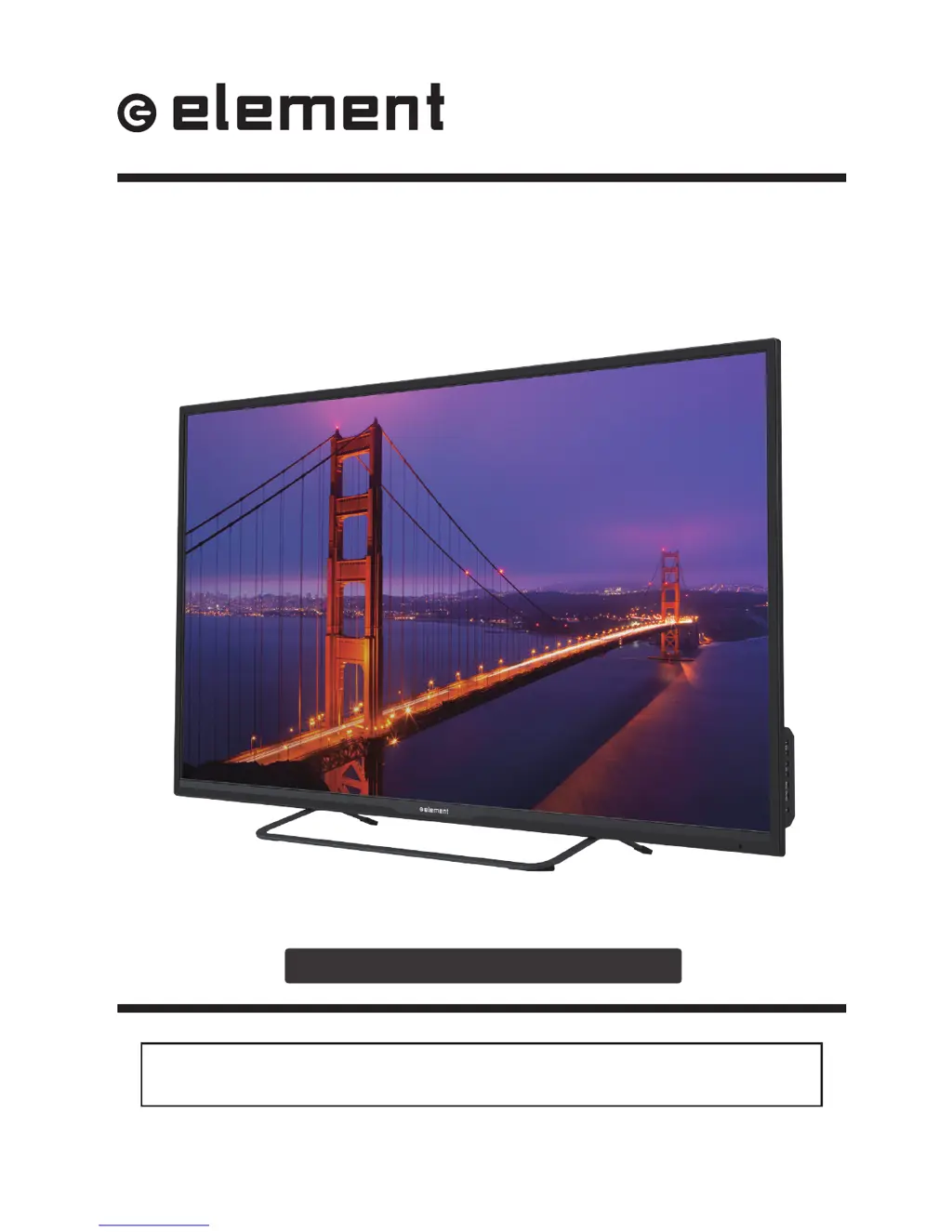
E4SFT551
INSTRUCTION MANUAL
Please read all the instructions carefully before using this TV,
and keep the manual for future reference.
55" UHD Digital LED TV

Questions and Answers

  • J
    Jamie MitchellAug 27, 2025
    Why does my Element E4SFT551 power suddenly turn off?
    • S
      susanwhiteAug 27, 2025
      If your Element LED TV is suddenly turning off, check if the sleep timer is set. Also, verify the power connection to ensure power isn't interrupted. It may also be due to no broadcast on the tuned station.
  • W
    walterslauraAug 27, 2025
    Why is my Element LED TV picture quality poor?
    • D
      David HowardAug 27, 2025
      If you are experiencing poor color or picture quality on your Element LED TV, try adjusting the color in the Menu option. Also, keep a distance between the TV and any VCRs. Try another channel, as the problem may be with the broadcast. Check that the VIDEO cables are installed properly and activate any function to restore the brightness of the picture.
  • M
    martineztracyAug 28, 2025
    What causes a blue screen on Element E4SFT551 LED TV?
    • K
      Kyle Hayes IIIAug 28, 2025
      A blue screen on your Element LED TV usually indicates no signal. Press the SOURCE button to select the correct source.
  • J
    josechavezAug 28, 2025
    What to do if my Element E4SFT551 LED TV has horizontal or vertical bars?
    • J
      Joseph IngramAug 29, 2025
      If your Element LED TV displays horizontal or vertical bars, check for local interference from electrical appliances or power tools.
  • C
    Cynthia CarrAug 29, 2025
    How to fix noisy picture on Element E4SFT551?
    • F
      Frank FisherAug 29, 2025
      If your Element LED TV picture is noisy, snowy, or ghosting, and you're using an indoor antenna, try adjusting the antenna position. Also, check the antenna connections.
  • C
    Carly ComptonAug 30, 2025
    How to fix lines or streaks in pictures on Element E4SFT551?
    • C
      Crystal WatkinsAug 30, 2025
      To fix lines or streaks in pictures on your Element LED TV, check the antenna and try changing its direction.
  • J
    John KhanAug 30, 2025
    How to fix vertical bar on Element E4SFT551?
    • T
      Todd ShepardAug 30, 2025
      To fix a vertical bar or strip on the background, horizontal noise, and an incorrect position on your Element LED TV, set the auto or adjust clock, phase, or H/V position.
  • S
    Shawn GarciaAug 31, 2025
    How to fix unstable screen color on Element E4SFT551 LED TV?
    • K
      Kenneth Davis DDSAug 31, 2025
      If the screen color on your Element LED TV is unstable or a single color, check the signal cable and reinstall the PC video card.
  • J
    john89Aug 25, 2025
    What to do if my Element E4SFT551 remote control does not work?
    • W
      walkerrebeccaAug 25, 2025
      If the remote control for your Element LED TV isn't working, first check for any obstructions between the remote and the TV. Then, ensure the batteries are installed with the correct polarity (+/-). Also, verify that the correct remote operating mode is set (TV, VCR, etc.). If none of these steps work, try installing new batteries.
  • D
    Damon MoralesSep 1, 2025
    Why is my Element TV dead with no LED light?
    • M
      Miss Jennifer BirdSep 1, 2025
      If your Element TV is dead and has no LED light, the cause may be that there is no power to the TV. Check all connections to the TV's AC socket.

Element E4SFT551 Specifications

General IconGeneral
BrandElement
ModelE4SFT551
CategoryLED TV
LanguageEnglish

Related product manuals