EasyManua.ls Logo

Element E4SFT551 - User Manual

Element E4SFT551
32 pages
Print Icon
To Next Page IconTo Next Page
Loading...
E4SFT551
INSTRUCTION MANUAL
Please read all the instructions carefully before using this TV,
and keep the manual for future reference.
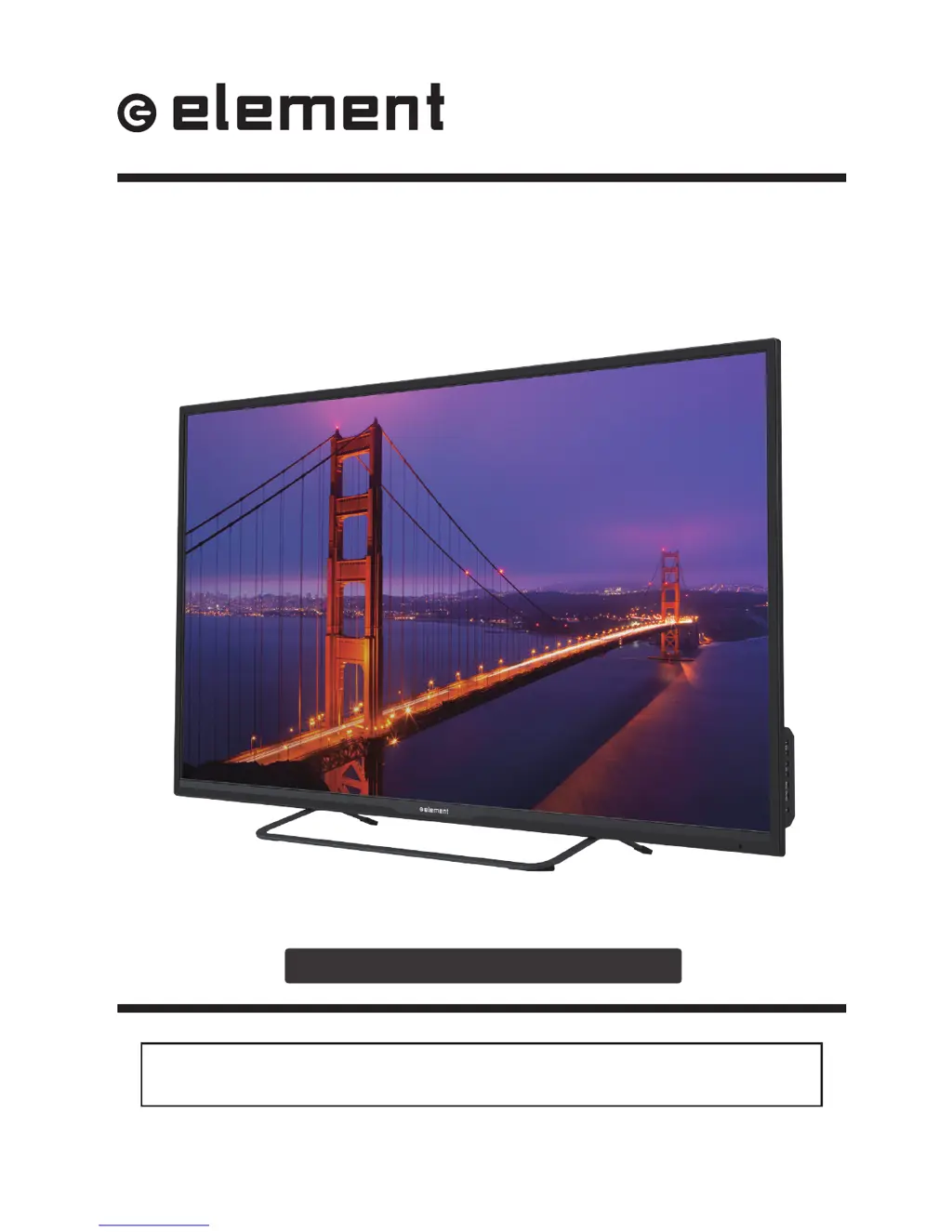
55" UHD Digital LED TV

Questions and Answers

  • S
    Stephanie RamirezSep 2, 2025
    Why does my Element TV have a normal picture but no sound?
    • M
      Marvin PierceSep 2, 2025
      If your Element TV has a normal picture but no sound, check the volume level. Ensure that the sound isn't muted by pressing the MUTE button. Try another channel to rule out a broadcast issue. Also, make sure the audio cables are installed properly.
  • D
    Douglas AtkinsonSep 2, 2025
    Why is my Element TV dead with no red LED light?
    • X
      xcoxSep 2, 2025
      If your Element TV is dead and there is no red LED light, it may be set in standby mode. Press either the Power button or the Standby button on the remote control.
  • W
    William SheltonSep 3, 2025
    What to do if my Element TV power suddenly turns off?
    • M
      Martha GarciaSep 3, 2025
      If your Element TV power suddenly turns off, check if the sleep timer is set. Also, check the power connection to ensure power hasn't been interrupted. It's also possible there's no broadcast on the tuned station.
  • C
    conwayphilipSep 3, 2025
    Why does my Element TV say the signal is out of range?
    • R
      ricardomaloneSep 3, 2025
      If your Element TV displays 'The signal is out of range', adjust the resolution, horizontal, or vertical frequency. Check whether the signal cable is connected or loose. Also, check the input source.
  • S
    samuelkeithSep 4, 2025
    How to fix no sound on Element LED TV?
    • K
      Kaitlyn WilliamsSep 4, 2025
      If your Element LED TV has no sound, first ensure that the sound isn't muted by turning the mute function off. Also, check the volume settings to make sure they are not set too low. If you are using external leads, verify that they are properly connected.
  • C
    Christopher BullockSep 5, 2025
    What to do if Element E4SFT551 remote control does not work?
    • S
      samanthacookSep 5, 2025
      If your Element LED TV's remote control isn't working, check for obstructions between the remote and the TV. Ensure the batteries are correctly installed with the proper polarity (+/-). Verify that the correct remote operating mode is set (TV, VCR, etc.). If these steps don't work, try installing new batteries.
  • R
    Randy OchoaSep 5, 2025
    Why does my Element E4SFT551 LED TV have picture but no sound?
    • M
      Melissa KramerSep 5, 2025
      If your Element LED TV picture is normal, but there is no sound, check the volume level and ensure that the sound is not muted by pressing the MUTE button. Try changing to another channel to rule out a broadcast issue. Also, check that the audio cables are installed properly.
  • R
    Rachel WilliamsSep 6, 2025
    Element E4SFT551 LED TV is dead, how to fix it?
    • L
      Larry RamosSep 6, 2025
      If your Element LED TV is completely dead with no LED lit, it indicates that the TV is not receiving power. Check all connections to the TV's AC socket to ensure it is properly connected.
  • R
    Robert LeeSep 6, 2025
    How to reset password on Element E4SFT551?
    • D
      Dominique SimonSep 6, 2025
      To reset a forgotten password on your Element LED TV, select the SET Password setting in the LOCK menu, then enter the master password “8899”. This will clear your previous password and allow you to enter a new one.
  • C
    Cassidy DavisSep 7, 2025
    How to improve poor color or picture on Element E4SFT551 LED TV?
    • L
      Lindsey GriffinSep 7, 2025
      If you are experiencing poor color or picture quality on your Element LED TV, adjust the color settings in the Menu option. Ensure there is sufficient distance between the TV and any VCRs. Try tuning to another channel to rule out broadcast issues. Also, check that the VIDEO cables are properly installed and activate any function to restore the brightness of the picture.

Element E4SFT551 Specifications

General IconGeneral
BrandElement
ModelE4SFT551
CategoryLED TV
LanguageEnglish

Related product manuals