9.7 Convenient Functions
9.7.1 Key Combination Function
In this system, press and hold [WINDOW SWITCH] button , several additional
options will appear in the submenu area, which are corresponding to different convenient
functions. The conventional key combination functions include screen validation, screenshot,
normal mode, advanced mode, etc. There are different key combination functions for different
user processes, which can be used according to the actual requirements.
9.7.2 Multi-Window Function
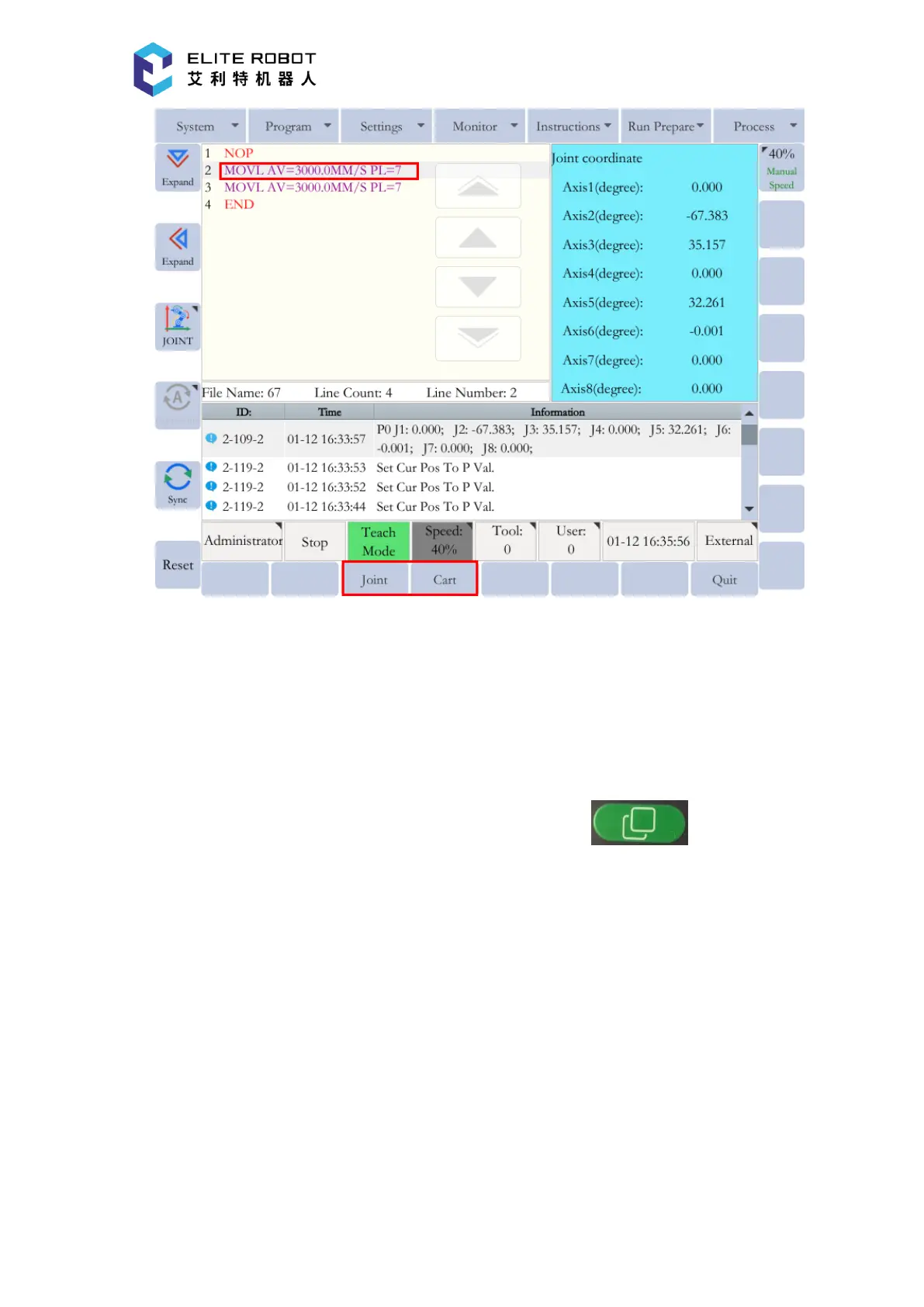
Some windows in the system can be displayed in both full size mode and half-size mode. The
selected window can be expanded towards the desired direction by pressing [Expand Up / Down]
and [Expand Left / Right] buttons. Therefore, the multiple windows can be displayed during the


 To Next Page