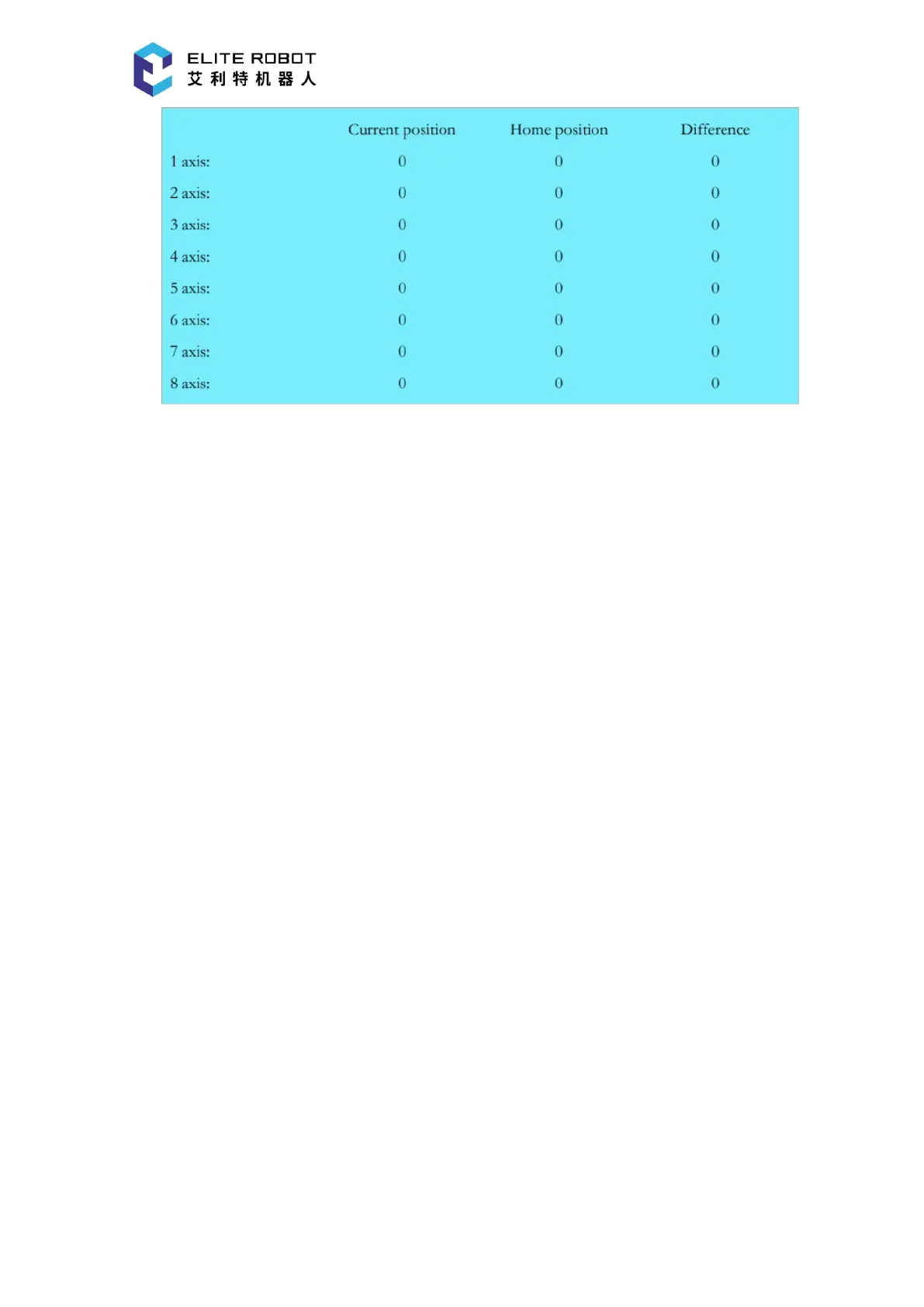
9.6.5 Operational Monitoring
In the operational monitor page, the coordinate values at the current position and the
coordinate values of the target point recorded in the move instruction can be viewed. The joint
coordinates are displayed by default, which can be switched to the Cartesian coordinates by
pressing [JOINT/CARTESIAN] button in the submenu area. In the program editing window, use
the cursor to select the desired move instruction, and the coordinate values of the target point
corresponding to the instruction will be displayed in the operational monitor page.


 To Next Page