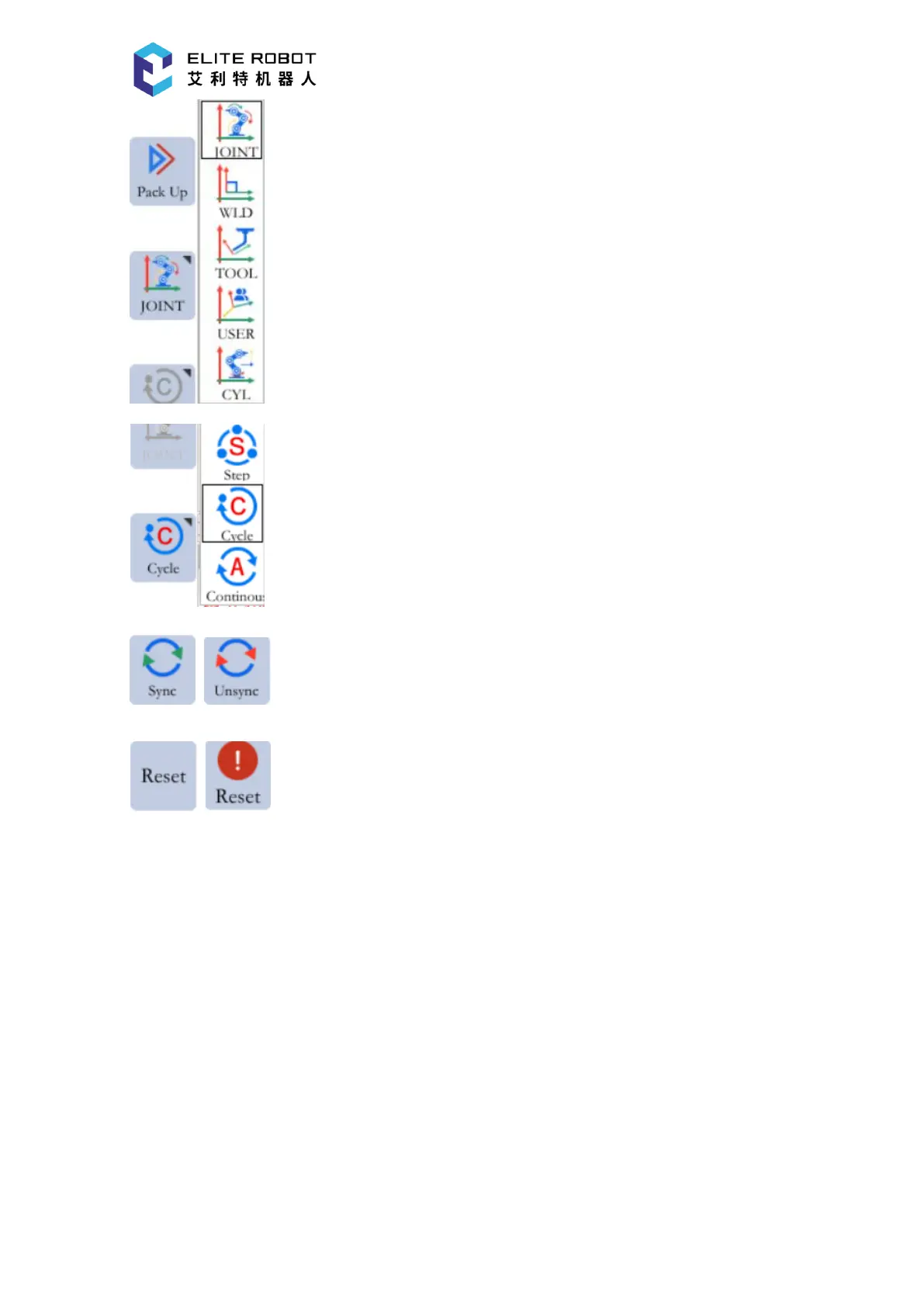
:Coordinate system selection, can only be operated in TEACH mode;
:Operation cycle selection, can only be selected in PLAY mode;
:Sync / Unsync button;
:Alarm reset button;
9.1.6 Coordinate Area
The coordinate area will display the corresponding icon according to the selected coordinate
system. The icon of the coordinate area can only be displayed when the servo is enabled,For
"joint coordinates", display from top to bottom are -J1+、-J2+、-J3+、-J4+、-J5+、-J6+;For "
Cartesian/Tools/User Coordinates", display from top to bottom are -X+、-Y+、-Z+、-RX+、-RY+、
-RZ+;For "Cylinder Coordinates", display from top to bottom are -θ+、-R+、-Z+、-RX+、-RY+、
-RZ+.


 To Next Page