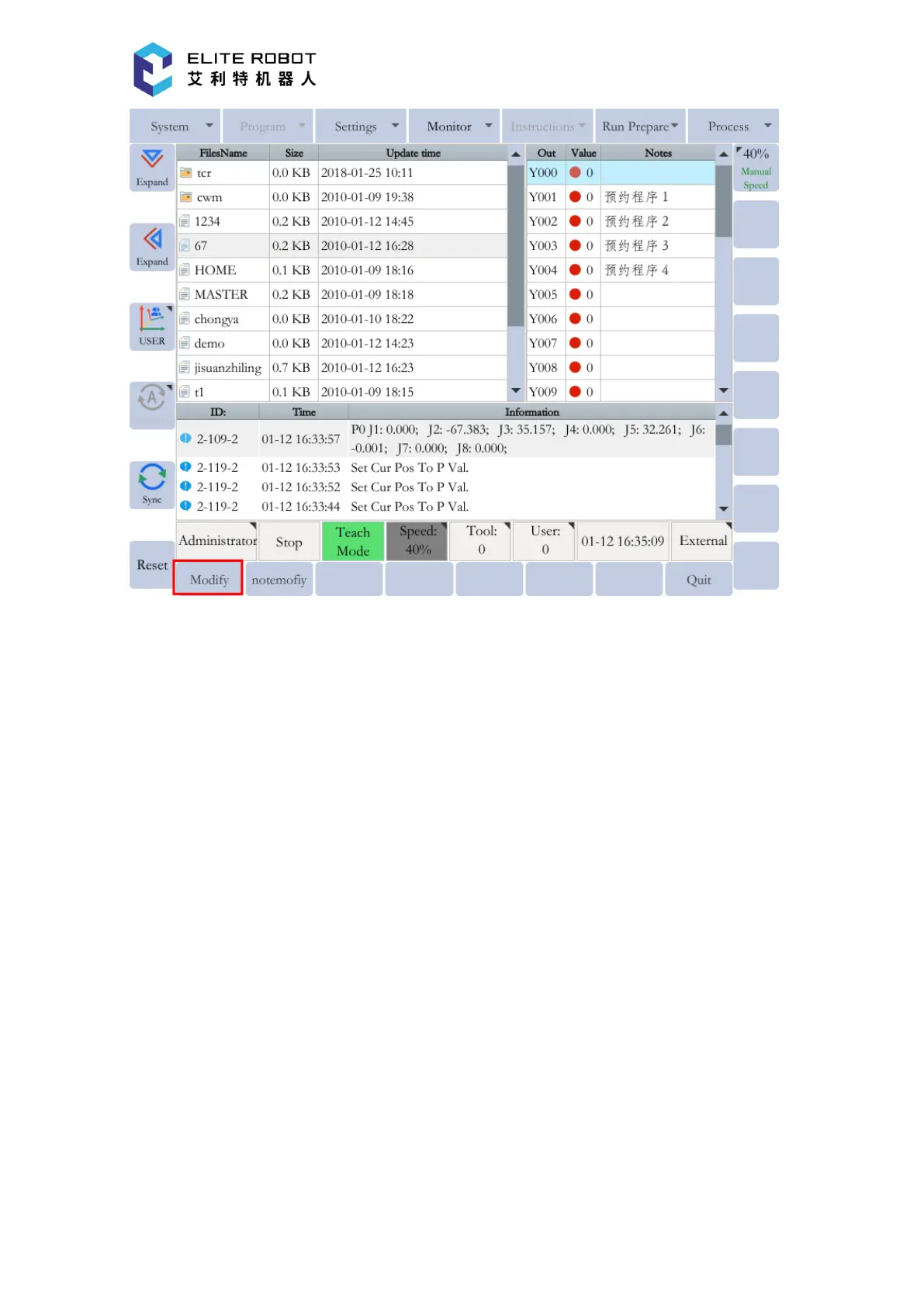
The inputs and virtual inputs can only be used to monitor the state changes. The states of the
outputs and the virtual outputs can be modified. Note that the outputs and the virtual outputs with
red labels are used by the system, and their states cannot be modified. For example, in the output
monitor page, select Y000 using the cursor and press [MODIFY] in the submenu area to reverse
its state. Its value will become 1 from 0, or become 0 from 1.
9.6.4 Motor
The motor monitor page includes three options: pulse, motor speed and absolute position. The
pulse monitor page displays three items: the sending pulse counting, the feedback pulse counting
and the difference. For pulse motors, if there is a movement position deviation, you can monitor
the changes of various values on this interface to find out the cause. This monitor option is hardly
used by the general users.


 To Next Page