Current tool coordinate: Display the current tool coordinate number, which can be open by
clicking the tool coordinate setting page;
Current user coordinate: Display the current user coordinate number, which can be open by
clicking the user coordinate setting page;
System time: Display the current time of the system, click to pop up the modify system
time page;
External axis: If the system is configured with an external axis option, click to open the
external axis setting page;
9.1.8 Submenu Area
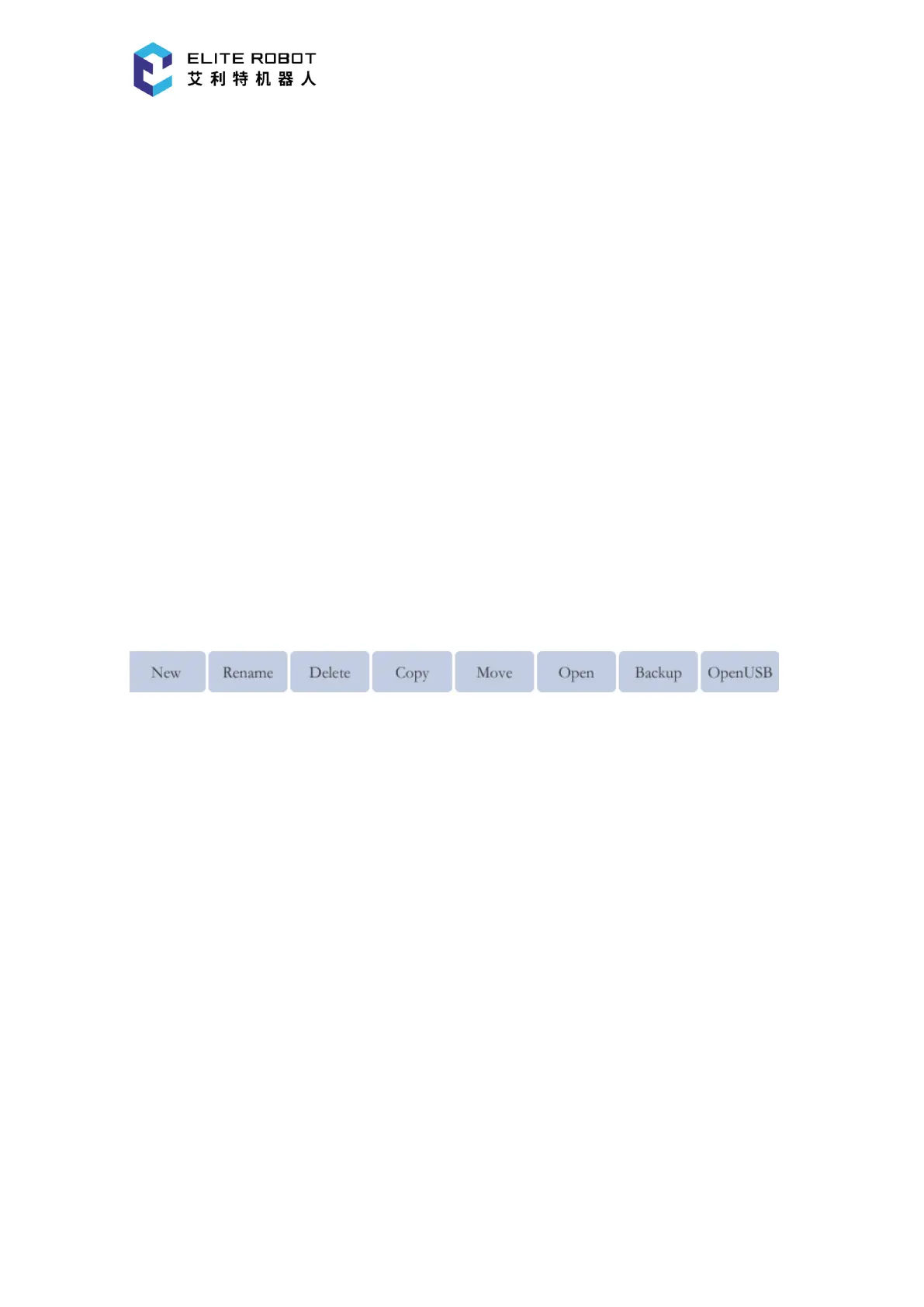
The submenu area is mainly used as an auxiliary button for the focus area, which changes
depending on the focus area. The submenu area can be operated by clicking the icon or by the
corresponding key. The submenu area shows as below when program list is focused.
9.2 Robot Axes and Coordinates Systems
9.2.1 Basic Operations
9.2.1.1 Security Confirmation
Before operating, please read the chapter “Note for Safe Operation” of this manual again to
eliminate the potential dangers of the manipulator system and peripheral equipment to the
surrounding environment.
9.2.1.2 Alarm Confirmation
After the system powered on, the alarm should be confirmed first. After eliminating the alarm,
press the [RESET] button in the status control area of the pendant to clear the alarm. Confirm the
status of the “Synchronized/Unsynchronized” button in the status control area and status can be
switched by pressing that button. The axis operation of the manipulator must be in the


 To Next Page