“Synchronized” status .
9.2.1.3 TEACH Mode Selection
The axis operation can only be performed in TEACH mode (turn the key in the upper right
corner of the pendant to the middle position).
9.2.1.4 Coordinate System Selection
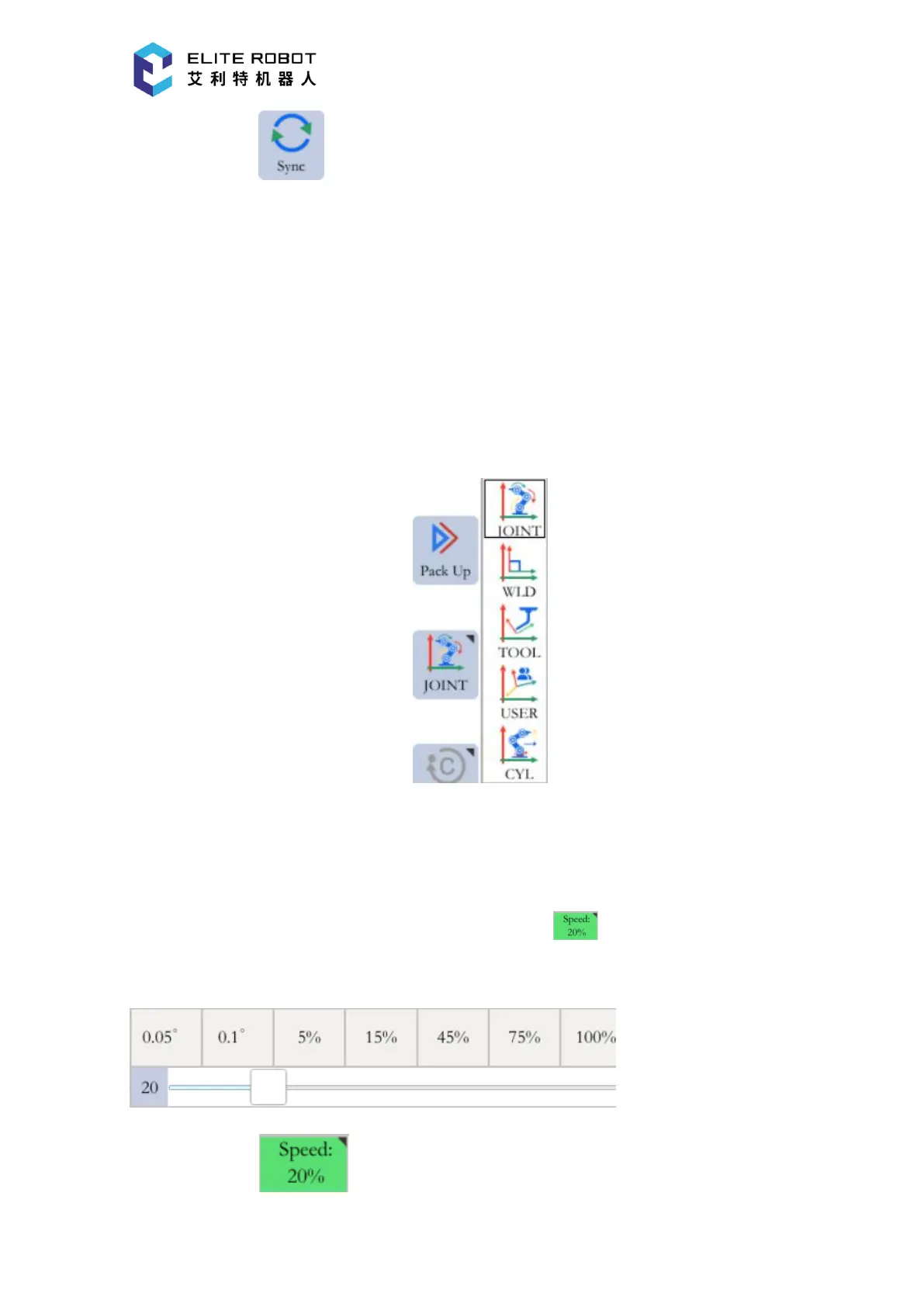
Press the coordinate option icon of the status control area, will pop up the menu which
displays the options of [JOINT], [CARTESIAN], [TOOL], [USER], [CYLINDER], and then
select the coordinate system.
9.2.1.5 Speed Selection
The speed contains manual (teach) speed, play speed and remote speed. The play speed and
remote speed are the same. There are three ways to adjust the speed:
(1) Loosen the enable switch, press the coordinate area , select the speed icon or drag
the slider to adjust speed directly in the pop-up dialog box.
(2) Press the area in the status display area and select or drag the slider to adjust


 To Next Page