EasyManua.ls Logo

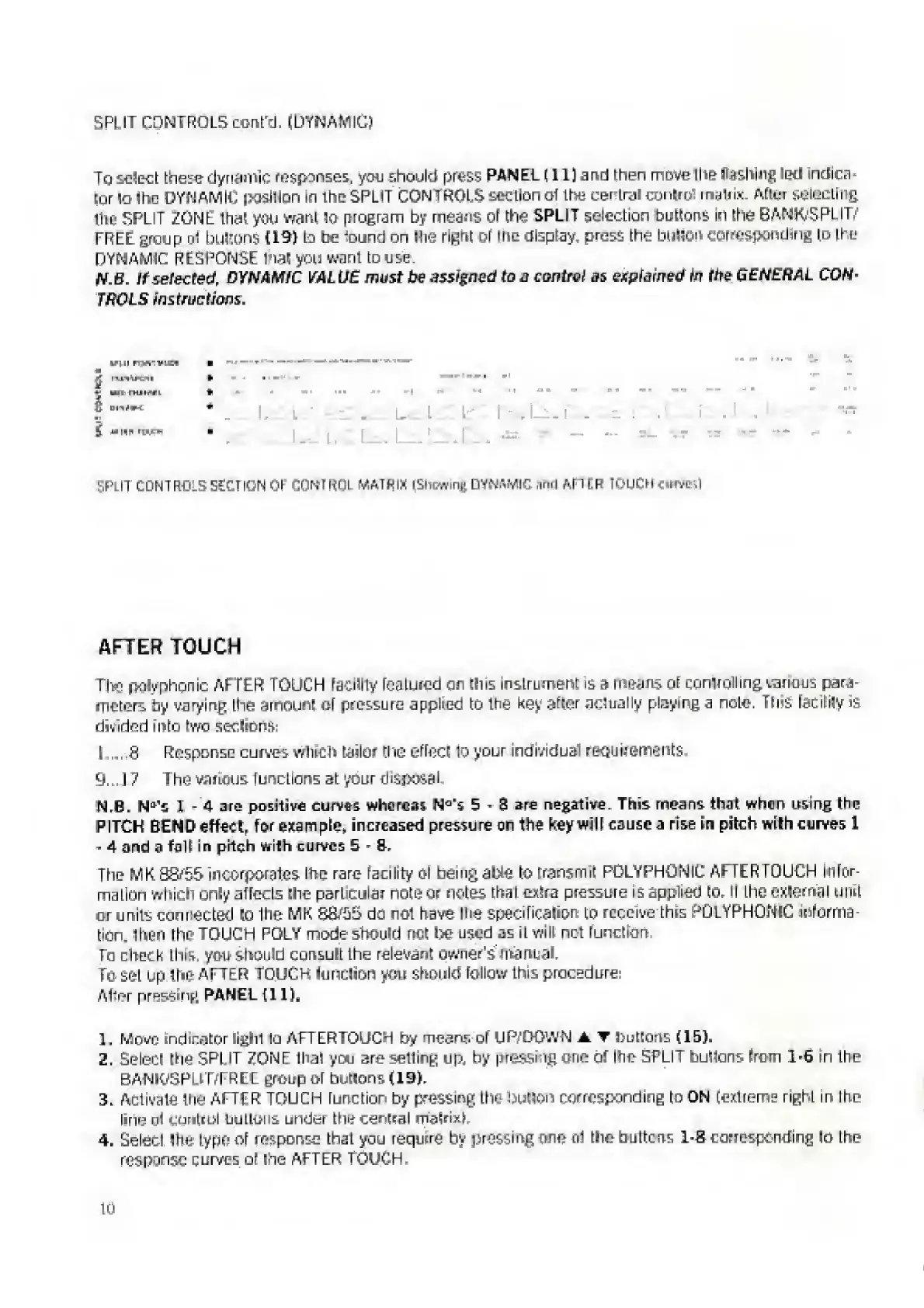
Elka MK55 - After Touch; Split Control Section of Control Matrix

Default Icon
47 pages
Print Icon
To Next Page IconTo Next Page
To Previous Page IconTo Previous Page
Loading...
5PI
IF
CONTROLS
cont'd.
(DYNAMIC)
Jo
select
these
dynamic
responses,
you
should
press
PANEL
(11]
and
then
move
I
lie
flashing
led
indica¬
tor
\o
the
DYNAMIC
position
In
the
SPLIT
CONTROLS
section
of
the
central
cunlrbl
matrix.
After
selecting
ine
SPLIT
ZONE
Ilia!
yoiJ
want
to
program
by
means
of
the
SPLIT
selection
buttons
in
the
BANK/5PL
IT
FREE
group
of
buttons
(19)
lo
he
found
on
(tie
right
of
the
display
press
the
billion
corresponding
to
Lire
DYNAMIC
RESPONSE
hat
you
want
Louse.
N
B.
if
selected,
DYNAMIC
VALUE
must
be
4$$igaed
to
j
control
ns
explained
In
the
GENERAL
CON¬
TROLS
instructions.
wf.ii
r-
rt'niia
£
l
i.
'•
Pi
IT
CONTROLS
SECTION
01
CONTROL
MATRIX
f5h[?win£
DYNAMIC
hnd
AFTER
lOLOl
uivkI
AFTER
TOUCH
TJyg
polyphonic
AE
TER
TOUCH
facility
featured
on
tins
Instrument
is
a
mnans
of
controlling
various
para¬
meters
by
varying
the
amount
of
pressure
applied
to
the
key
after
actually
playing
a
note.
This
facility
is
divided
into
two
sedans:
L....8
Response
curves
wilted
tailor
the
effect
to
your
Individual
requirements
9...
17
The
various
functions
at
your
disposal
N.B.
N
fll
s
1
-
4
are
positive
curves
whorens
N
Q-
s
5
-
3
are
negative.
This
means
that
when
using
the
PITCH
BEND
effect,
for
example,
increased
pressure
or
the
key
will
cause
a
rise
En
pitch
with
curves
1
4
and
a
felt
in
pitch
with
curves
5
§.
The
MK
38/55
Incorporates
Hie
rare
facility
ol
being
able
to
transmit
POLYPHONIC
AFTER
TOUCH
infor¬
mation
which
only
affects
the
particular
note
or
notes
that
e*!ra
pressure
is
applied
to.
il
the
external
unit
or
units
connected
to
the
MK
80/55
do
not
have
Hie
specification
to
receive
this
POLYPHONIC
informa¬
tion,
then
the
TOUCH
POLY
mode
should
net
be
used
as
il
will
net
function
To
check
I
hi
ft,
you
should
consult
I
he
relevant
owner's
manual.
To
set
up
the
AFTER
TOUCH
function
you
should
follow
this
procedure:
Al'rr
pressing
PANEL
(11),
1.
Move
indicatorlight
lo
AFTERTGUCH
by
means
or
UP/DOWN
i,
T
buttons
(15).
2.
Select
hie
SPl
IT
ZONE
lhal
you
are
selling
up,
by
pressing
one
of
Ihp
SPLIT
buttons
Tram
1-6
in
Ihe
BANWSPLlT/FREC
group
of
buttons
(19).
3.
Activate
the
ATTFR
TOUCH
function
by
pressing
Lh&
button
corresponding
to
ON
(extreme
right
in
I
he
line
nl
control
bullous
under
the
central
matrix,
4.
Select
feu
typo
of
response
that
you
require
by
pressing
one
of
the
buttons
1-S
corresponding
to
the
response
curves
of
the
AFTER
TOUCH
10

Related product manuals