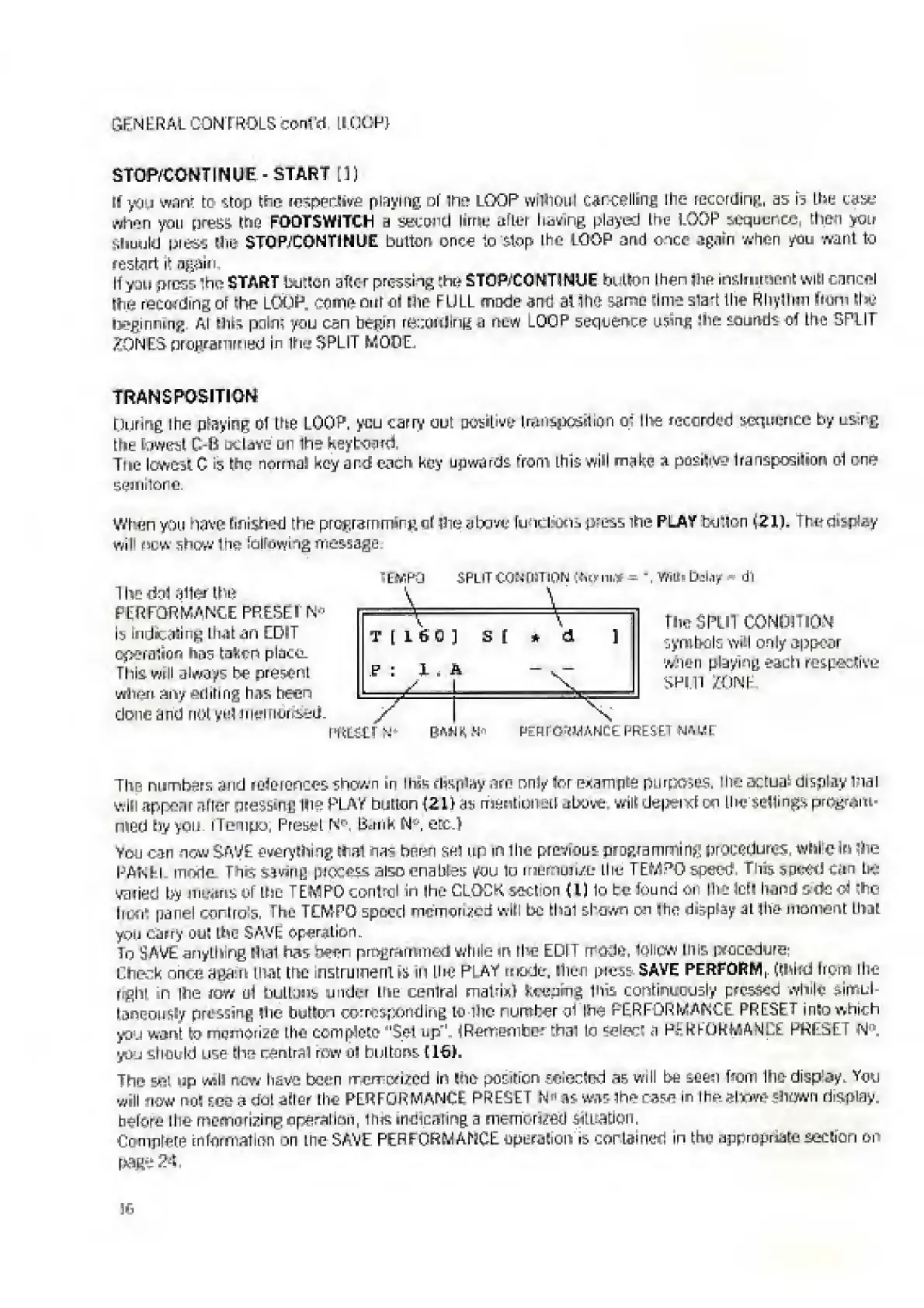
EasyManua.ls Logo

Elka MK55 - Stop;Continue - Start; Transposition

Default Icon
47 pages
Print Icon
To Next Page IconTo Next Page
To Previous Page IconTo Previous Page
Loading...
GENERAL
CON
[
ROLS
conl'fl
[I
CGP}
STOfVCONTtNUE
-
START
[])
(1
you
want
to
stop
the
resperJive
playing
of
ihn
LOOP
wiinoul
cancelling
lhe
recording,
as
b
Lbu
case
when
you
qr^ss
the
FOOTSWITCH
a
Second
lirriu
after
living
played
the
LOOP
sequence,
then
you
Should
press
Hie
STOP
1
CONTINUE
button
once
to
stop
the
LOOP
and
once
again
when
yen
want
to
restart
it
again.
II
you
press
the?
START
button
after
pressing
thu
STDP/CONTINUE
button
I
hen
|3
ih
instrument
will
cancel
the
retooling
ot
the
LOOK
rpmo
our
el
the
FULL
made
ano
at
3he
sang
lime
start
the
R
by
Him
hum
tin;
beginning
At
Ihte
pair?
you
can
begin
resitmlinn
a
new
LOOP
sequence
using
Hie
sounds
of
the
SPLIT
ZONES
programmed
in
Hit*
SPLIT
MODE,
TRANSPOSITION
[luring
I
he
playing
of
the
LOOP,
you
carry
out
positive
transposition
o
:
the
recorded
sequence
by
usirg
the
lowest
C-fi
octave
un
Ihe
Keybos
m.
The
lowest
C
.s
the
normal
key
a
ref
each
key
upwards
from:
this
will
make
a
positive
transpcsilion
of
one
sernilono.
When
you
have
finished
the
programming
of
Hie
aba
1
.^
fcmcliOiiSi
press
ihe
PLAY
button
(2IS,
The
display
win
new
show
Ihe*
lallowiig
message.
LWPO
SPLIT
CON
pmou
y^ni.-.
-
WilMidny
dl
1
hr
rtn-3
alter
the
PERFORMANCE
PRESEl
N"
is
indicating
that
an
EDIT
cperalion
taken
plnen.
This
mil
always
bn
present
wfiesn
any
editing
has
been
done
and
not
yul
imnncr^d-
ntLEil
N-
BANK
N
rt
PERFORMANCE.
PRESETNAME
The
numbers
and
references
showm
in
lhas
display
arn
nM/ter
example
purposes^
the
actual
display
lhat
will
appear
after
qiessibfi
Hie
RLAV
button
{Zli
as
mentions;!)
oLxjw:.
wilt
depeivd
on
I
he
sellings
program-
nied
by
you
[Tempo,
Preset
N
n
,
Bunk
N<-,
etc.)
You
can
now
SAVE
everything
that
nas
been
sel
up
in
The
previous
praejamminKprocetJunes.
while
In
ihe
RAM
El
mode
T
hr>
siting
process
also
enables
you
to
rnur-uui/e
Hie
TEMPO
sewd
This
speed
can
Ini
vailed
by
means
qF
the
TEMPO
control
in
(he
CLOCK
section
U)
1o
be
lounc
«r
Ihe
toll
hand
stfc
ci
the
In;
i
r
panel
centrals,
I
he
TEMPO
speed
memorised
will
be
that
shown
cvi
(tie
display
at
the
moment
that
you
carry
Out
the
SAVE
operation.
To
yAvt
anything
d^ial
has
been
programmed
while
in
rhe
EDIT
mode,
lolicw
Hits
procedure:
Check
once
agam
that
the
irstmirenl
is
in
the
PLAY
mode,
then
press
SAVE
PERFORM,
(third
Frpm
the
right
in
Ihe
now
til
buttons,
under
the
cenlral
mat-ini
Keening
the
continuously
pfteStti
while
simui
laneoiiHty
pressing
Hie
button
corresponding
to
Hie
number
yl
Ihe
PERFORMANCE
PRESET
into
which
you
wool
to
memorize
the
complete
"Set
up
pl
(RemembB?
that
to
seler
-
a
PL
WKQWMANCE
PRESE
f
N
you
should
use
Ihe
rental
row
ul
buttons
[16).
The
sei
»p
will
new
have
been
rrcur-Dfized
In
Ihcr
position
selecled
as
will
be
seen
Rom
Ihe
display.
You
will
now
not
see
a
dut
aftor
the
PERFORMANCE
PRESET
as
was
Ihe
rase
In
the
*1*
?
shown
display,
before
il
ti
memorizing
operation,
ins
indicating
a
metnorKed
situation.
Compteie
information
on
the
SAVE
PERFORMANCE
operation
is
contained
in
the
appropriate
section
or
page
?4.
the
SPUl
CONOlTiOM
symbols
will
only
appear
when
playing
each
respective
SPLIT
/UNF

Related product manuals