EasyManua.ls Logo

Elka MK55 - Performance Sequence

Default Icon
47 pages
Print Icon
To Next Page IconTo Next Page
To Previous Page IconTo Previous Page
Loading...
PERFORMANCE
SEQUENCE
ii:,
tLnotion
which
can
only
ho
activated
when
you
are
in
the
Pi_AY
.mode,
enables
you
to
programme
0
sequence
of
up
to
a
maximum
o'
3D
PERFORMANCE
PRESETS
which
can
be
advanced
one
hy
one
by
,1
footpedgl
(see
OPTIONAL
ACCESSORIES}.
This
should
^pugged
[he
PROG.
ADV
picket
en
the
back
par
el
(see
Fig.
1
on
page
2).
I
he
sequence
can
also
be
moved
backwards
cr
forwards
!
'
"
1
"
1
'
'
_
p
ERF.
SEQ,
buttons
(15)
s
tuafed
under
the
control
indicator
lights
on
the
eft
of
the
rr
atnn,
see
Fig.
j.
Li
below
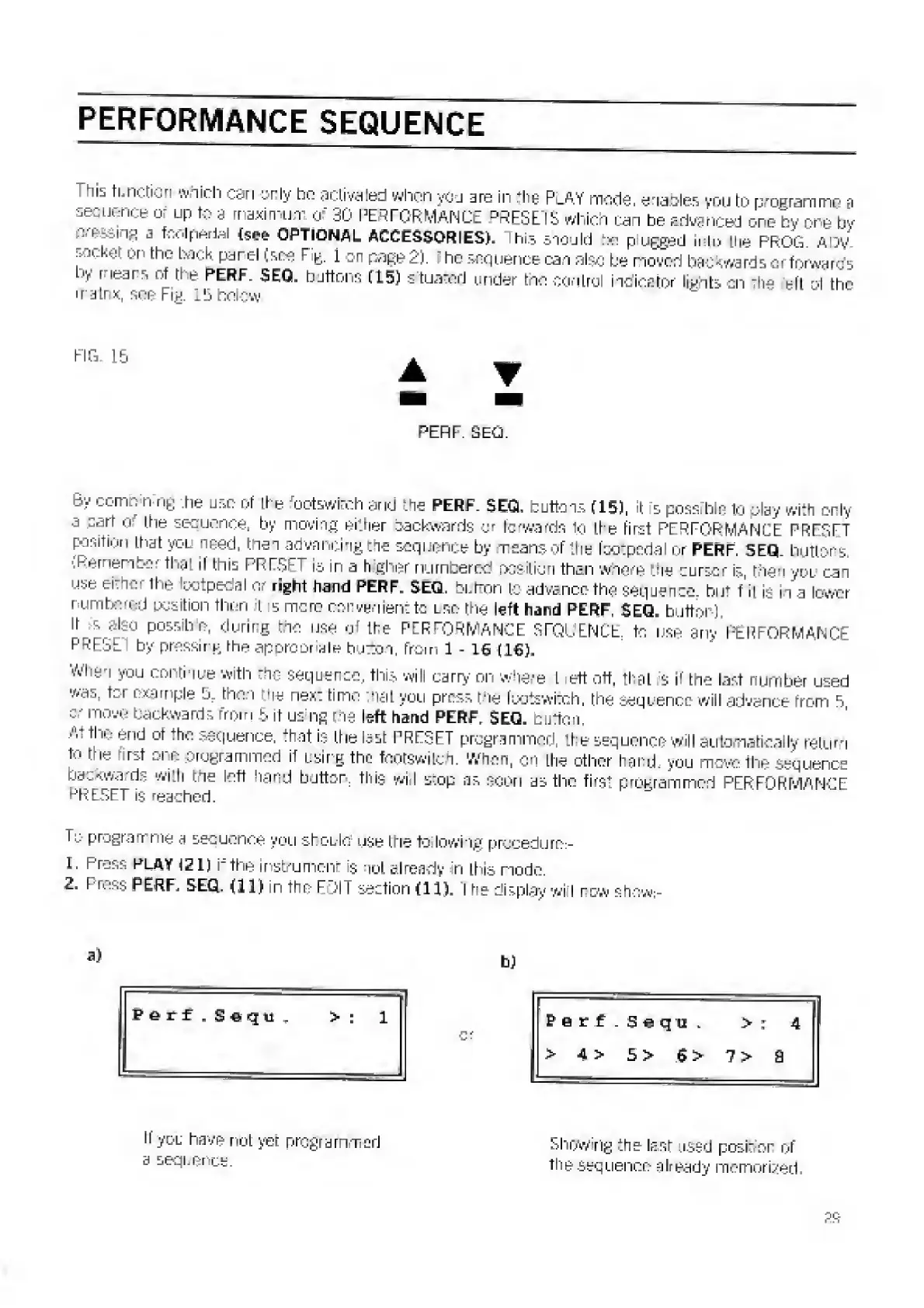
FIG.
lb
PERF.
SEQ.
e
>'
CDmt
]
nin
6
-he
use
of
Li
e
footswirch
and
the
PERF.
SEGL
buttons
(15J,
it
5
possfble
to
play
with
only
a
cart
q-
the
sequence,
by
moving
either
backwards
or
forwards
to
the
first
PERFORMANCE
PRES
FT
position
that
vol
need,
then
advancing
the
sequence
by
means
of
the
faotpedal
or
PERF.
SEQ.
buttons.
.Remembe
that
If
this
PRESET
is
in
a
h
gher
numbered
position
than
where
the
cursor
Is
non
yoi
can
use
either
the
krotpedal
or
right
hand
PERF
r
SEQ.
bLlton
to-advance
the
sequence,
but
f
it
is
in
a
lower
numbered
position
then
t
5
mono
convenient
to
lso
the
left
hand
PERF.
$EQ.
button).
It
s
ditro
possib
e,
during
the
use
of
the
PERFORMANCE
SEQUENCE,
to
use
any
PERFORMANCE
F
”-
:i
by
pressing,
the
appropriate
huTton,
from
l
-
is
(16).
Why,
you
continue
with
the
sequence,
this
will
carry
on
where
l
eft
off,
that
s
if
the
last
number
used
was.
ter
example
!j.
then
us
nex:
time
'iaL
you
press
the
footswitch,
the
sequence
will
advance
from
5
c-
move
backwards
from
5
if
us
ng
the
left
hand
PERF.
SEQ.
button.
>'V
the
end
or
the
sequence,
that
is
the
last
PRESET
programmed,
the
sequence
will
automatically
return
to
the
rst
one
programmed
if
using
the
fqotswlfch.
When,
on
the
other
hand,
you
move
the
sequence
backwards
with
the
left
hand
button,
this
will
srop
as
soon
as
the
first
programmed
PERFORMANCE
PRESET
is
reached.
U:
programme
a
sequence
you
shoLlo
use
trie
to
lowing
procedure:-
1.
Press
play
121)
if
the
instrument
is
not
already
in
this
node.
2.
I
uPERF.
SEQ.
(11}
n
the
FOil
section
(11).
I
he
display
wi
I
row
show:-
Perf
.
Seqtt
>
:
1
ferf
.Seqii.
4
>
4
>
5>
G>
7
>
a
If
yoL
have
not
yer
programmed
a
sequence.
Showing
the
last
used
posher
of
the
sequence
already
memorized.

Related product manuals