EasyManua.ls Logo

Elka MK55 - To Programme a Completely New Sequence; To Make a Substitution

Default Icon
47 pages
Print Icon
To Next Page IconTo Next Page
To Previous Page IconTo Previous Page
Loading...
PERFORMANCE
SEQUENCE
cant'd
lr
(bj
(Rage
29)
the
display
is
showing
the
situation
ir
the
ast
seqacrce
programmed,
that
is
position
4
with
PFRF.
PRESET
hJv
6
(flashing).
The
actual
display
shown
w
I
depend
on
the
last
used
stale
of
Lhe
programmed
sequence.
You
can
newt
a)
Programme
a
cample-te
>
new
sequence.
b)
$i.j
bstitu
te
a
PER
I-
PRESET
n
the
seq
uonoc
with
another
one
of
ycur
cho
ice
c)
insert
new
^ERF
FRrSFTS
Into
Itie
sequence.
d)
Delete
any
PERK
PPESE'
3
from
the
sequence.
a)
TO
PROGRAMME
A
COMPLETELY
NEW
SEQUENCE
1.
bring
the
sequerce
tc
posit'or
I
(this
will
ho
shown
n
the
top
right
hand
corner
of
'he
display)
by
means
of
It
e
^
Duttons
l
rider
the
d
sp
ay
(IS).
2.
ise-t
the
number
of
the
PERFORMANCE
PR
r
$FT
that
you
want
to
merrier
se
ri
(his
position
by
so
ec-
ting
the
appropriate
button
from
I
1C
n
the
row
under
the
central
nabix
(16).
3.
Now
advance
the
sequence,
one
position
nt
a
tine..
with
the
button
marked
LJnde'
the
display,
inser¬
ting
the
PERFORMANCE
PRESET
requ
red
into
each
positron
up
to
a
maximum
of
3G.
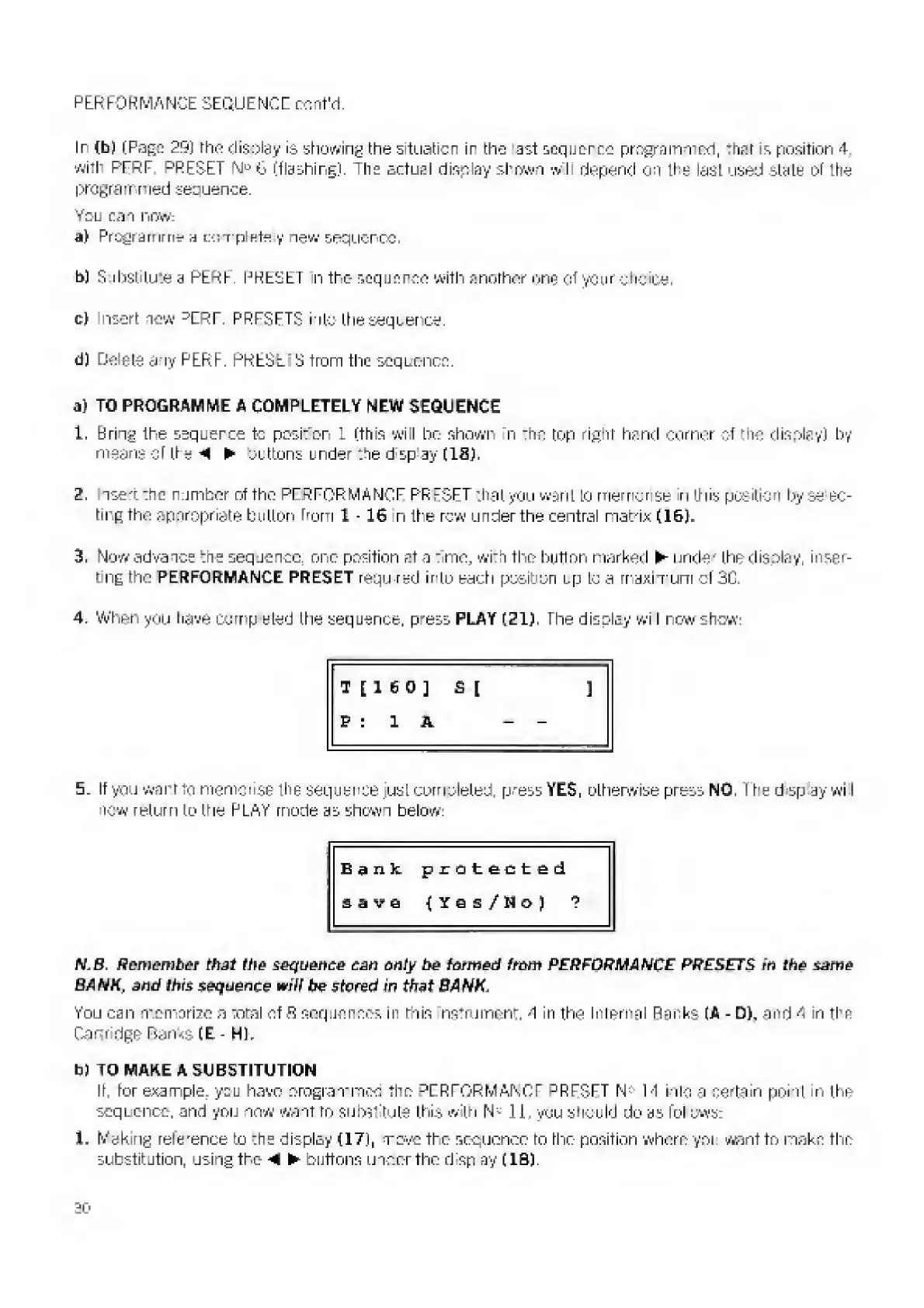
4.
When
you
have
CO
trip
elect
ttie
sequence,
p^ess
PLAY
(21),
The
disolay
wi
I
now
show:
T
[
1
6
0
]
£
I
]
p
r
1
A
-
-
5,
I
f
you
want
to
memorise
the
sequence
just
completed,
press
YES,
otherwise
press
NO.
T
he
d
sp
ay
wi
I
now
return
to
the
PLAY
mode
as
shewn
below:
Bank
protected
save
(Yes/Ho)
?
N.B.
Remember
that
the
sequence
can
only
he
formed
from
PERFORMANCE
PRESETS
in
the
isitit?
BANK
,
and
this
sequence
wiif
(re
stored
in
that
BANK,
You
can
memorize
a
total
of
fi
sequence?,
in
rhin
nsfrument,
A
in
the
Internal
Parks
(A
-
D),
and
4
in
the
Cartridge
Banks
(E-
Hh
b)
TQ
MAKE
A
SUBSTITUTION
It.
tor
example
you
have
ora
gram
mod
the
PERFORMANCE
PRFSFT
N
14
into
a
certain
point
in
the
sequence,
and
you
now
want
ro
substitute
this
with
N
:
:
II.
you
should
do
as
fol
sws-
1,
Making
reference
to
:ne
display
<171,
rove
the
sequence
ro
the
position
where
you
want
to
make
the
substitution,
using
the
buttons
under
the
rhsp
ay
(IB).

Related product manuals