EasyManua.ls Logo

Elka MK55 - Performance Preset Selection

Default Icon
47 pages
Print Icon
To Next Page IconTo Next Page
To Previous Page IconTo Previous Page
Loading...
SAVE
PERFORMANCE
rant'd.
f
e
BANK
name
will
stop
flashing
just
as
soon
as
you
press
a
PRESET
button,
in
Lhe
case
that
you
have
changed
BANKS,
ind
satiny
a
definite
entry
irito
that
BANK.
PERFORMANCE
PRESET
SELECTION
O
eel
the
’RESIT
that
you
require
from
the
various
franks
available,
you
should
follow,
the
procedure
below:
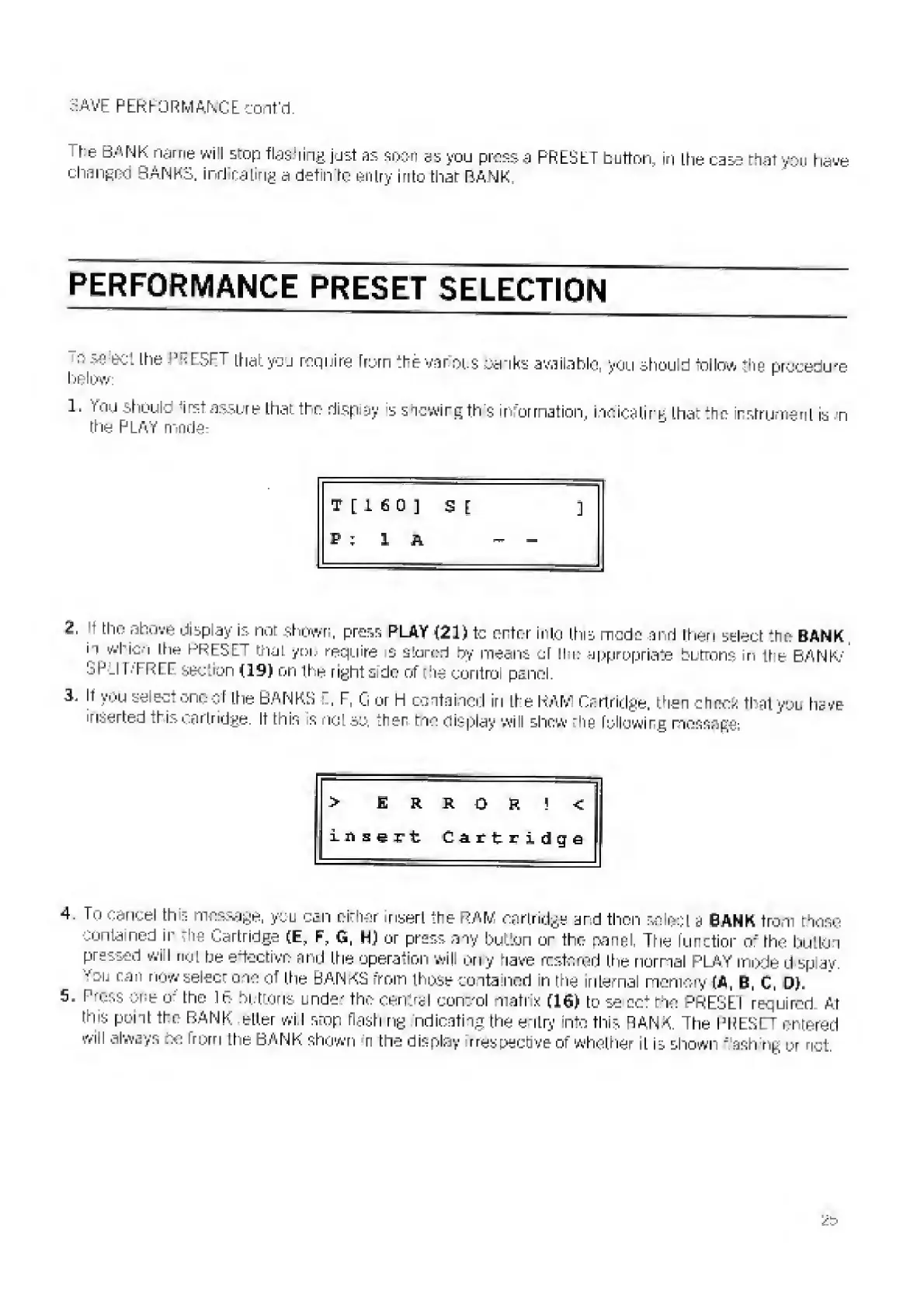
1.
You
shout,
irst
assure
that
the
riispiay
is
shewing
this
information,
indicating
that
the
instrument
is
n
the
PLAY
mode:
T
[
1
fi
0
3
SE
3
P
:
1
A
-
2
,
the
above
display
is
not
shown,
press
PLAY
{21)tc
enter
into
this
mode
and
flier
i
select
the
BANK
in
which
lhe
PRESET
mat
yoi,
require
s
stored
fry
means
cl
!l
i:
appropriate
bLtrons
iri
ttie
BANK
1
'
SPLIT/FREE
section
{19)
on
the
right
side
of
the
control
panel.
3.
It
you
select
one
of
the
BANKS
E,
F,
G
or
h
contained
in
Lhe
RAM
Cartridge,
then
sheer;
that
you
have
inserted
.1
i
j
cartridge.
If
this
s
not
so,
ther
tne
display
will
shew
_
hg
followirg
message:
>
E
R
R
0
R
!
<
insert
Cart
ridge
4
j
To
cancel
this
message,
you
can
oiehar
insert
'.he
RAM
cartridge
and
then
select
a
SANK
from
those
contained
ir
'he
Cartridge
(E,
F,
G,
H)
or
press
any
button
or
the
panel.
The
function
o
r
rhe
button
pressed
will
not
be
elective
and
the
operation
will
Ony
have
restored
the
normal
PLAY
mode
d
Sp
ay.
'’'ou
can
now
select
oio
of
the
BANKS
from
thp^e
cotta
nod
in
roe
internal
memory
[A,
B,
C,
Dh
S.
Press
one
o
;
lhe
IB
buttons
uide-
the
central
control
matrix
(16)
to
se
ccf
ne
PRESEI
required
At
tms
point
the
BANK
etter
wi
I
stop
flash
ng
ndlcatingthe
entry
nto
this
RANK
The
BREST
entered
will
always
no
frprn
the
BANK
shown
r
the
display
respective
of
whether
it
Is
shown
"'ash
ng
pr
net.

Related product manuals