EasyManua.ls Logo

Elka MK55 - Performance Preset and Bank Management

Default Icon
47 pages
Print Icon
To Next Page IconTo Next Page
To Previous Page IconTo Previous Page
Loading...
EDIT
cont'd.
(MID
PATCH)
Tl>
verify
everything
that
nas
been
programmed
into
the
IV
ID!
PATCH
'you
should
pess
Pie
MIDI
PATC--
buttun
(
1
1
)
again
when
the
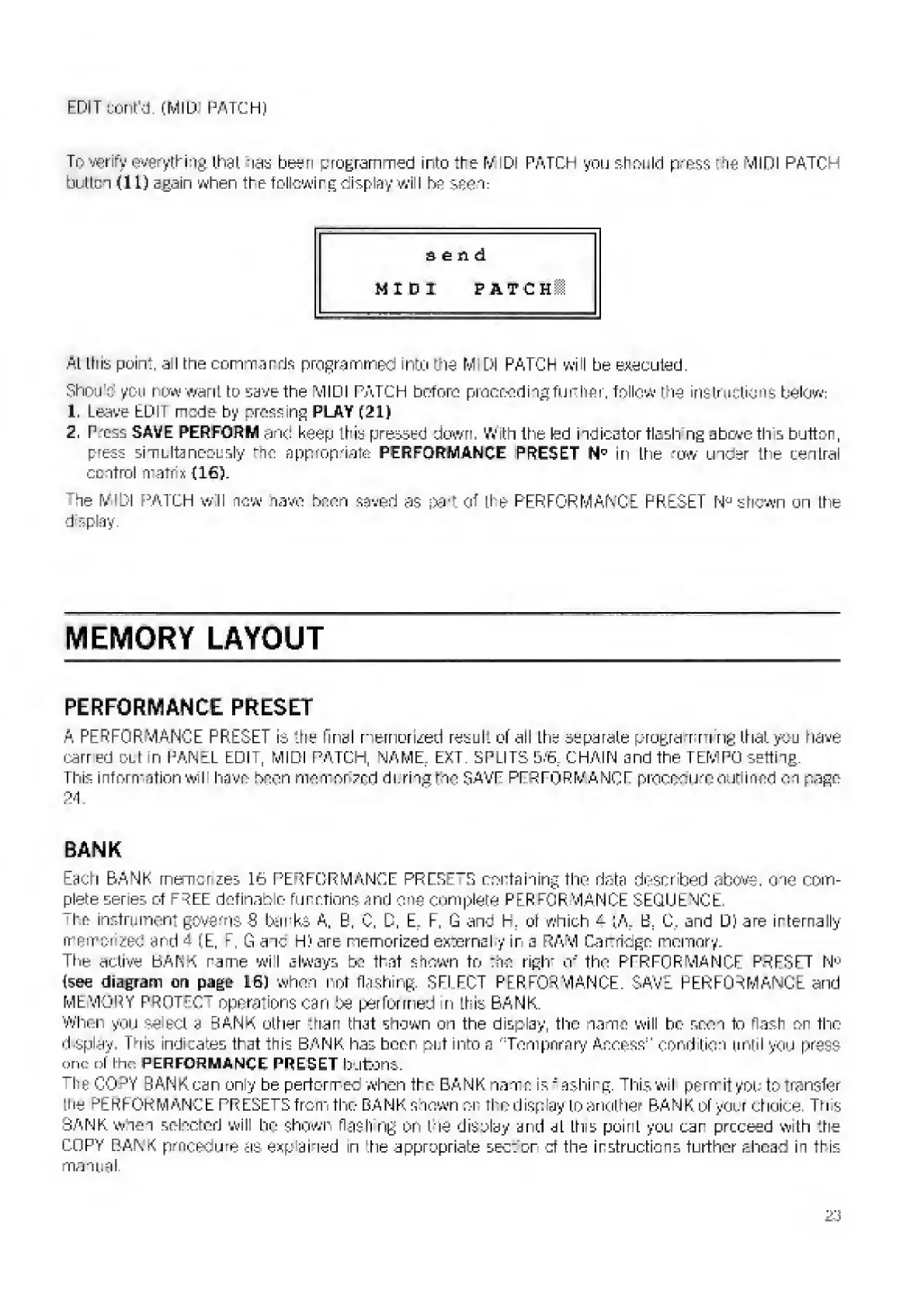
following
display
will
be
seen:
send
MIDI
FATCHl
At
this
point,
a
I
the
commands
programmed
into
the
M
Dl
PATCH
wf
I
be
executed.
Shou
t:
you
now
want
to
save
ttie
MIDI
PATCH
before
proceedingfurther,
follow
:ne
instructions
below;
1.
Leave
EDIT
node
by
crossing
PLAY
(21)
2,
Press
SAVE
PERFORM
and
keep
this
pressed
down.
With
the
led
indicator
flash
ng
above
th
s
button,
press
simultaneously
tfio
appropriate
PERFORMANCE
[PRESET
NP
m
the
r
ow
under
it«e
central
control
matrix
(16).
he
MIDI
PATCH
w
11
new
nave
boon
saved
as
\>y\
Of
the
PERFORMANCE
PRESET
N*
shewn
ori
ttie
d
splay.
MEMORY
LAYOUT
PERFORMANCE
PRESET
A
PERFORMANCE
PRESET
is
the
final
memorized
result
of
all
the
separate
program
rig
that
you
have
carr
ed
out
in
PANEL
EDIT,
MIDI
PATCH,
NAME.
EXT.
SPLITS
&:6
r
CHAIN
and
the
TEMPO
setting.
This
information
wil
have
been
mem
nr
zed
during
the
SAVE
PERFORMANCE
procedure
outlined
on
page
24.
BANK
Each
BANK
rnemurzes
L6
PERFORMANCE
PRESETS
containing
the
riotn
descr'berj
above,
one
com¬
plete
series
of
f^EE
definable
functions
and
one
complete
PERFORMANCE
SEQUENCE.
"ho
instrument
governs
S
barks
A.
B.
C,
D,
E.
F,
G
and
H.
ot
which
a.
(A.
E.
C
?
and
D)
are
internally
memorized
and
A
(E,
F.
G
aic
H)
are
memorized
external
y
ir
a
RAM
Da
nidge
memory.
Ttie
active
BANK
name
wil
always
be
That
shewn
to
The
riglm
of
the
PPRrORMANCF
PRFSFT
Nn
[see
diagram
on
page
L6)
when
not
flashing,
SEl
EOT
PERFORMANCE.
SAVE
PERFORMANCE
and
MEMORY
PROTTC
-
operations
can
be
performed
n
ft;is
BANK.
When
you
S3
set
a
BANK
other
than
that
shown
on
the
display,
the
name
will
be
scon
tn
flash
on
tine
d
splay.
1
uis
indicates
that
this
BANK
has
beer
put
into
a
'Tempnmn/
Access"
condition
unlil
you
press
one
of
I
ho
PERFORMANCE
PRESET
buttons,
The
CO^Y
BAN
Kean
only
be
perform
ec
when
the
BANK
name
isieshing,
This
wil
permit
you
to
transfer
[tie
PERFORMANCE
PRESETS
from
the
BANK
shown
or
the
display
to
another
BANK
of
your
choice
Th
s
BANK
when
selected
will
he
shown
flash
ng
On
ttie
disolsy
and
al
this
point
you
car
proceed
with
ttie
COPY
BANK
procedure
as
exp
ained
in
‘.tie
appropriate
sector
of
tine
instructions
further
ahead
in
this
manual
?
.;

Related product manuals