EasyManua.ls Logo

Elka MK55 - Keyboard Controls and Modes; Split and Full Mode Operation

Default Icon
47 pages
Print Icon
To Next Page IconTo Next Page
To Previous Page IconTo Previous Page
Loading...
CONTROLS
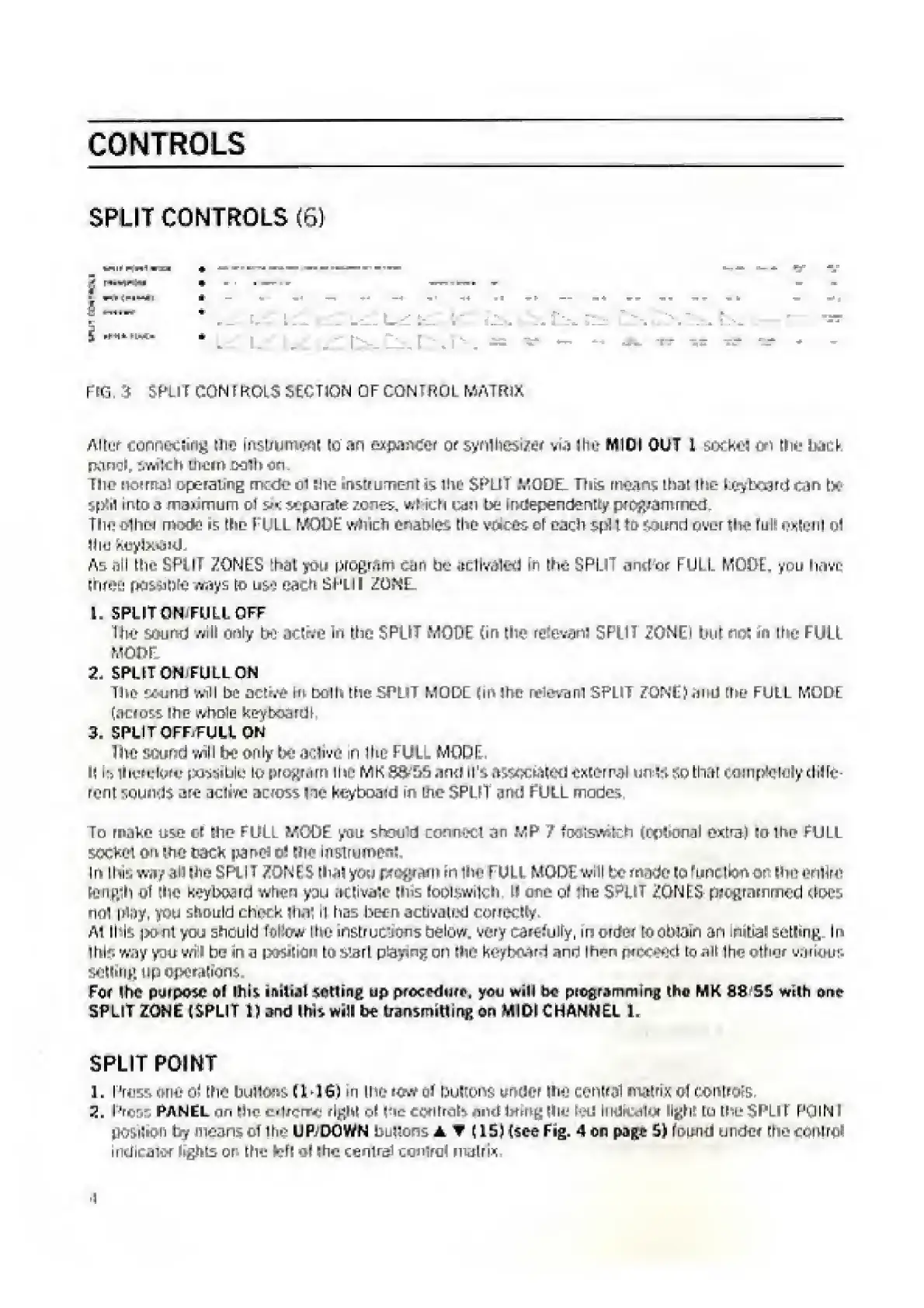
SPLIT
CONTROLS
(6)
r
-
fie.
:i
SKIT
CON
EftOLS
SECTION
OF
CONTROL
MATRIX
Altar
conneciing
me
instrument
to
an
expander
or
syntecsi/er
via
I
her
MIDI
OUT
L
socket
on
Hie
back
panel,
iwilch
them
ooih
on
The
normal
opc-ratirg
mede
oi
hie
instiument
&
(.tie
SF^L.iT
.MODEL.
This
means
that
the
keyboard
can
t>
spill
into
3
maximum
oi
six
separate
zones,
wricM
leu
be
Independently
proj^mmed.
I
si-*
olhn
nwtfc
1
is
the
Ft
LL
MODE
which
enables
the
voices
of
each
si'll
to
sound
over
site
full
oxtanl
oi
II
m
kuytKtiKL
As
oil
tile
SPl
IT
ZONES
that
yon
program
can
be
acllvalird
in
the
SPLIT
a-ndor
HUL
L
MODE.
you
have
three
r^tete
w^ys
to
use
each
SHJI
ZO^L
1.
SPLIT
ON
FULL
OFF
The
sound
will
only
bo
j<
live
in
the
SPLIT
MOOT
(in
the
retevami
SPLIT
ZONE!
but
not
in
the
FULL
MODt
2.
SPLITON
FULLON
The
sound
will
bo
active
in
both
the
SPLIT
MODE
(in
ltie
relevant
SPLIT
ZONE}
and
(he
FULL
MODE
(across
me
whole
keyboard
I.
3.
SPLIT
OFF,PULL
ON
The
sound
wall
be
only
be
active
in
Ihf
FULL
MODE.
I|
b
iheiulbfo
possiblu
to
proftMin
the
MK
8&S5
and
n's
associated
external
unK
SO
that
completely
dilfe-
rcnT
sou*i*:Js
active
across
l
ie
kcyboaitt
in
me
SPLIT
anti
FULL
modes
To
make
use
c-r
She
FULL
MODE
you
shoo
d
connect
an
MP
?
teolswfch
ioptiunai
extra}
to
the
FULL
socket
on
Lhe
tack
pan#
o!
the
Instrument
In
ihi*.
way
.in
die
SPLIT
ZONES
that
you
program
in
ilm
Fuu
MODE
will
be
made
to
runctxm
or
(he
entire
length
oT
the
keyboard
when
you
activate
this
footswilch
tl
one
of
iluj
SPLIT
ZONES
programmed
does
mil
iliny,
you
should
check
lhai
n
has
been
activated
correctly
Ai
this
pent
you
should
teikw
Ihe
instructions
below,
very
c^rtJ'uiiy,
in
order
to
obtain
an
nitial
setting
li
tills
way
yju
wrS
be
in
a
position
to
siart
ptaying
on
the
keyboard
ann
Ih^n
pi-oytl
to
all
ihe
other
uanw
selling
up
operations.
Fo<
the
purpose
of
Ibis
initial
setting
up
praeoelurf,
you
will
ho
programming
the
MK
88
55
with
one
SPLIT
ZONE
(SPLIT
1}
end
Ibis
will
bo
transmitting
on
MIDI
CHANNEL
1.
SPLIT
POINT
1.
Press
one
cl
the
buttons
£1*16)
m
the
row
(
Pultons
under
Ihe
central
matrix
oT
oontrofs.
2.
rV'r,-.
PANEL
«in
Hio
?
,lronx‘
right
of
|*it
COrltralb
in-!
!
fmglln*
tad
II'
li
diet
light
to
thuSPL'l
KJlNl
jK.i'jtn:"
b
r
moans
oT
ihe
UP
.‘DOWN
buttons
A
V
(15)
[see
Fig.
4
on
page
5)
found
under
tr>u
control
indicatin'
lights
or
the
Ml
of
me
cenlrai
tomrat
matrix
I

Related product manuals