EasyManua.ls Logo

Elka MK55 - Page 35

Default Icon
47 pages
Print Icon
To Next Page IconTo Next Page
To Previous Page IconTo Previous Page
Loading...
rREF
cont'd.
CONTROLLER
NUMBER
CONTROLLER
FUNCTION
{2nd
Ryle
Value)
6
Date
Entry
]
Main
Volume
8
to
31
Undefined
32
to
63
Least
signifies
it
hyto
tor
values
1
84
Damper
(sustain)
peda
65
Portamento
On/OfT
66
Sestenuto
67
Soft
pedal
88
to
9b
Undet
ried
98
Data
increment
97
Data
increment
9Sto
121
Undefined
122
ocf.I
Control
on/off
123
AH
Note
Off
124
Omni
Mode
0
-T
12b
Omni
Mode
Ql
128
Mono
Mode
On
-
Roly
Mode
Off
L27
Pciy
M
ode
On
W
ono
W
ode
O
r
"f
If
is
Ihs'efore
possible
to
change
an
MK
88/55
controller
(e.g.
Tco:
controller)
info
another
type
of
rortrol
er
(e.g.
Breath
control
rr>
at
ih's
destiratiqn,
To
access
ary
of
those
functiors.
ycu
should
now
press
PERF.
PRESET
N*
4,
corresponding
ro
CONTR.XX,
ic
display
wiI
now
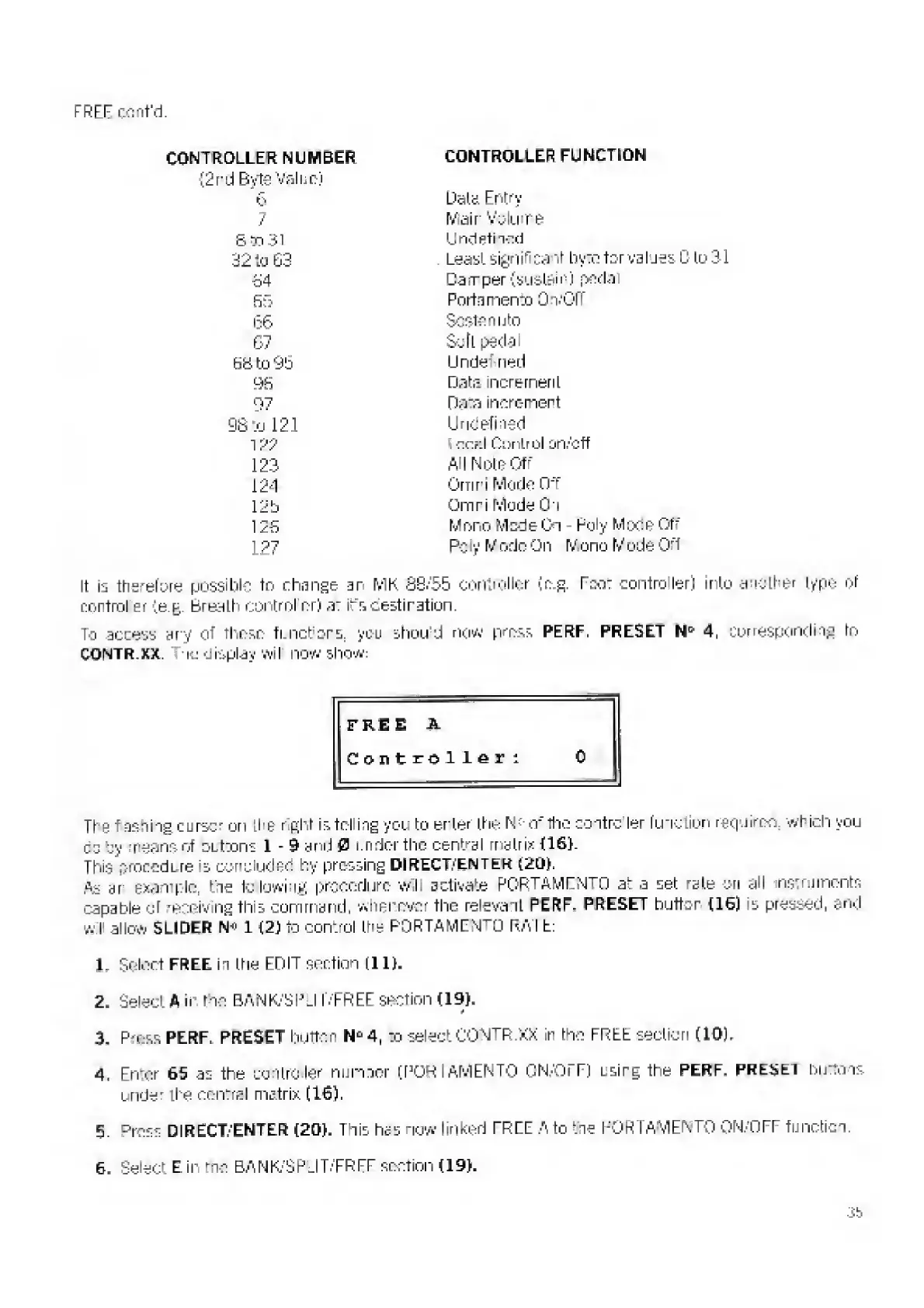
show:
The
Hasting
cursor
on
the
r
pint
is
telling
you
bo
enter
the
Nettie
contro
ler
function
requires
which
you
cd
by
means
of
OLttons
1
-
9
end
0
under
the
central
matrix
U6>.
This
nrorodLre
!
s
concluded
by
pressing
DIRECT,-'enter
t20).
fis
ar
-
example,
tie
to
lowing
procedure
will
activate
PCR
T
AMrN"'"n
at
a
set
rste
ori
all
nstruments
capable
oT
mseiving
this
command,
whenever
the
relevant
PERF-
PRESET
button
[16)
is
pressed,
and
will
allow
S
LI
DEB
1
[2)
To
control
the
PORTAMENTO
RAT
t
L
Select
FREE
ii
the
EDIT
section
(11).
2
,
Select
A
ii-
the
BANK/SPU
T/FREE
section
(19).
H
3,
Press
PERF,
PRESET
button
N
fj
4,
to
select
CONTR.XX
in
the
FREE
section
(10),
4,
Rn'er
65
as
the
controller
nunaer
[PORI
AMEN
TO
CN/OiT)
using
the
PERF,
PREJjEl
burtons
under
ihe
central
matrix
(16).
£.
D
ross
DIRECT/ENTER
(20),
This
has
now
linked
FREE
A
to
tie
PORTAMENTO
QN/OFF
fiiiiotici.
6.
Select
Eir
me
BANK/SP'LlT/FREF
section
(19).
3b

Related product manuals