EasyManua.ls Logo

Elka MK55 - Page 8

Default Icon
47 pages
Print Icon
To Next Page IconTo Next Page
To Previous Page IconTo Previous Page
Loading...
SPLIT
CDMTROlS
loi
itU
[TRftNSPOSEJ
You
should
now
press-
one
of
the
leys
on
the
keyboard
1o
make
a
posilive
transposition
ustrrg,
the
lowest
C
key
as
a
reference
point
Tor
example
if
you
want
to
transpose
ttie
keyboard
ty
one
octane
then
you
should
press
the
key
ihal
is
one
oitave
higher
then
bollom
C
Pressing
(he
owest
F
w
i|
shew
+
0.5
on
display,
second
D
-
+1,?
octaves
and
second
G
-
+-
1,7
etc.
These
readings
are
expressed
in
octaves
nil
til
Vi?
Delates.
Having
done
Jhis
r
the
SET
+
red
will
be-
turned
olf
and
the
TRANSPOSE
ON
indicator
turned
on
la
inform
you
that
a
transposition
has
been
programmed
and
the
Tot
Irving
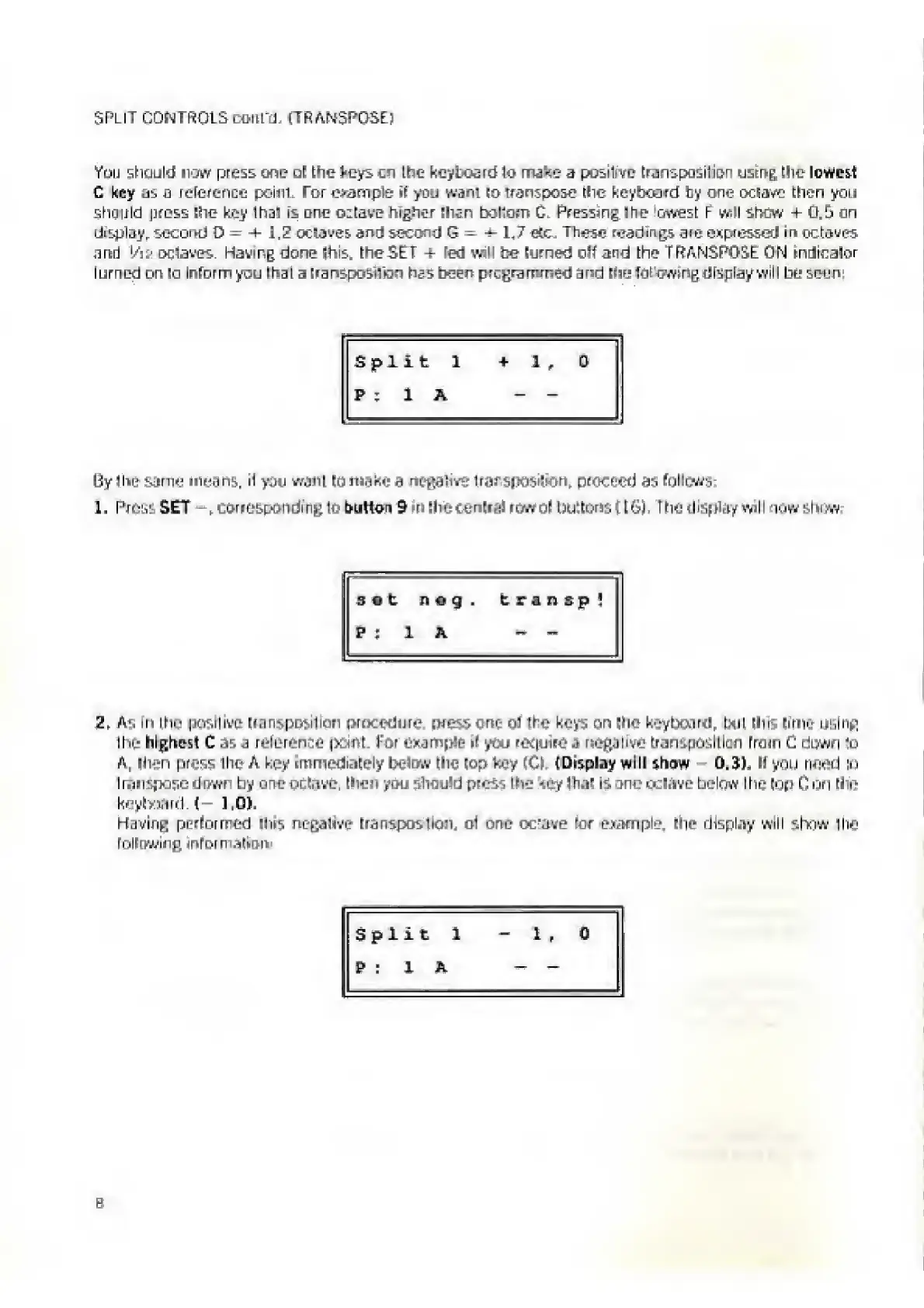
display
will
be
seen
Split
1
+
1,
0
p
;
l
a
-
-
By
the
same
means.
H
you
want
to
make
a
negative
trarsposifon,
proceed
a-i
follows:
1.
Press
SET
-
r
corresponding
to
button
9
>
n
Ihe
central
row
ol
buttons
f
Eft},
The
display
wtl
I
now
sin
fw
sot
nog.
transp!
F
;
1
A
-
-
2,
As
fn
ttie
positive
transposition
procedure,
press
one
of
the
keys
on
(he
keyboard,
txit
Hits
lime
using
1
lie
highest
C
as
a
reference
pant.
For
example
i(
you
reejuire
a
negative
transposition
from
C
down
to
A,
(lien
press
the
A
key
immediately
below
the
(op
key
(Cl.
(Display
will
show
0.3).
If
you
need
in
transpose
down
by
one
octave,
then
you
should
press
the
tey
lhal
Is
one
ocl.ive
below
the
top
C
on
the
keylwartM—
1,0).
Having
performed
Ihis
negalrve
Eransposlion,
ol
one
oc'ave
rcr
example,
the
display
will
r.hnw
the
following
inforn
alien
Split
1
-1,0
P
:
1
A

Related product manuals