11
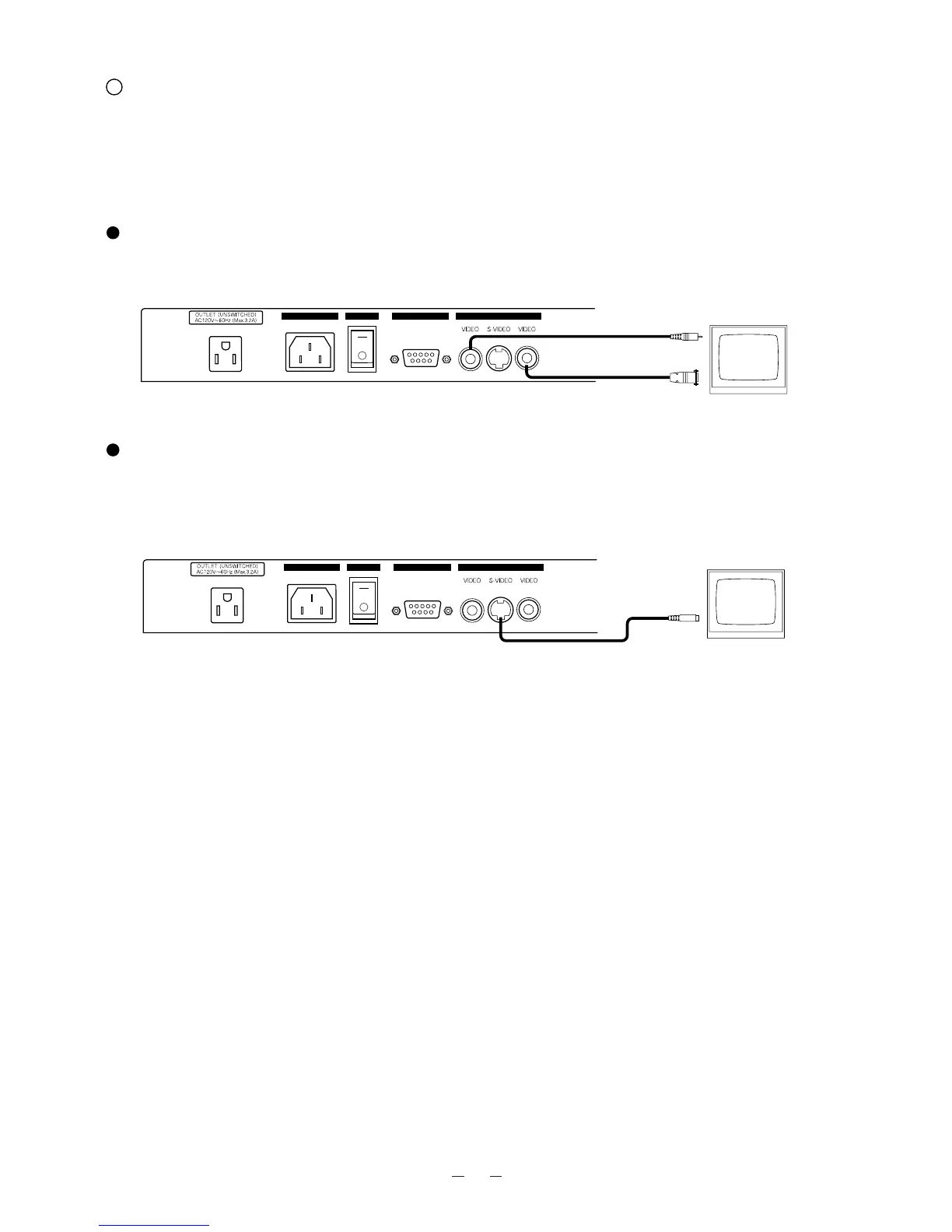
Connection to the monitor TV
Note: Be sure to turn OFF the power supply to all equipment before making any connections to protect the Presenter
and all the connected equipment.
Note: Hold the cable plug part when connecting or disconnecting the cables.
Connection to the composite video-in terminal
Use the supplied RCA video/audio cable or a BNC cable available on the market. (Either the RCA jack or the BNC
jack can be used.)
Connection to the S video-in terminal
Connect the S video-out terminal (mini DIN 4P) of the Presenter to the S video-in terminal of the monitor TV with
an S video cable available on the market.
If the equipment to be used is provided with a Y/C separate connector, a conversion adapter is necessary.



 To Next Page