18
Color/B&W selection
To present the B&W (Black&White) material such as
documents in sharper image with no color blur on the
monitor, set to color mode for normal use.
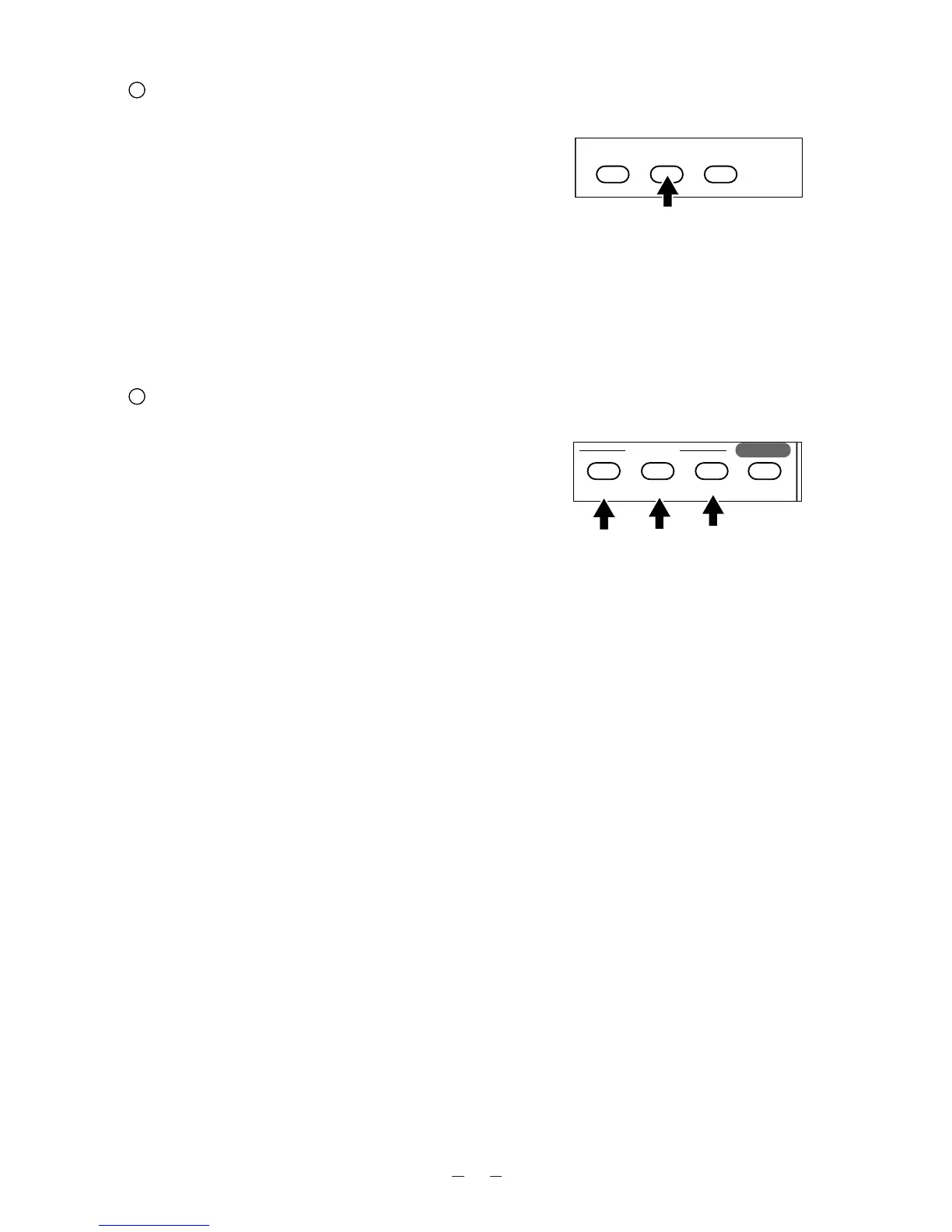
To change to B&W mode, press the color/B&W
selection button [COLOR/B&W] on the wireless
remote control.
To return to normal (COLOR) mode, press the
color/B&W selection button [COLOR/B&W] again.
Remote control
Iris
The auto iris can be manually adjusted.
To open the iris, press the iris button [OPEN].
To close the iris, press the iris button [CLOSE].
When the [NORMAL] button is pressed, the setting is
reset to the initial setting.
Note: If the screen looks dark, press the iris button
[OPEN] on the wireless remote control to
adjust the brightness of the screen.
The adjusted condition is saved in the main
body.



 To Next Page