Remote control
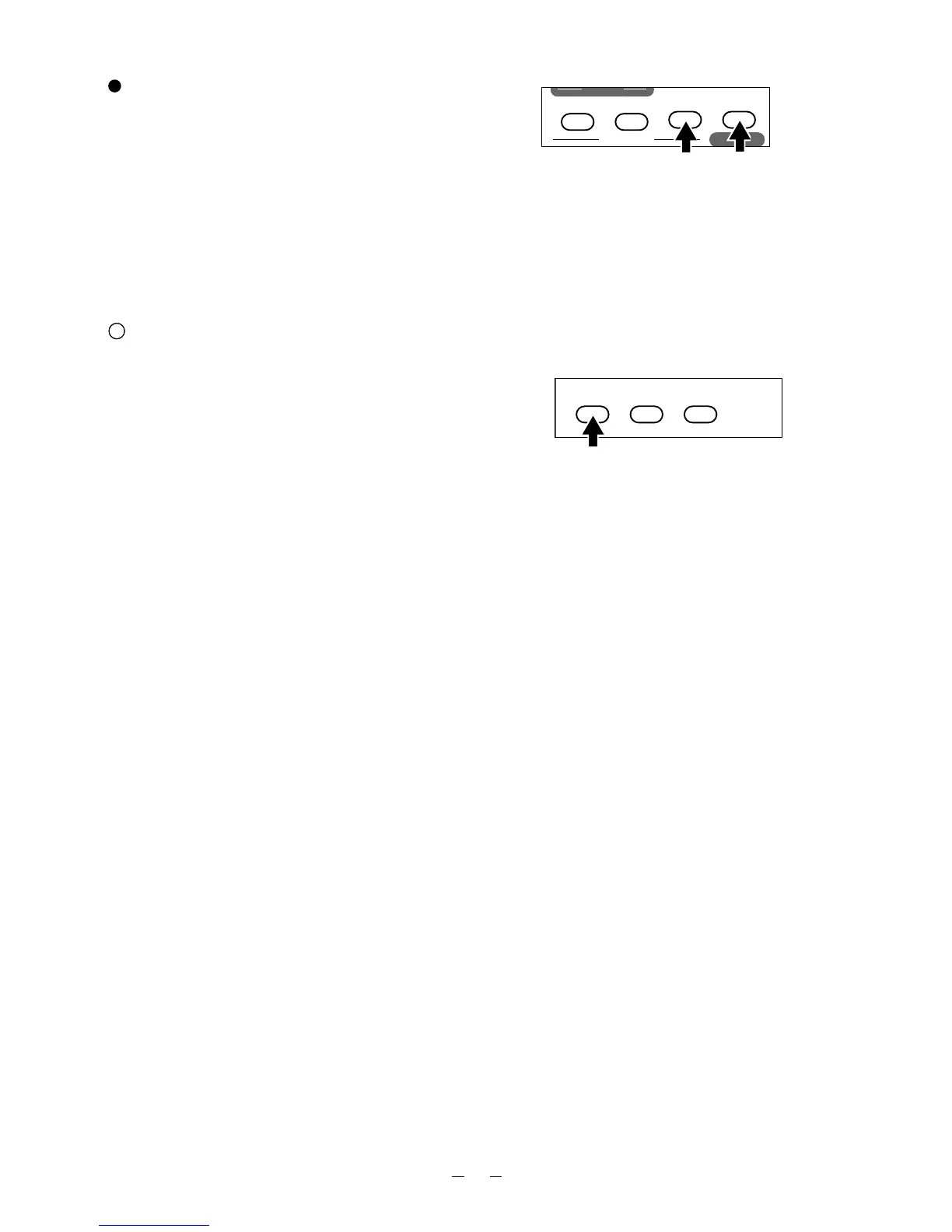
Powered Manual Focus
To focus on any part of the material, such as 3-D
material, press the focus button [NEAR] or [FAR] on
the wireless remote control.
Note: The auto focus function works up to a height of
approx. 15 cm (5.9 in.) above the stage
surface on the maximum side of the zoom
[TELE] (when a close-up lens is attached).
Nega/posi conversion
To show a negative film.
Press the posi/nega conversion button [POSI/NEGA]
on the wireless remote control, and the image will be
converted accordingly.
To return to the normal (POSI) mode, press the
posi/nega conversion button [POSI/NEGA] again.



 To Next Page