105U-G Wireless Gateway User Manual
Page 81 © August 2003
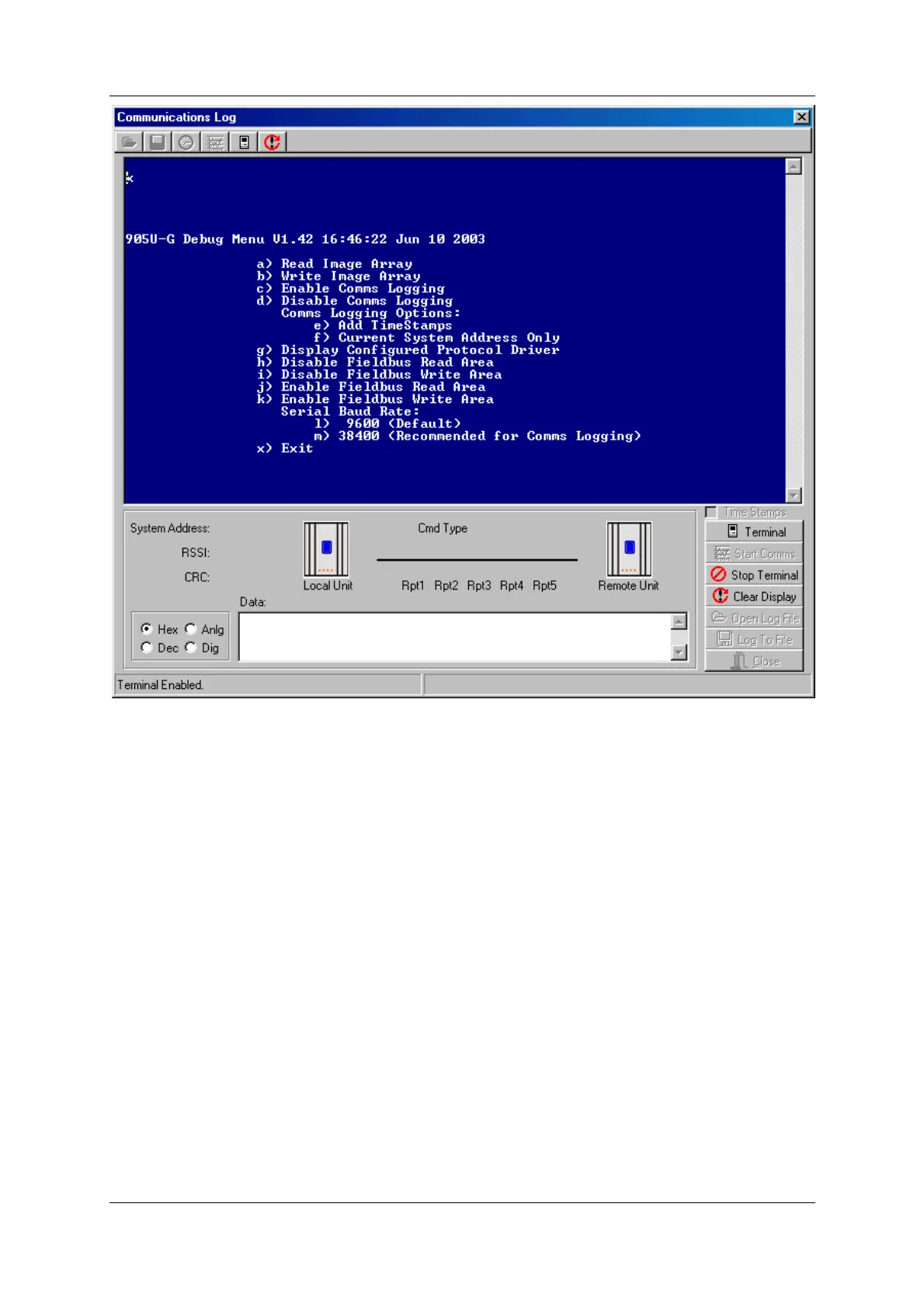
The Debug Menu allows the I/O Database to be viewed and modified to confirm the
operation of the radio network. These options may be used to check operation of outputs at
remote sites, and to check the values of inputs reported from remote sites.
Option a) Read Image Array
Displays the I/O registers of the database - the register values for a block of 50 registers are
updated every 1.5 seconds. For example, to display the I/O Database value at locations 0 to
49.
Select a), then enter Location: 0
0 0x0000 0x0000 0x0000 0x0000 0x0000 0x0000 0x0000 0x0000 0x0000 0x0000
10 0x0000 0x0000 0x0000 0x0000 0x0000 0x0000 0x0000 0x0000 0x0000 0x0000
20 0x0000 0x0000 0x0000 0x0000 0x0000 0x0000 0x0000 0x0000 0x0000 0x0000
30 0x0000 0x0000 0x0000 0x0000 0x0000 0x0000 0x0000 0x0000 0x0000 0x0000
40 0x0000 0x0000 0x0000 0x0000 0x0000 0x0000 0x0000 0x0000 0x0000 0x0000
Note that I/O Image locations are specified in decimal, whereas register values are displayed
and specified in hexadecimal. If you want the 105G to stop the host device writing values to
the I/O database at the same time, then select option i) Disable Fieldbus Write Area.
Press “Enter” to go back to the menu.



 To Next Page