FB2100 Flow Computer Instruction Manual
D301783X012
November 2023
42 Installation
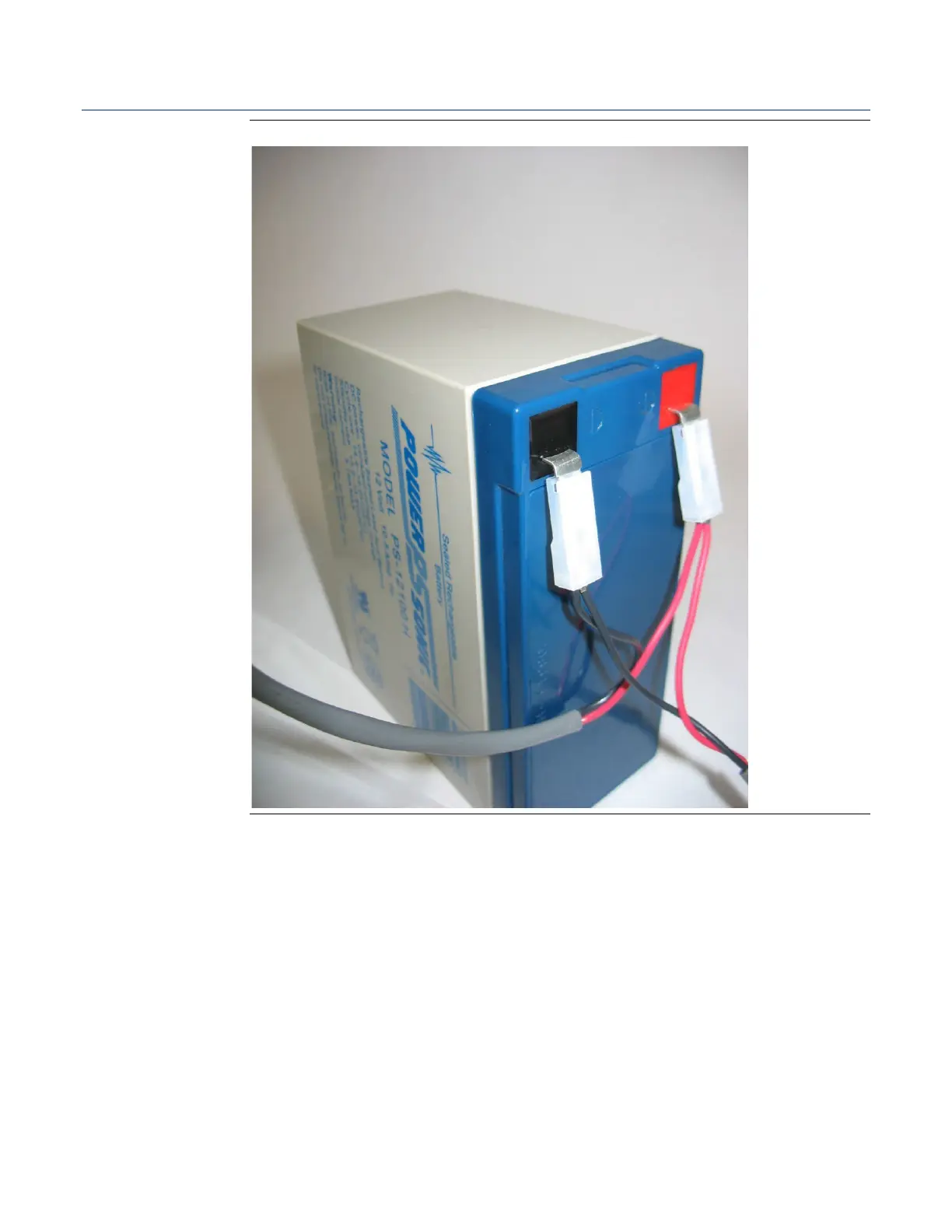
Figure 2-28. Connect the Battery
6.
Now you must secure the battery in the battery compartment so that it doesn’t
move around. How you do this depends on which battery compartment
configuration you have. If the battery compartment includes a strap for holding the
battery, see Section 2.10.2.1 –
41T
Securing the Battery with a Strap
41T
; if the battery
compartment includes an adhesive pad, see Section 2.10.2.2 –
41T
Securing the Battery to
the Pad.
41T





 To Next Page