4.3.1 First column submenus
From the operating display (O2 % and COe ppm), the left-pointing Enter key is the
only option to move into the first column submenus of the local operator
interface (LOI) menu tree.
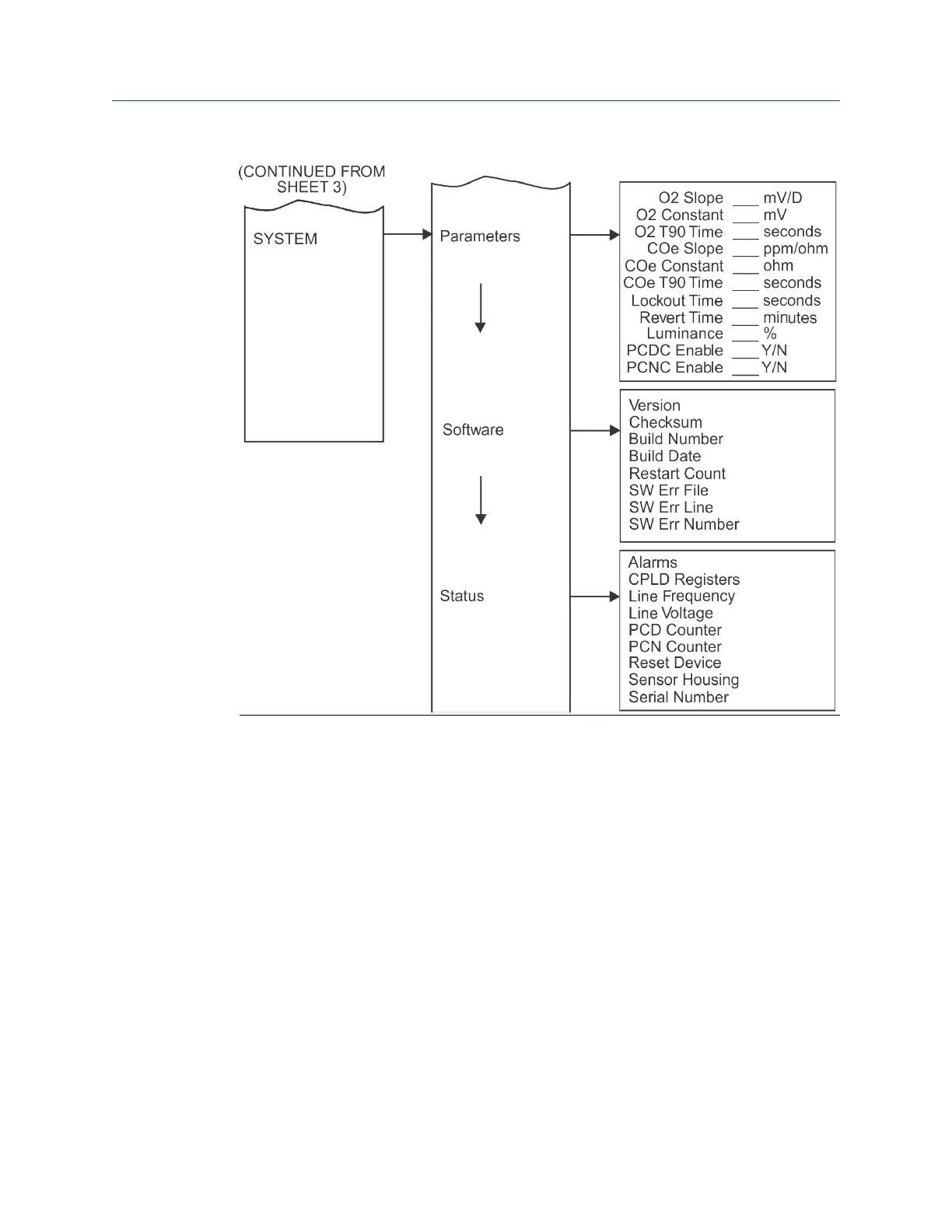
The first column contains three submenus: SENSOR DATA, CALIBRATION, and
SYSTEM. When you select Right, SENSOR DATA is displayed on the operating
display. Use Up or Down to move to the other first column submenus.
4.3.2
Second column submenus
From the first column submenus, press Right to move the display into the second
column submenus.
Press Up and Down to move the display to the second column submenus of the
first column submenu selected. Press Left to move the display back to the first
column submenu.
Manual Using the local operator interface (LOI)
00809-0500-4880 December 2022
Rosemount OCX8800A 77














 To Next Page