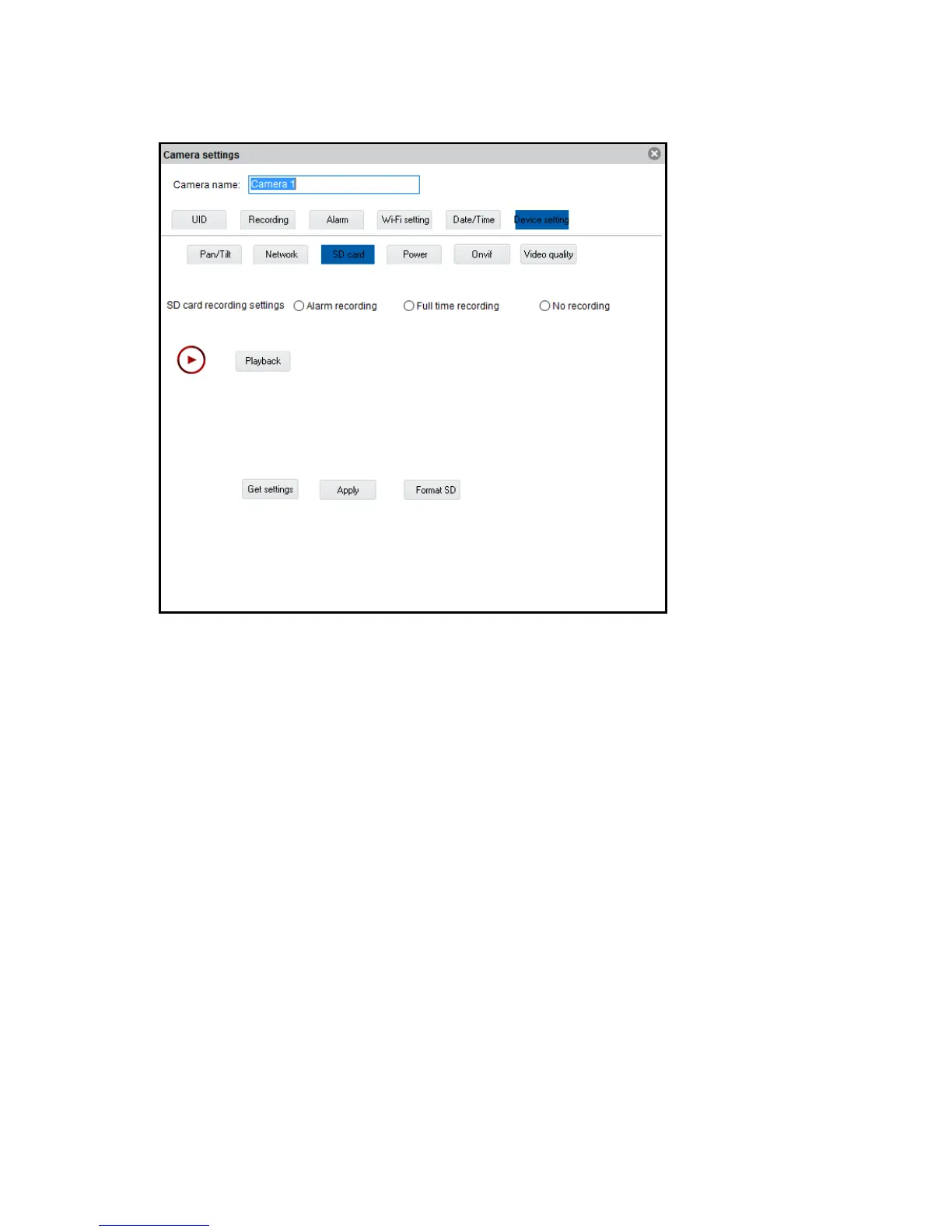
SD card (not available for EM6350): Set the recording settings for the SD card.
Playback recordings on the SD card and format the SD card.
The following options are available:
Alarm recording: Starts recording if movement is detected
Full time recording: Will record continuously
No recording: No recording
Format SD: The SD card will be formatted (all data and recordings will be deleted from
the SD card).
Power: Change the environments power frequency



 To Next Page