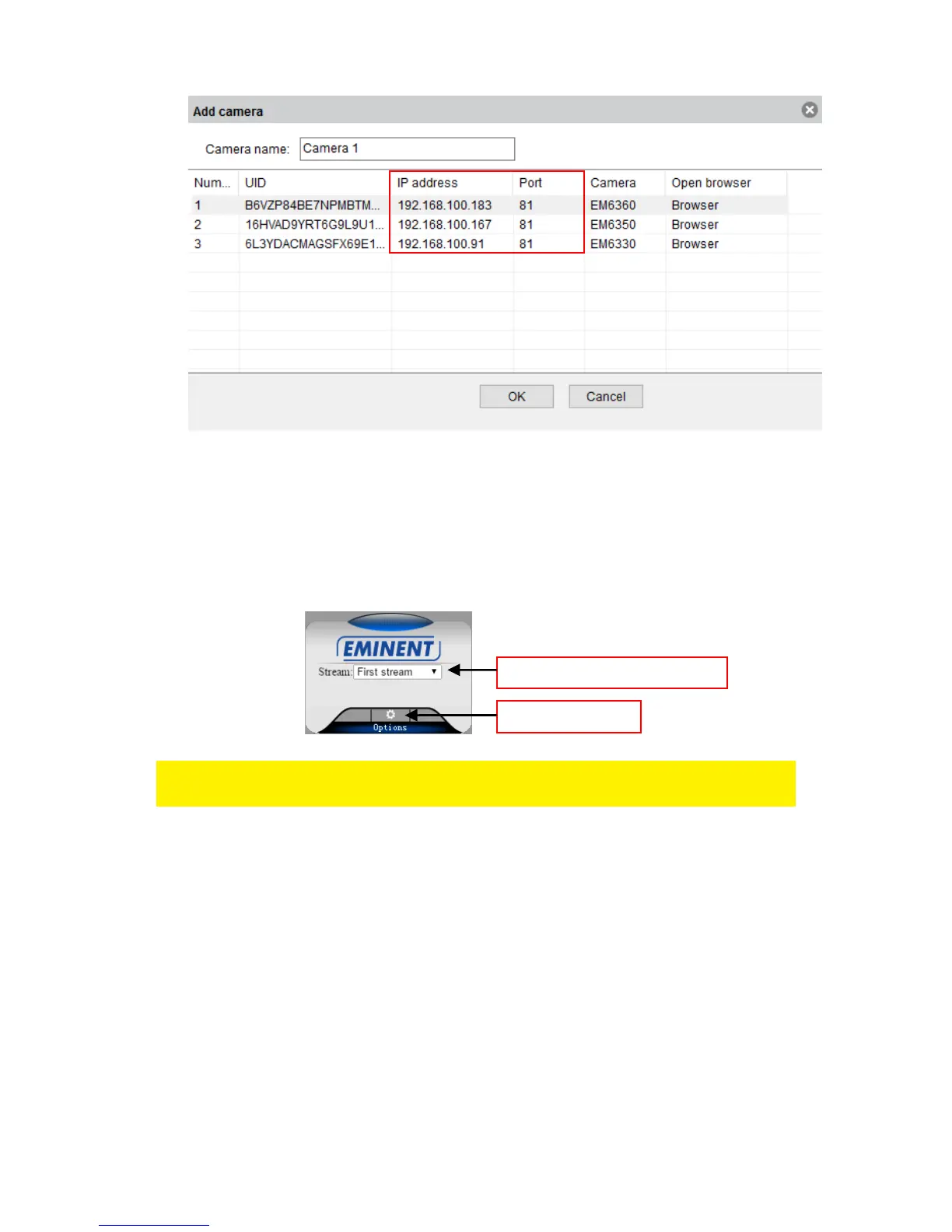
3. Enter the IP address in the address bar of your web browser followed by : and port
number e.g. 192.168.100.101:81
4. Choose the corresponding option matching your internet browser
5. Login with user: admin
Password: (leave blank by default)
6.2 The layout of CamLine Pro
The menu options are the same as the settings menu of the PC software with the
exception of FTP service settings and Maintenance.



 To Next Page