3.1 300 PV Hardware and Labeling
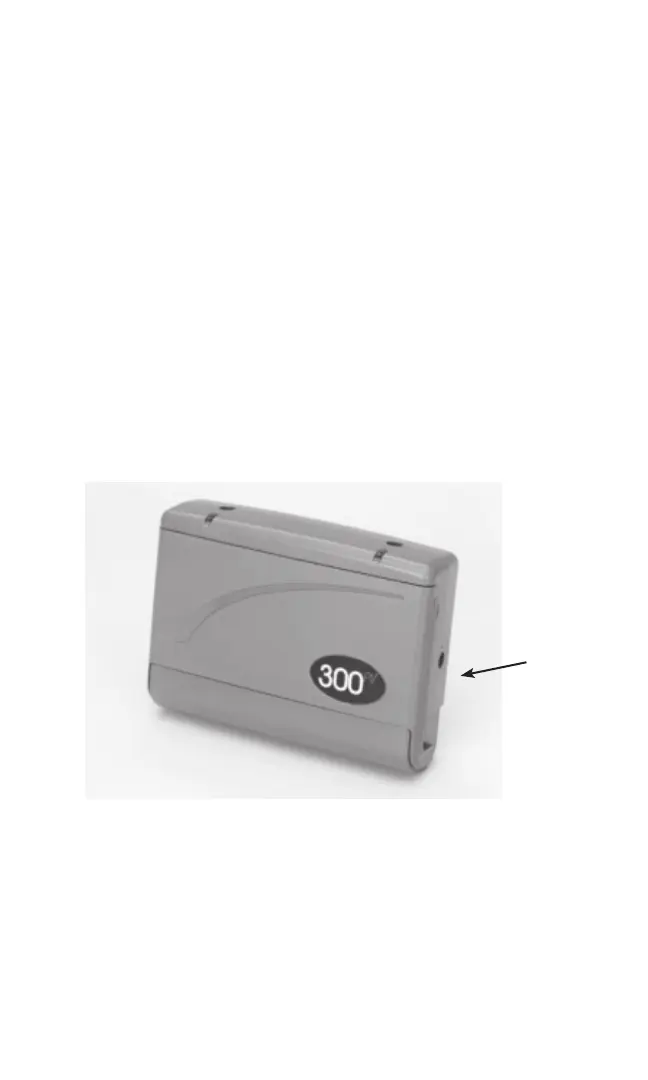
3.1.1 External Remote Switch Port
When insertion of an external switch is detected, the intensity will be reduced
to zero. The remote switch acts as a trigger for the selected PPR. There are two
available External Remote Switches: Remote Hand Switch and Remote Foot
Switch. Both remote switches can be used with all PPR’s. For information on
using a remote switch in conjunction with a Gait Training Protocol, see 3.2.1.5
(PPR 5). Notice the external remote switch port on the right side of the device in
Figure 3.
NOTE: The External Remote Switch Port is not for use with any external power
source.
3.1.2 Front Flip Cover
The front of the device is seen below (Fig. 3). Notice the indicator lights next to
each output channel on the top of the device. These will illuminate when there is
power to each respective chan nel. Underneath the flip cover is the control panel,
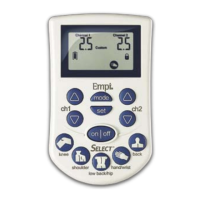
with red and blue buttons (see Fig. 4).
Fig 3. 300 PV
16
External
Remote
Port
Switch
00962.indd 1600962.indd 16 1/23/07 9:22:58 PM1/23/07 9:22:58 PM



 To Next Page