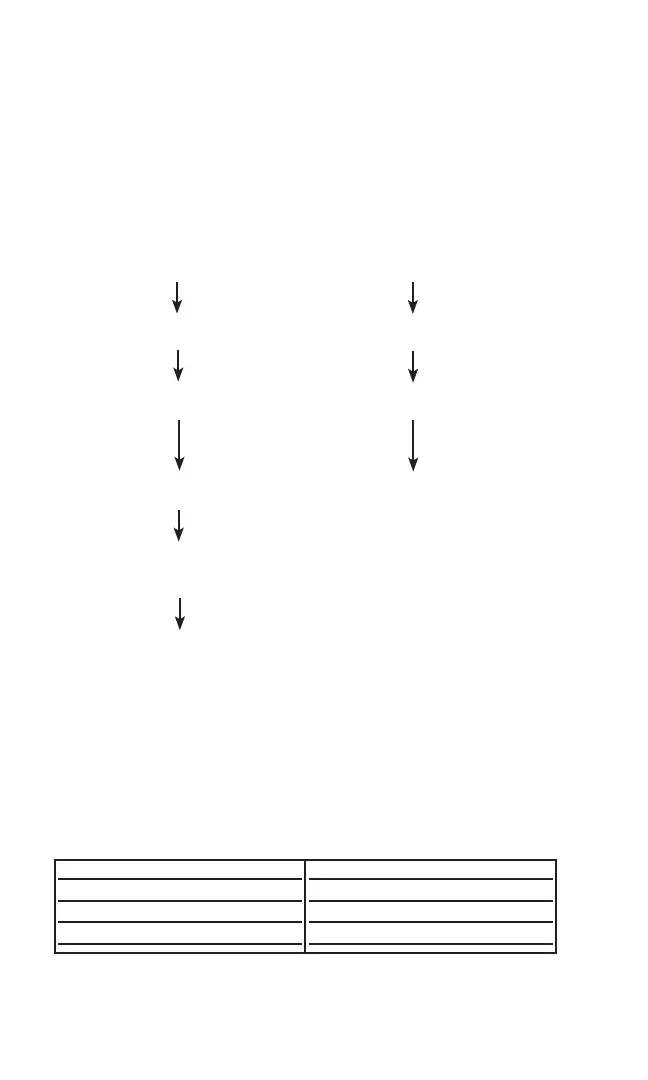
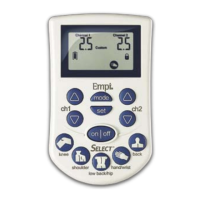
To view patient compliance data, perform the following steps:
Step 1 Follow steps 1 through 4 in section 3.3.3
(Unlocking the Device).
Step 2 Wait for the “View Compliance” prompt.
Step 3 Choose YES Choose NO to complete
to view compliance data unlocking the device
1) Press NEXT to scroll through 1) RESET DEFAULTS?
compliance data Choose NO, press NEXT
2) COMPLIANCE RESET NOW? 2) NEW LANGUAGE?
Choose YES or NO, press NEXT. Choose YES or NO, press NEXT
3) RESET DEFAULTS? 3) The device is now unlocked
Choose NO, press NEXT and ready to be reprogrammed
4) NEW LANGUAGE?
Choose YES or NO, press
NEXT (Note: see section 3.3.6)
5) The device is now unlocked
and ready to be reprogrammed.
NOTE: Factory default option is available to ensure that every 300 PV leaves Empi’s
factory set exactly the same way. It is not clinically necessary to reset the device, hence
the instructions to choose “NO.”
3.3.5 Default Selection
See Figure 8 for default selections available for the device:
Fig 8. Default Selections
30
or
Default Screen Display
US
EU
Sports
PPR Groups
US/Canada Default
Germany Default
3 Sport PPR’s (see 3.3.7)
00962.indd 3000962.indd 30 1/23/07 9:23:03 PM1/23/07 9:23:03 PM



 To Next Page